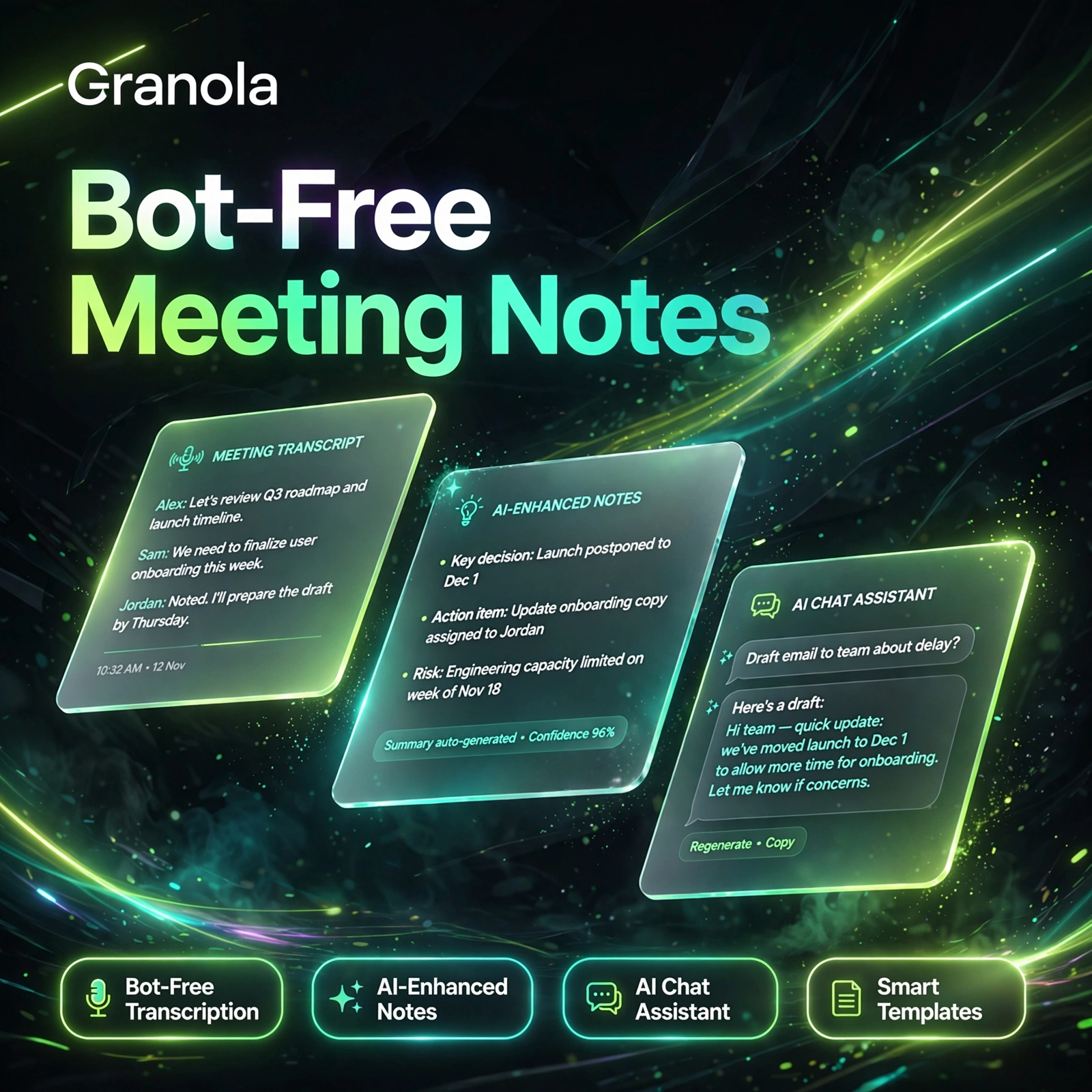
Meetings are easy to forget and hard to search afterwards. Read AI fixes that by joining your calls, writing the notes for you, and making everything said across meetings, email and messages searchable in one place. If you already use a tool like Otter.ai for transcription, Read AI adds a coaching and search layer on top of the transcript itself.
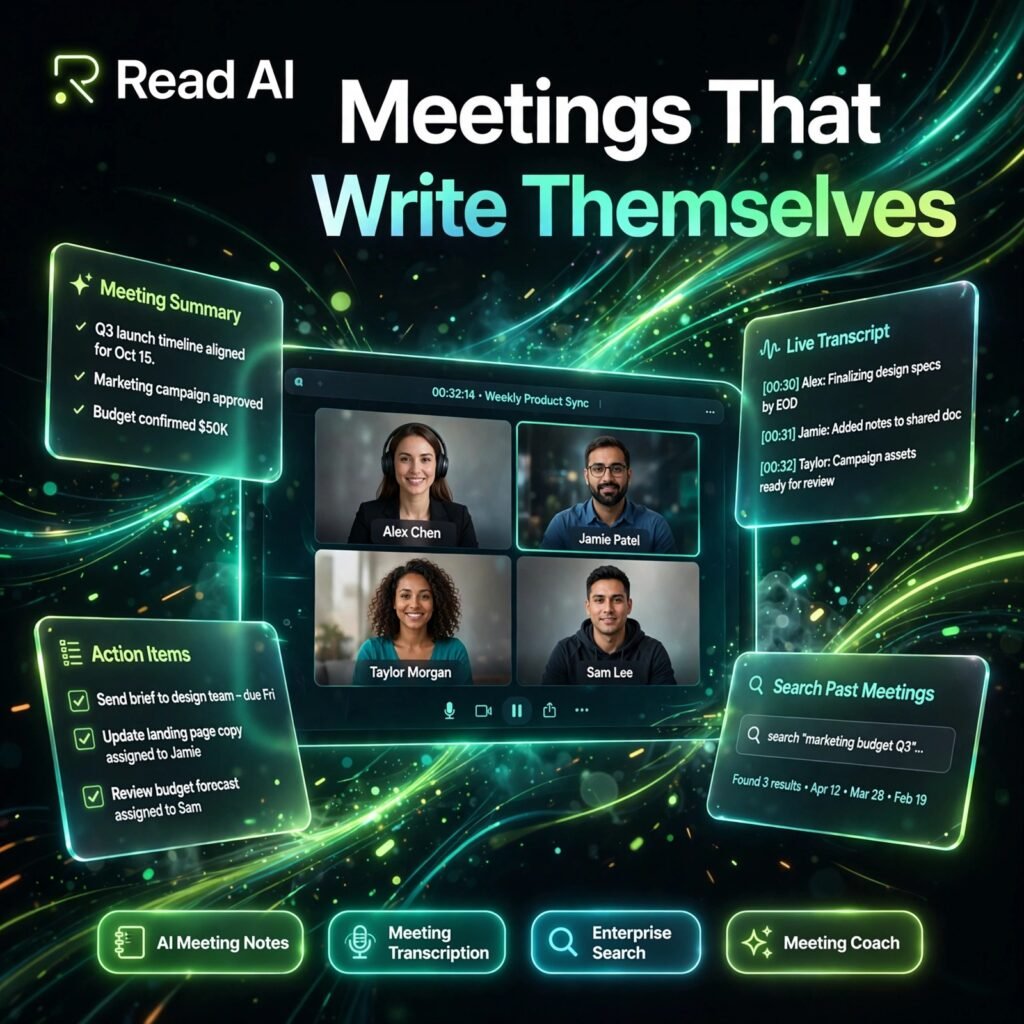
Read AI works across Zoom, Google Meet and Microsoft Teams, and also summarises email and messaging threads. After each call it produces a summary, a full transcript, topics, action items and key questions, so nobody has to rewatch a recording just to find one decision.
Key Features of Read AI
Here are the features that make Read AI stand out among meeting assistants:
- AI Meeting Notes: Automatic summaries with topics, action items and key questions generated after every meeting, delivered to your inbox and workspace.
- Meeting Transcription: Full transcripts in 20+ languages, with speaker reactions and important moments highlighted so you can jump straight to what mattered.
- Enterprise Search: Ask questions across all your past meetings, emails and messages at once and get answers drawn from your own work, not just one call.
- Meeting Coach: A personalised coach that reports on talk time, engagement, sentiment and filler words, helping you run shorter, clearer meetings.
- Email and Messaging Summaries: Read AI condenses busy inboxes and chat channels into topic summaries, and can draft suggested replies when a response is needed.
- Desktop Capture: The desktop app for Windows and Mac can record in-person conversations and calls without a meeting bot joining.
- Premium Integrations: On paid plans, sync notes and action items to tools such as Notion, Salesforce, HubSpot, Jira, Confluence and Zapier, similar to how Fireflies.ai pushes notes into your existing workflow.
Read AI Pricing Plans
Read AI is freemium. Prices below are per user per month, with annual billing shown first:
- Free – $0: 5 meeting transcripts per month, summaries, enterprise search, a personalised meeting coach, basic integrations and support for 20+ languages.
- Pro – $15/user/month billed annually ($19.75 monthly): Unlimited meeting transcripts, 100 minutes of file uploads per month, and premium integrations including Notion, Salesforce, HubSpot, Jira and Zapier.
- Enterprise – $22.50/user/month billed annually ($29.75 monthly): Everything in Pro, plus audio and video playback, video highlights, 200 upload minutes and premium support.
- Enterprise+ – $29.75/user/month billed annually ($39.75 monthly): Everything in Enterprise, plus HIPAA compliance, SSO and SAML, domain capture, custom data retention and 300 upload minutes.
The free plan is a fair way to test the product on real calls, but five meetings a month runs out quickly for anyone with a busy calendar — Pro is the practical starting point for daily use.
How to Use Read AI
Getting Read AI working on your meetings takes only a few minutes:
- Create a free account: Sign up at read.ai and connect your calendar so Read AI can see your upcoming meetings.
- Choose your platforms: Link Zoom, Google Meet or Microsoft Teams, and optionally connect email and messaging so search covers more than calls.
- Let it join your next call: Read Assistant joins automatically and records, transcribes and takes notes while you focus on the conversation.
- Review the report: After the meeting, open the summary to check the topics, action items and key questions, and share it with anyone who missed the call.
- Search and coach: Use Ask Read to search across past meetings, and check your coaching metrics to improve how you run the next one. Teams comparing options should also see how it differs from Fathom before committing.
Pro tip: Tell participants that Read AI is recording, and review the action items straight after the call while owners and deadlines are still fresh.
Pros and Cons of Read AI
Pros:
- Search works across meetings, email and messages, not just one transcript
- Works across Zoom, Google Meet and Microsoft Teams
- Meeting coaching metrics you do not get from most notetakers
- Useful free plan with summaries, search and coaching included
- Strong enterprise options, including SOC 2, GDPR and HIPAA on higher tiers
Cons:
- Free plan is limited to only 5 meeting transcripts a month
- Video playback and highlights require the Enterprise plan
- A visible bot joins calls unless you use the desktop app
- Per-seat pricing adds up for larger teams
Frequently Asked Questions
Common questions about Read AI, answered:
Is Read AI free to use?
Yes. The free plan includes 5 meeting transcripts per month with summaries, enterprise search and a personalised meeting coach. Paid plans start at $15 per user per month billed annually for unlimited transcripts.
Which meeting platforms does Read AI work with?
Read AI works with Zoom, Google Meet and Microsoft Teams, and it also summarises email and messaging. Its desktop app for Windows and Mac can capture in-person conversations and other calls without a bot.
What does the Read AI meeting coach do?
The coach analyses your meetings and reports on talk time, engagement, sentiment and filler words. Over time it shows patterns in how you communicate, so you can run more balanced and effective meetings.
Is Read AI private and secure?
Read AI states that it is SOC 2 Type 2 certified and GDPR compliant, and that it does not train on your data by default. HIPAA compliance, SSO and custom data retention are available on the Enterprise+ plan.