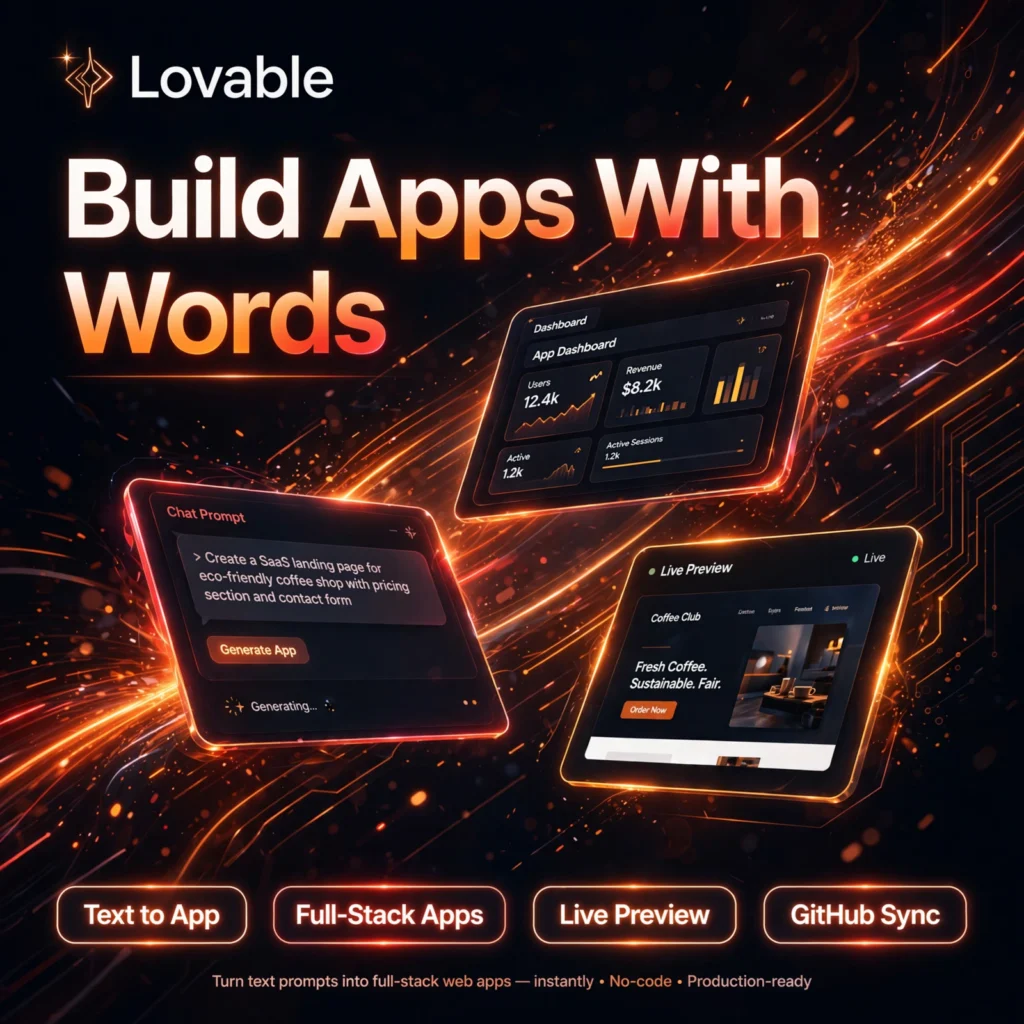
Want to build a web app without writing code from scratch? Lovable turns a plain-English description into a working full-stack app in minutes — design, frontend, backend and hosting included. Founders, indie hackers and product teams use it to go from idea to a live prototype far faster than traditional development, much like users of Replit and Cursor use AI to speed up building.
Key Features of Lovable
Here are the standout features that make Lovable popular with builders:
- Text to App Generation: Describe your app in plain English and Lovable generates a complete React-based application with pages, components and styling.
- Full-Stack Backend: Built-in integration with Supabase provides a database, user authentication, storage and backend services without manual setup.
- Live Preview and Visual Editing: See changes instantly as you prompt, and tweak UI elements visually without touching code.
- GitHub Sync: Sync your project to GitHub, export the code you own, and hand it over to developers for further customisation.
- One-Click Publishing: Publish to a lovable.app domain or connect a custom domain on paid plans, with cloud hosting included.
- Iterative Chat Building: Refine features, fix bugs and add pages through follow-up chat messages, using different AI models for different tasks.
Lovable Pricing Plans
Lovable uses a credit-based system shared across a workspace. Each AI action consumes credits depending on complexity:
- Free – $0: 5 daily build credits (capped per month), public projects, cloud hosting, lovable.app domains and unlimited collaborators.
- Pro – $25/month: 100 monthly credits plus daily bonus credits, private projects, custom domains, code editing and download, badge removal and credit rollover.
- Business – $50/month: Everything in Pro, plus SSO, internal publishing, personal projects, design templates, role-based access and a security centre.
- Enterprise – Custom: Volume-based credits, SCIM, audit logs, publishing controls, dedicated support and onboarding.
The free plan is enough to test an idea and build a small prototype. Serious projects usually need Pro for private projects, a custom domain and editable code.
How to Use Lovable
Getting started takes only a few minutes, even with no coding experience:
- Sign up free: Create an account at lovable.dev — no credit card is needed for the free plan.
- Describe your app: Write a clear prompt explaining what your app does, who it is for, and the main pages and features you want.
- Review the first build: Lovable generates the app with a live preview. Check the layout, flow and design.
- Iterate by chatting: Ask for changes in plain English — add a login page, change colours, connect a database table, or fix anything that looks wrong.
- Connect the backend: Enable the built-in backend for authentication, data storage and any AI features inside your app.
- Publish and share: Publish to your lovable.app domain or a custom domain, and sync the code to GitHub if you want to keep developing it elsewhere.
Pro tip: Build one complete workflow first instead of asking for every feature at once — smaller, focused prompts give cleaner and more reliable results.
Pros and Cons of Lovable
Pros:
- Extremely fast idea-to-prototype speed, with no coding required to start
- Generates clean, modern designs and real, exportable code you own
- Backend, hosting and publishing are handled in one place
- Unlimited collaborators make feedback and team reviews easy
Cons:
- Credits can run out quickly on complex projects with many revisions
- Backend options are centred on its built-in/Supabase setup, limiting other databases
- Very complex or highly custom apps may still need a developer rebuild
- The AI can occasionally report a fix that needs checking in the preview
If you prefer a code-first AI editor instead, compare Lovable with Windsurf before deciding. For background on this style of building, see the no-code development platform overview on Wikipedia.
Frequently Asked Questions
Is Lovable free to use?
Yes. Lovable has a free plan with 5 daily build credits, public projects, cloud hosting and lovable.app domains. Paid plans start with Pro at $25/month for more credits, private projects and custom domains.
Do I need coding skills to use Lovable?
No. You build by describing your app in plain English and refining it through chat and visual editing. Basic web concepts help you prompt better, and developers can still edit the exported code when needed.
Can I export my Lovable code?
Yes. Lovable syncs with GitHub, so you own your source code and can export, download on paid plans, host elsewhere and continue development outside the platform at any time.
What kind of apps can I build with Lovable?
Lovable works best for web apps, dashboards, SaaS products, internal tools, customer portals, landing pages and prototypes. Very large or highly complex production systems may need additional developer work.