A citation count tells you a paper was noticed — it does not tell you whether later research agreed with it. Scite fixes that gap for researchers, students and writers who need to judge evidence quickly, showing whether a study has been supported, contrasted or simply mentioned by the papers that cited it.
What is Scite?
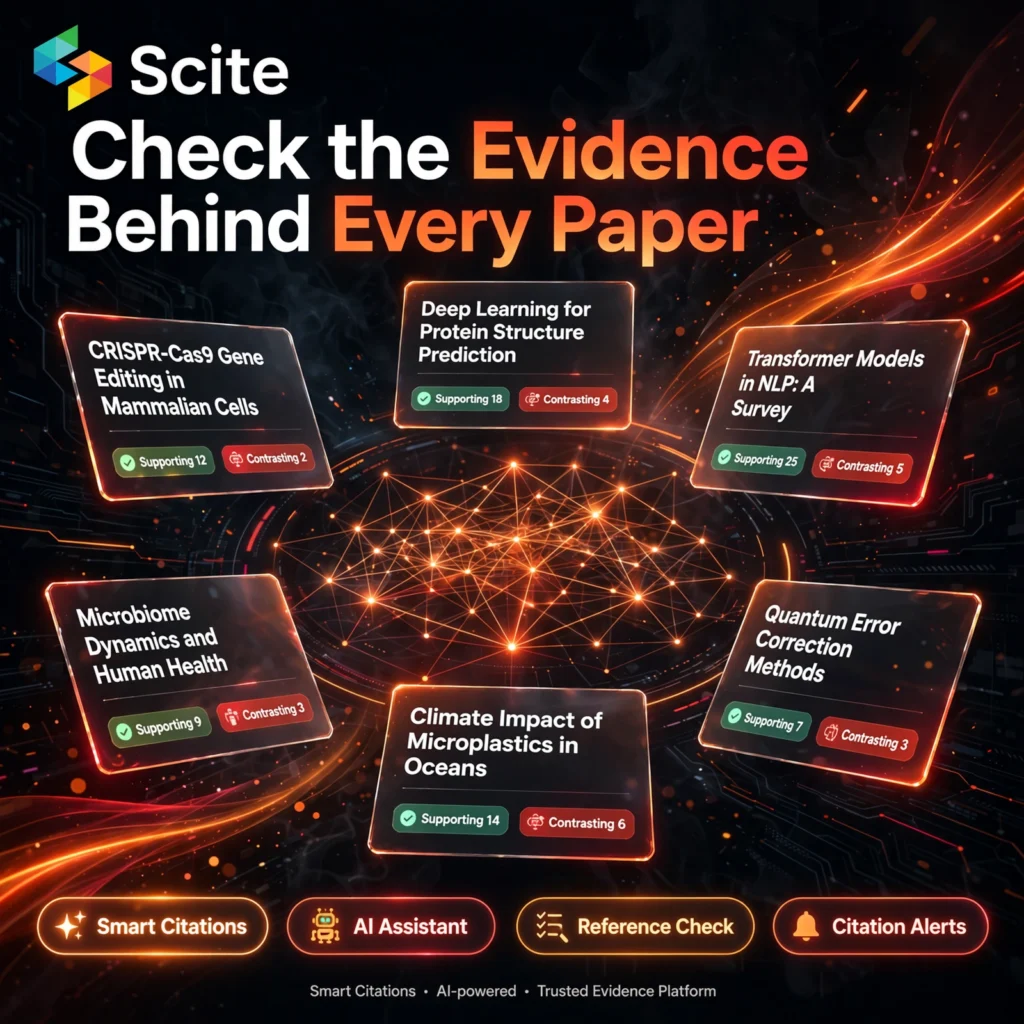
Scite is an AI-powered research platform built around Smart Citations. Instead of treating every citation as equal, Scite analyses the sentences around a citation in the citing paper and classifies it as supporting, contrasting or mentioning. That context helps you assess the credibility of a claim without reading dozens of papers first.
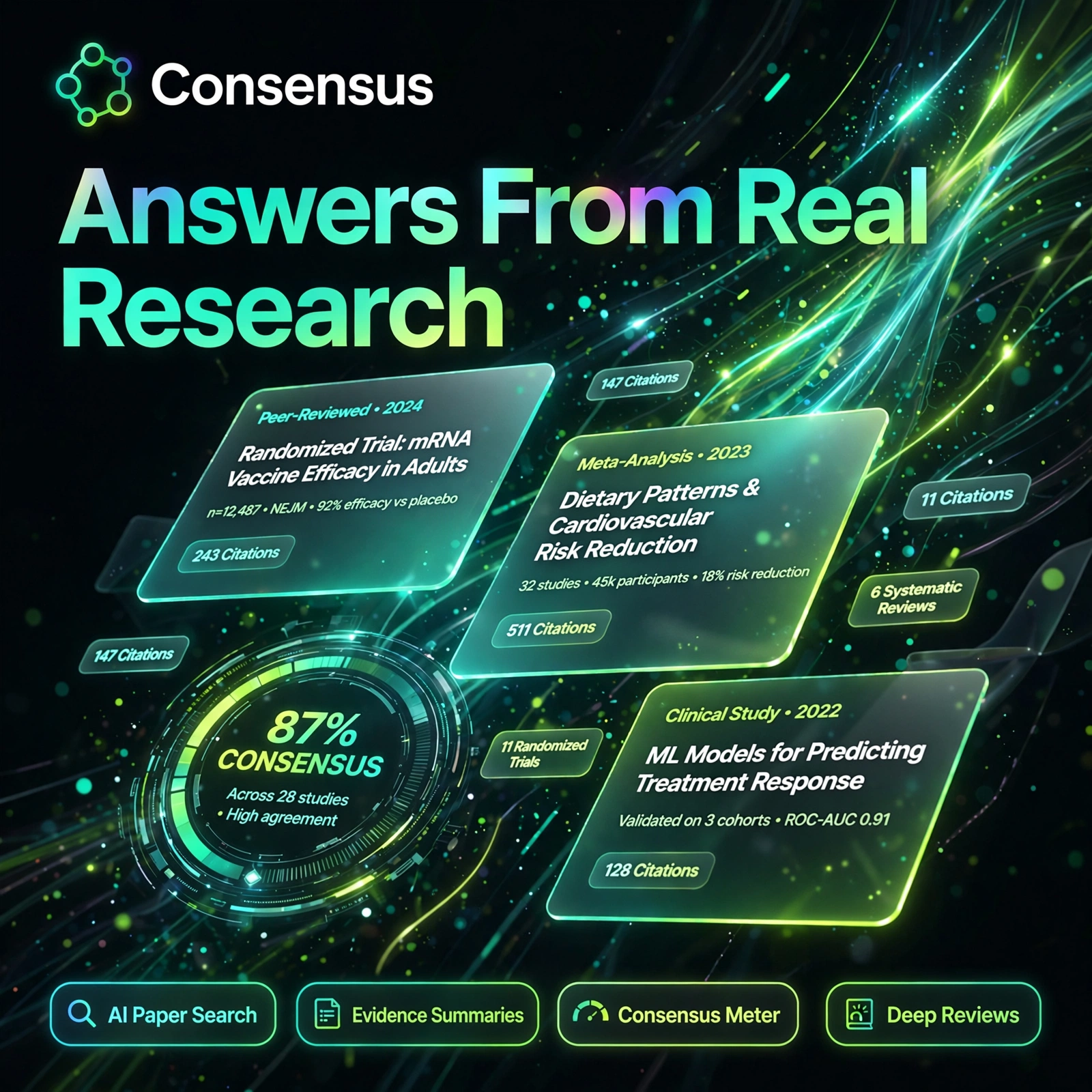
The platform combines that citation index with an AI Assistant, literature search, collections and dashboards. It sits naturally alongside tools such as Elicit and Consensus in a modern research workflow: find papers, ask questions backed by real references, then verify how strong the evidence behind each source really is before you cite it.
Key Features of Scite
Here are the standout features that make Scite different from a traditional literature database:
- Smart Citations: See instantly whether citing papers support, contrast or mention a study, with the exact citation context shown.
- AI Research Assistant: Ask research questions in natural language and get answers backed by real, verifiable published papers.
- Reference Check: Upload a manuscript and check its references for retractions, editorial notices and heavily contrasted sources.
- Advanced Literature Search: Search across a huge index of articles and citation statements by keyword, author, title or DOI.
- Custom Dashboards and Collections: Save and organise papers, track topics over time and monitor new citations to work you follow.
- Citation Alerts: Get notified when new papers cite a study, author or topic you are tracking.
- Browser Extension and Badges: View Scite citation badges while browsing scholarly sites, so context follows your normal workflow.
How to Use Scite
Getting started with Scite takes only a few minutes:
- Create an account: Go to scite.ai and sign up — the free Connect plan lets you explore, and paid plans include a seven-day trial.
- Search for a paper or topic: Enter keywords, a title or a DOI and review results with their supporting and contrasting citation counts.
- Read the citation context: Open a paper to see how later studies cited it and read the sentences around each citation.
- Ask the Assistant: Put a research question to the AI Assistant and follow its answers back to the underlying papers.
- Run a Reference Check: Before submitting work, upload your manuscript so Scite can flag retracted or disputed references.
- Build collections and alerts: Save key papers into collections and set alerts so new evidence reaches you automatically.
Pro tip: If a central claim in your work rests on a single paper, check its contrasting citations first — that is where weaknesses and newer evidence usually appear. For organising what you find, many researchers pair Scite with NotebookLM for notes and synthesis.
Scite Pricing Plans
Scite lists individual and organisational options, with current pricing as follows:
- Connect – Free: A free starting tier with a monthly allowance of MCP credits; it does not include full Assistant or Search access.
- Basic – $20/month, billed annually: Assistant, Search, Smart Citation reports, collections, alerts and dashboards for individual researchers.
- Pro – $50/month, billed annually: Everything in Basic plus API access, a much larger MCP credit allowance, bigger collections and patent, clinical-trial and grant datasets.
- Team and Enterprise – Custom: Organisational licensing, administration and expanded access for universities, publishers and research teams.
Basic and Pro include a seven-day trial, so test Scite on a real literature review before committing. Because a free Connect tier exists, Scite counts as a freemium tool — serious, ongoing research work, however, needs a paid plan.
Pros and Cons of Scite
Pros:
- Smart Citations reveal whether evidence supports or contradicts a claim, not just citation counts
- Reference Check flags retracted or disputed sources before you submit a manuscript
- AI Assistant answers are grounded in real, traceable publications
- Dashboards, collections and alerts make long research projects easier to track
Cons:
- Full Assistant and Search access require a paid plan; the free tier is limited
- Built for academic and scientific literature, so it is less useful for general web research
- Citation classifications are AI-generated and should still be checked against the original paper for critical claims
Frequently Asked Questions
Is Scite free to use?
Yes, in part. Scite offers a free Connect plan with a monthly credit allowance, but it does not include full Assistant or Search access. Basic ($20/month, billed annually) and Pro ($50/month, billed annually) unlock the full platform and include a seven-day trial.
What are Smart Citations?
Smart Citations classify each citation as supporting, contrasting or mentioning, based on the text around the citation in the citing paper. This shows how a study has been received by later research, rather than just how many times it was cited.
What does Scite Reference Check do?
Reference Check scans a manuscript you upload and reports on its references, flagging papers that were retracted, received editorial notices or have substantial contrasting citations, so you can fix weak sources before submission.
Who is Scite best for?
Scite is best for researchers, PhD and postgraduate students, academics, clinicians and science writers who regularly do literature reviews and need to judge the reliability of published evidence quickly and defensibly.