Microsoft’s AI assistant built into Windows, Edge and Microsoft 365. Microsoft Copilot helps you chat, search the web with citations, create images, and get work done faster inside Word, Excel, PowerPoint and Outlook — a strong alternative to ChatGPT for everyday users.
What is Microsoft Copilot?
Microsoft Copilot is a conversational AI assistant developed by Microsoft, powered by OpenAI models including GPT-4o. It is available free on the web, in Windows, in the Microsoft Edge sidebar, and in mobile apps for iOS and Android. Unlike a standalone chatbot, Copilot is designed to live where you already work.
For Microsoft 365 subscribers, Copilot goes deeper: it drafts documents in Word, analyses data in Excel, builds slides in PowerPoint, summarises email threads in Outlook, and recaps meetings in Teams. If you already compare assistants like Claude and Gemini, Copilot stands out for its Microsoft 365 integration and its generous free tier.
Key Features of Microsoft Copilot
Here are the standout features that make Copilot useful for work and everyday tasks:
- AI Chat with Web Search: Ask questions in natural language and get answers grounded in live web results with source citations.
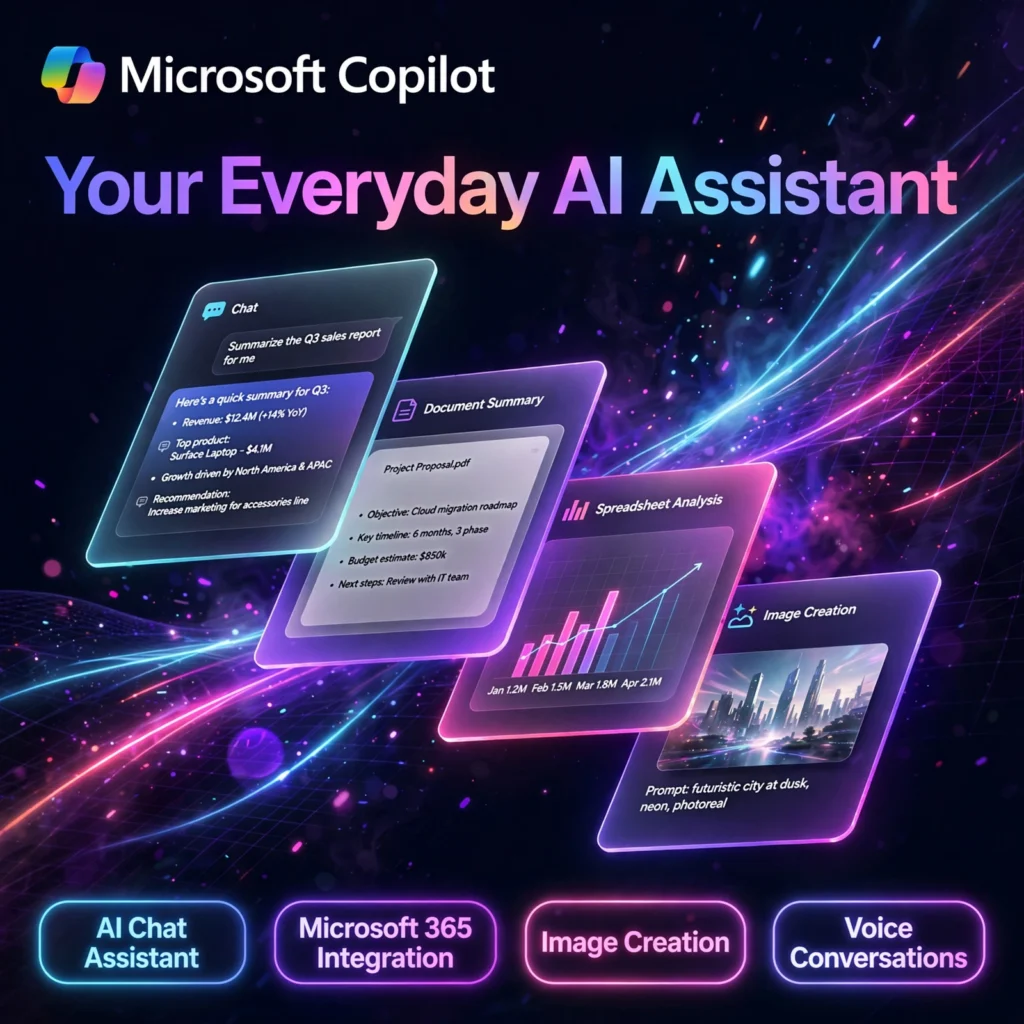
- Microsoft 365 Integration: Draft, rewrite and summarise in Word, create formulas and insights in Excel, generate presentations in PowerPoint, and triage email in Outlook on paid plans.
- Image Creation: Generate images from text prompts using DALL-E based Designer technology, with daily boosts for faster creation on the free plan.
- Voice Conversations: Talk to Copilot naturally with voice input and spoken replies on mobile and desktop.
- Copilot in Windows and Edge: Launch Copilot directly from Windows or the Edge sidebar to summarise pages, compare products, and rewrite text without switching apps.
- Pages and Notebooks: Collect Copilot responses, edit them collaboratively, and organise research in shared pages.
How to Use Microsoft Copilot
Getting started takes less than a minute:
- Open Copilot: Go to copilot.microsoft.com, open the Copilot app on Windows or mobile, or click the Copilot icon in Edge.
- Sign in: Use a free Microsoft account to unlock higher limits, voice, and image creation history.
- Ask clearly: Describe your task with context — for example, “Summarise this article in 5 bullet points for a beginner.”
- Refine the answer: Follow up to change tone, length or format, and check the cited sources for important facts.
- Use it in Microsoft 365: On a paid Microsoft 365 plan with Copilot, open Word, Excel or Outlook and use the Copilot pane to draft and summarise in place.
Pro tip: Paste a long document or web page and ask for a summary plus action items — Copilot is especially strong at turning long content into short, usable notes.
Microsoft Copilot Pricing Plans
Copilot has a genuinely free tier, with paid upgrades tied to Microsoft 365:
- Free – $0: Chat powered by GPT-4o, web search with citations, voice conversations, and image creation with daily boosts at copilot.microsoft.com and in the apps.
- Microsoft 365 Personal / Family – from $9.99/month: Microsoft 365 apps with Copilot included for the subscription owner, with monthly AI credits and higher limits.
- Microsoft 365 Premium – $19.99/month: The consumer plan that replaced standalone Copilot Pro, with the highest consumer AI limits, Copilot in Word, Excel, PowerPoint and Outlook, and bundled Microsoft 365 apps and storage.
- Microsoft 365 Copilot for Business – $30/user/month: Add-on for organisations, grounded in work data from email, documents and Teams, with enterprise security and admin controls.
Because the free plan covers chat, search and image creation well, most home users can start free and only upgrade if they need Copilot inside the Office apps every day.
Pros and Cons of Microsoft Copilot
Pros:
- Generous free tier with GPT-4o chat, web citations and image creation
- Deep integration with Windows, Edge and Microsoft 365 apps
- Available everywhere: web, Windows, Mac, iOS and Android
- Strong for summarising pages, documents and email threads
Cons:
- Best features require a paid Microsoft 365 subscription
- Pricing and plan names have changed often and can be confusing
- Answers can still be wrong — always check citations for critical facts
- Less flexible than some standalone assistants for coding and custom workflows
Frequently Asked Questions
Is Microsoft Copilot free to use?
Yes. Copilot is free on the web and in its apps with GPT-4o chat, web search with citations, voice conversations, and image creation with daily boosts. Paid Microsoft 365 plans add Copilot inside Word, Excel, PowerPoint and Outlook with higher limits.
What is the difference between Copilot Free and Microsoft 365 Premium?
Free gives you the standalone Copilot chat experience. Microsoft 365 Premium ($19.99/month) bundles the Microsoft 365 apps, adds Copilot inside those apps, and gives the highest consumer usage limits and priority access to newer features.
Does Microsoft Copilot use ChatGPT technology?
Copilot is powered by OpenAI models including GPT-4o, the same family of models behind ChatGPT, but Microsoft adds its own web grounding, citations, safety layers, and deep integration with Windows and Microsoft 365.
Can Microsoft Copilot create images?
Yes. Copilot can generate images from text descriptions using DALL-E based technology. Free users get a set of daily boosts for faster generation, while paid Microsoft 365 plans provide higher limits.