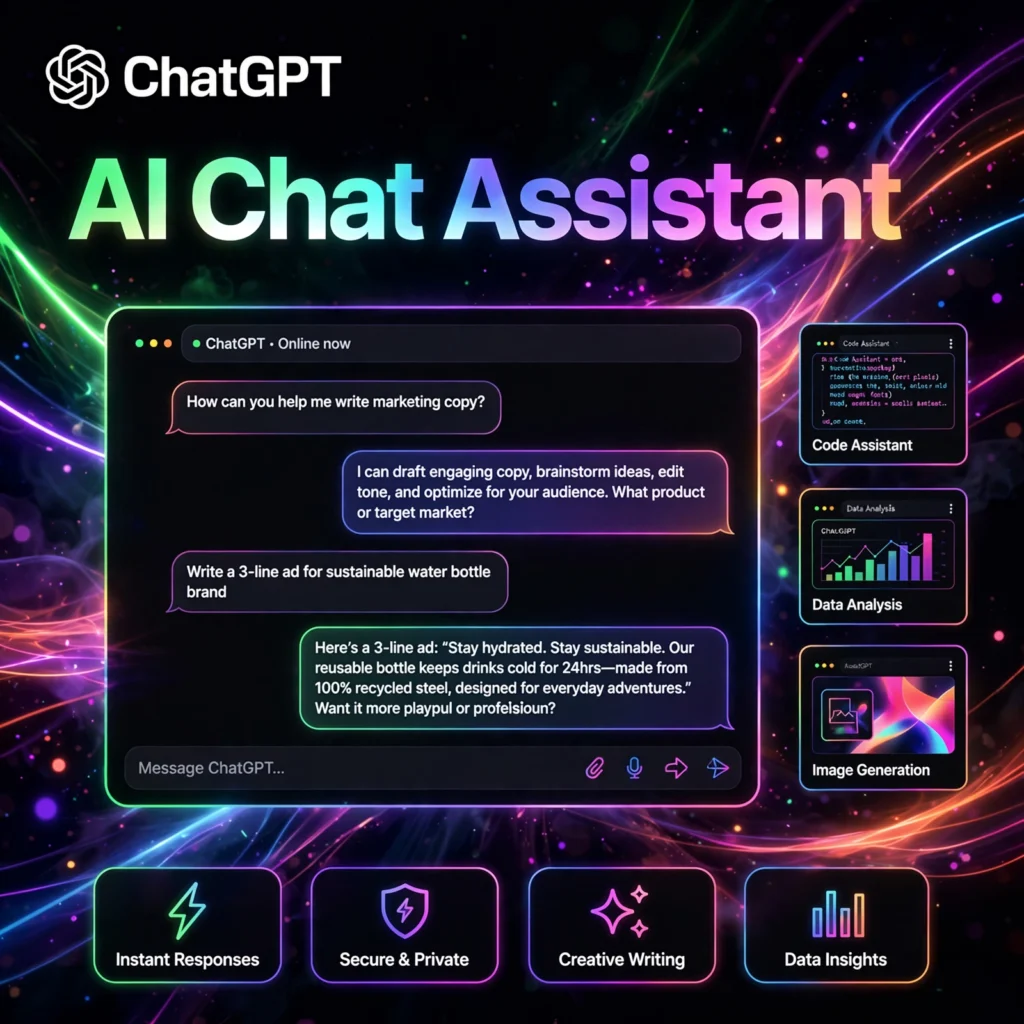
The AI that started it all. ChatGPT by OpenAI is the world’s most popular AI chatbot — used by hundreds of millions of people to write, code, learn, brainstorm, and get things done faster every single day.
What is ChatGPT?
ChatGPT is a conversational AI chatbot developed by OpenAI, launched in November 2022. It took the world by storm, reaching 100 million users in just two months — the fastest-growing app in history at the time. Powered by OpenAI’s GPT models (including GPT-4o), it can understand and generate human-like text across virtually any topic.
Today, ChatGPT is far more than a chatbot. It is a full AI productivity platform with voice conversations, image generation, web browsing, file analysis, memory, and thousands of custom GPTs built by the community.
Key Features of ChatGPT
Here are the standout features that keep ChatGPT ahead of the pack:
- Advanced Voice Mode: Have natural, real-time voice conversations — interrupt, change tone, and talk as if speaking to a person.
- Custom GPTs: Build or use thousands of specialized AI assistants for coding, writing, marketing, learning, and more — no coding required.
- Canvas: A dedicated workspace for writing and coding where ChatGPT edits alongside you with inline suggestions.
- Image Generation: Create detailed images with DALL-E directly in the chat, from illustrations to photorealistic scenes.
- Memory: ChatGPT remembers your preferences and past conversations to give increasingly personalized help.
- File & Data Analysis: Upload documents, spreadsheets, or images and get summaries, insights, charts, and answers.
How to Use ChatGPT Like a Pro
New to ChatGPT? Here is how to get great results from day one:
- Sign up free: Go to chat.openai.com and create a free account — you can start chatting in seconds.
- Write clear prompts: Be specific about what you want. Include context, the desired format, and the tone.
- Iterate: Treat it as a conversation — ask follow-ups, request revisions, and refine until the output is right.
- Explore GPTs: Browse the GPT Store for specialized assistants, or build your own custom GPT for recurring tasks.
- Try voice & Canvas: Use Advanced Voice Mode for hands-free help and Canvas for serious writing or coding sessions.
Pro tip: Start prompts with a role (“Act as a senior copywriter…”) and give an example of the style you want — output quality jumps dramatically.
ChatGPT Pricing Plans
ChatGPT has options for everyone, from casual users to professionals:
- Free – $0: Access to GPT-4o mini with limited GPT-4o usage, file uploads, web browsing, and image generation.
- Plus – $20/month: Much higher limits on GPT-4o, Advanced Voice Mode, custom GPTs, Canvas, and priority access during peak times.
- Pro – $200/month: For power users who need maximum limits and early access to the most advanced models and research features.
- Team – $25/user/month: Shared workspace, admin controls, and higher limits for small teams.
- Enterprise – Custom: Security, compliance, and dedicated support for large organizations.
The free plan is remarkably capable — most people only need Plus if they use ChatGPT heavily every day.
Pros and Cons of ChatGPT
Pros:
- The most polished, feature-rich AI chatbot available
- Huge ecosystem: GPT Store, plugins history, massive community
- Excellent voice mode and multimodal capabilities
- Strong free tier that covers most everyday needs
Cons:
- Can hallucinate facts — always verify important information
- Knowledge cutoffs apply unless web browsing is used
- Heavy usage quickly hits free-tier limits
Frequently Asked Questions
Is ChatGPT free to use?
Yes. ChatGPT’s free plan includes GPT-4o mini with limited GPT-4o access, file uploads, web browsing, and image generation. ChatGPT Plus ($20/month) offers much higher limits and priority access.
What is the difference between ChatGPT Free and Plus?
Free gives you GPT-4o mini with limited GPT-4o messages per day. Plus ($20/month) dramatically increases GPT-4o limits, unlocks full Advanced Voice Mode, lets you build custom GPTs, and gives priority access during busy times.
Can ChatGPT browse the internet?
Yes. ChatGPT can search the live web to answer questions about current events, check facts, and pull in up-to-date information — available on both free and paid plans, with higher limits for subscribers.
Is my data safe with ChatGPT?
OpenAI lets you control training data usage in settings, and Team/Enterprise plans exclude data from training by default. For sensitive work, review OpenAI’s privacy policy and consider the business tiers with stronger data protections.