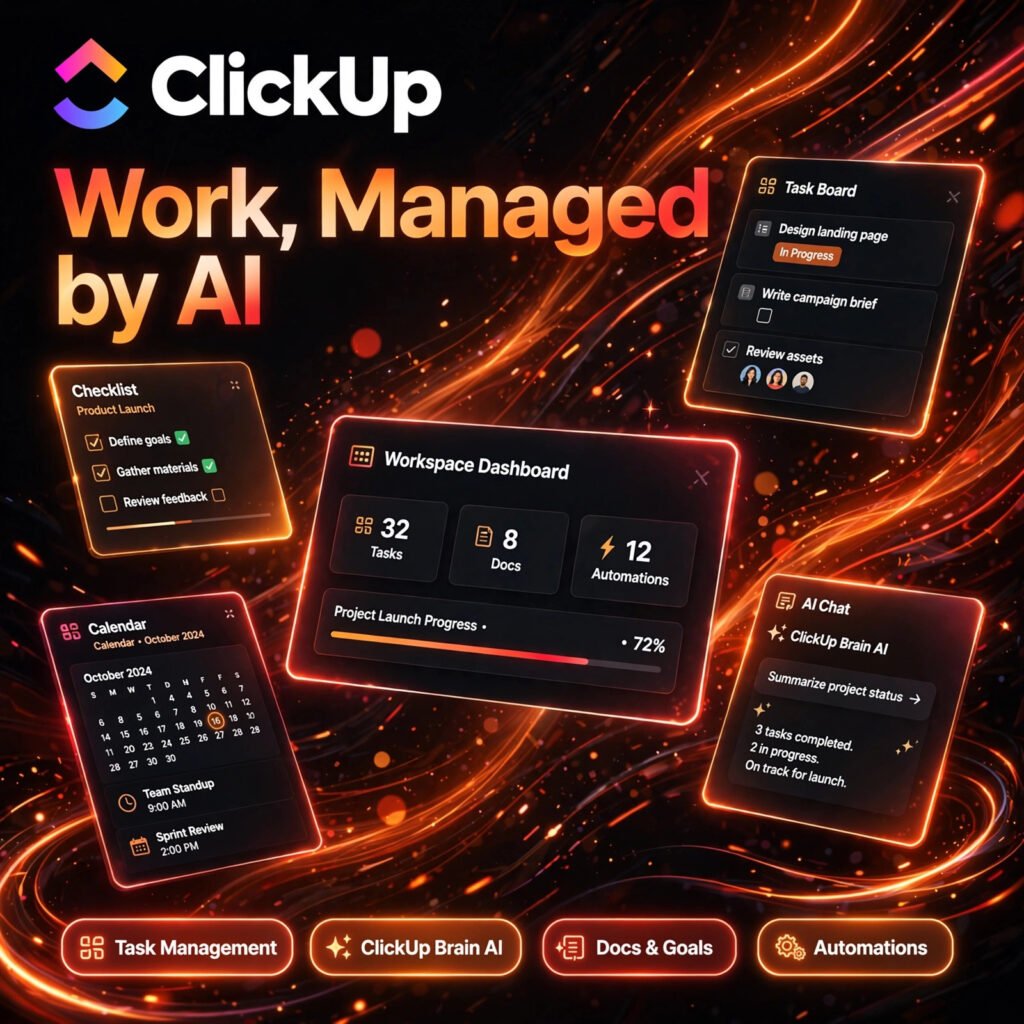
Too many apps, too many tabs, and work still slips through the cracks. ClickUp brings tasks, docs, goals, chat and AI into one workspace, so your team can plan, track and automate projects without switching tools all day. If you like flexible workspaces like Taskade, ClickUp takes that idea much further.
Key Features of ClickUp
ClickUp is built as an all-in-one productivity platform, with AI layered through its Brain assistant:
- Task Management: Organise work into Spaces, Folders, Lists and Tasks with custom statuses, priorities, assignees and fields for any workflow.
- ClickUp Brain AI: Ask questions about your workspace, summarise threads and docs, draft updates and generate content using connected project knowledge.
- 15+ Project Views: Switch between List, Board, Gantt, Calendar, Timeline, Workload and Table views to see the same work the way each person prefers.
- Docs, Whiteboards and Chat: Create rich documents, brainstorm visually and message your team in context, all linked directly to tasks.
- Automations: Build trigger-and-action rules to assign tasks, move statuses, send reminders and remove repetitive manual work.
- AI Notetaker and Time Tracking: Record and transcribe meetings into action items, track time natively and turn notes into tasks automatically.
ClickUp Pricing Plans
ClickUp is freemium, with a generous free tier and paid plans billed per user:
- Free Forever – $0: Unlimited tasks and free plan members, Kanban boards, Docs, Whiteboards and basic views with 60MB storage.
- Unlimited – $7/user/month billed annually ($10 monthly): Unlimited storage, Gantt charts, integrations, custom fields and native time tracking.
- Business – $12/user/month billed annually ($19 monthly): Advanced dashboards, 5,000 automations per month, Google SSO, workload management and unlimited Timeline views.
- Enterprise – Custom: White labelling, enterprise permissions, audit log, live onboarding and a dedicated success manager.
- ClickUp Brain AI – from $9/user/month as an add-on: AI writing, summaries, workspace search and AI Super Credits on top of a paid workspace plan.
Most small teams start on Free Forever, then move to Unlimited when they need more storage and integrations. Check current pricing on the official ClickUp website before buying, as AI add-on pricing can change.
How to Use ClickUp
You can be up and running in minutes, even if your projects feel messy today:
- Create a free workspace: Sign up on ClickUp and name your workspace for your team, business or personal projects.
- Set up your hierarchy: Create a Space for each team or project area, then add Folders and Lists to group related work.
- Add tasks: Create tasks with descriptions, assignees, due dates and priorities, or start from a ready-made template.
- Choose your view: Work in Board view for pipelines, Gantt for timelines, or Calendar for deadlines — the data stays in sync.
- Turn on Brain and automations: Use ClickUp Brain to summarise progress and draft updates, and automate routine hand-offs and reminders.
Pro tip: start simple with one Space and one List, then add custom fields and views only when you need them. For a lighter AI notes experience, compare it with Notion AI, and for automatic scheduling, see Motion.
Pros and Cons of ClickUp
Pros:
- Truly all-in-one: tasks, docs, goals, chat, whiteboards and time tracking in one place
- Generous Free Forever plan with unlimited tasks and members
- Highly customisable views, fields and automations for almost any team
- ClickUp Brain searches across your workspace and connected apps in natural language
- Paid plans start lower than many rival project tools
Cons:
- So many features can feel overwhelming for new users at first
- Full AI through Brain is a paid add-on, not included in standard plans
- Free plan storage is limited, so media-heavy teams will need to upgrade
- Large, complex boards can feel slower than simpler tools
Frequently Asked Questions
Is ClickUp free to use?
Yes. ClickUp has a Free Forever plan with unlimited tasks and free plan members, Kanban boards, Docs and Whiteboards. Paid plans from $7 per user per month add unlimited storage, advanced views and more automations.
What is ClickUp Brain?
ClickUp Brain is the platform’s AI assistant. It can answer questions about your workspace, summarise tasks, docs and chat threads, draft content and updates, and help you find information across connected apps.
Can ClickUp replace other project tools?
For many teams, yes. ClickUp combines task management, documents, goals, chat, whiteboards and time tracking, so it can replace several separate subscriptions. Very specialised teams may still keep dedicated tools for some workflows.
Is ClickUp good for small teams and freelancers?
Yes. Freelancers and small teams benefit most from the free plan and the low-cost Unlimited tier. Start with a simple setup, use templates, and add advanced features gradually to avoid feeling overwhelmed.