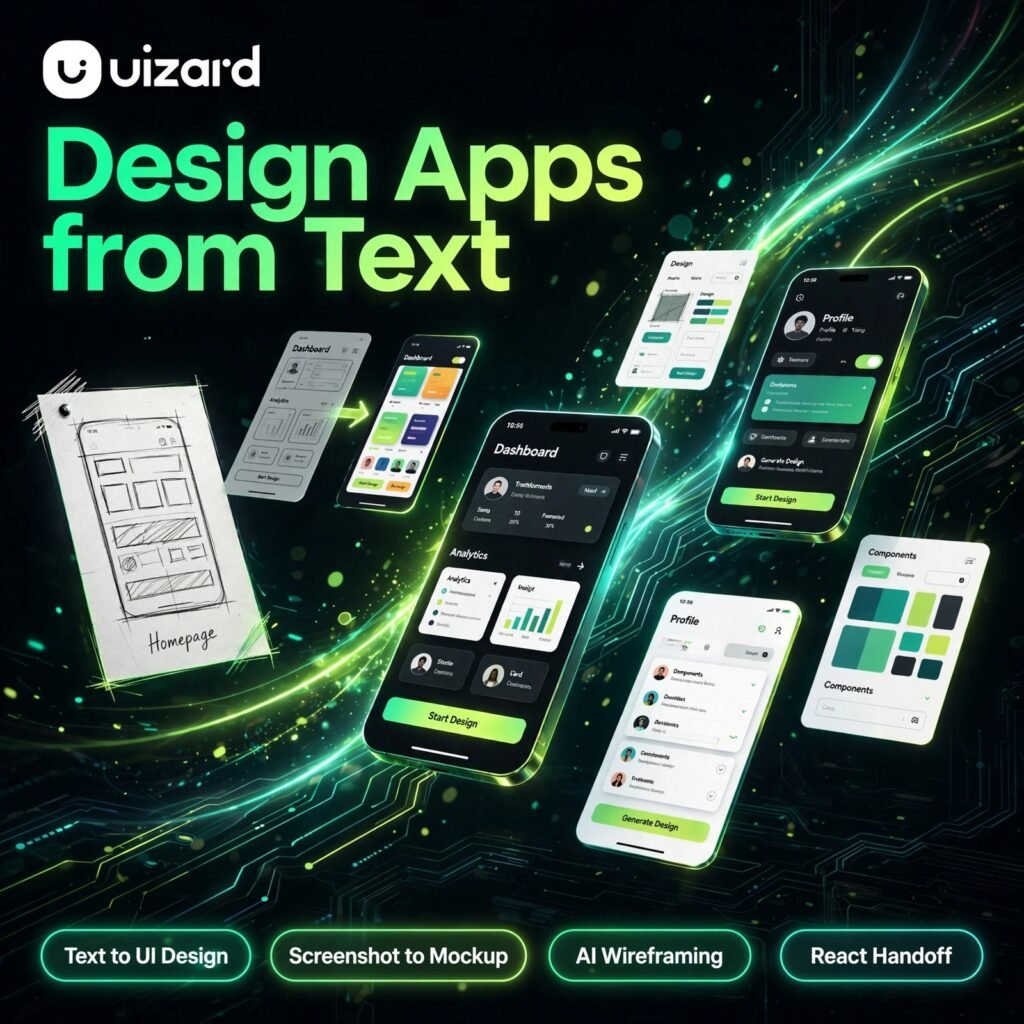
Got an app idea but no design skills? Uizard turns a plain text description, a screenshot, or even a hand-drawn sketch into an editable, clickable UI design in minutes. It is built for founders, product managers and marketers who need a convincing prototype fast, much like how Canva made graphic design accessible to everyone.
Key Features of Uizard
Uizard packs a full AI design workflow into a simple browser-based editor:
- Autodesigner: Describe your app or website in words and Uizard generates a complete multi-screen design with navigation flows and components.
- Screenshot Scanner: Upload a screenshot of any app or website and convert it into a fully editable mockup you can restyle and rearrange.
- Wireframe Scanner: Photograph a hand-drawn sketch and watch it become a clean digital wireframe automatically.
- Text Assistant: Generate realistic headings and copy for your screens instead of filling them with placeholder text.
- Real-Time Collaboration: Invite unlimited viewers and commenters to review, comment on and refine designs together.
- Developer Handoff: Export your work as an interactive prototype or hand off React and CSS code to developers on paid plans.
- Templates and Components: Start faster with a library of ready-made screens, themes and UI components for web and mobile projects.
Uizard Pricing Plans
Uizard is freemium, so you can test the core idea before paying anything:
- Free – $0: 3 AI generations per month with the Autodesigner 1.5 engine, 2 projects, 10 free templates and unlimited viewers and commenters.
- Pro – $12/month billed annually ($19 monthly): 500 AI generations per month, Autodesigner 2.0, up to 100 projects, private projects, all templates and developer handoff with React and CSS export.
- Business – $39/month billed annually: 5,000 AI generations per month, unlimited projects, custom brand kit, team asset libraries and priority support.
- Enterprise – Custom: Unlimited generations and teams, design system setup, AI data SLA and dedicated onboarding.
The free plan is enough to validate an idea, but regular prototyping work quickly makes Pro the practical starting tier.
How to Use Uizard
Here is the fastest route from idea to prototype:
- Create a free account: Sign up on the Uizard website and start a new project — no software to install.
- Describe your idea: Open Autodesigner, type a prompt such as “a food delivery app with a home screen, menu and checkout”, and let the AI generate the screens.
- Or scan something: Upload a screenshot or a photo of a hand-drawn wireframe and convert it into an editable design instead.
- Edit and customise: Drag components, change colours and fonts, apply a theme, and rewrite copy with the built-in text assistant.
- Link the screens: Connect screens with interactions so the prototype behaves like a real app when previewed.
- Share and hand off: Send a link to teammates or clients for feedback, then export the prototype or React and CSS code for developers.
If you later move into building the real product, tools like Framer can help you turn a validated design direction into a live website.
Pros and Cons of Uizard
Pros:
- Turns text, screenshots and sketches into editable designs in minutes
- Very approachable for non-designers, founders and product teams
- Generous collaboration — viewers and commenters are free
- Developer handoff with React and CSS export on paid plans
- Usable free plan for testing ideas before committing
Cons:
- Free plan allows only 3 AI generations per month, which runs out quickly
- Generated designs can look templated and usually need manual polish
- Output is a strong first draft, not a pixel-perfect production design system
- The newest Autodesigner 2.0 engine is limited to paid plans
Frequently Asked Questions About Uizard
Is Uizard free to use?
Yes. Uizard has a free plan with 3 AI generations per month, 2 projects, 10 free templates and unlimited viewers and commenters. Paid plans start at $12 per month billed annually for far higher generation limits and the Autodesigner 2.0 engine.
What is Autodesigner in Uizard?
Autodesigner is Uizard’s AI generator that creates complete multi-screen app and website designs from a simple text prompt. You describe what you want to build, and it produces screens with layouts, components and navigation flows that you can then edit freely.
Can Uizard turn a sketch or screenshot into a design?
Yes. The Wireframe Scanner converts photos of hand-drawn sketches into digital wireframes, and the Screenshot Scanner converts screenshots of existing apps or websites into fully editable mockups that you can restyle and rearrange.
Is Uizard a replacement for Figma?
Not fully. Uizard is faster for generating a first draft and testing ideas, especially for non-designers. Professional teams often use Uizard for rapid early prototyping and then refine the final, pixel-perfect design system in a dedicated design tool.