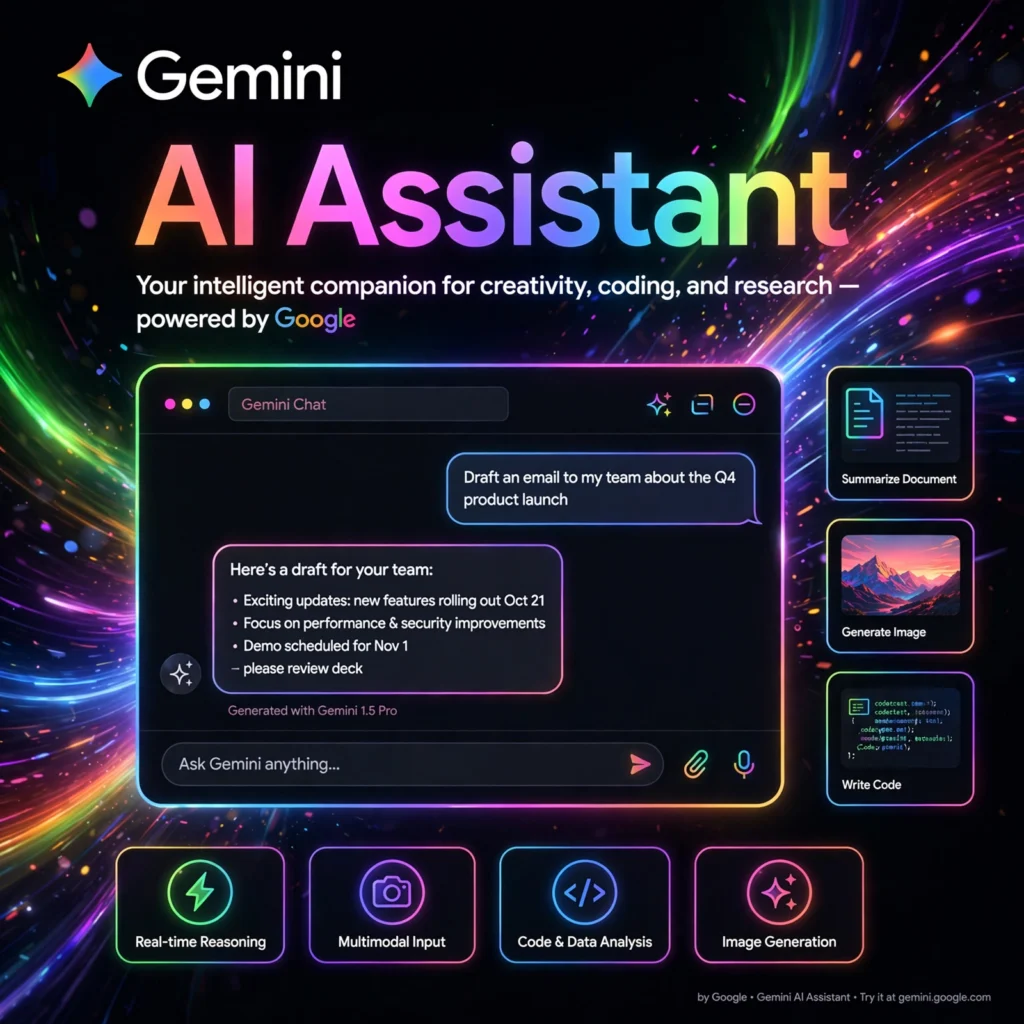
Need an AI assistant that lives inside the Google apps you already use every day? Gemini is Google’s flagship AI assistant — built into Search, Gmail, Docs, and Android — ready to help you write, plan, code, and create.
What is Gemini?
Gemini is Google’s AI assistant, powered by its most capable family of AI models. Launched as Bard in 2023 and rebranded to Gemini in 2024, it is Google’s answer to ChatGPT — but with a superpower: deep integration across Google’s ecosystem, from Gmail and Docs to YouTube and Google Maps.
Gemini is natively multimodal, meaning it understands and works with text, images, audio, video, and code in the same conversation. You can show it a photo, ask about a YouTube video, or have it summarize your unread emails.
Key Features of Gemini
Here are the standout features that make Gemini a daily driver for millions of users:
- Google App Integration: Works directly with Gmail, Docs, Drive, Calendar, YouTube, and Maps — summarize emails, draft documents, or plan trips using your real data.
- Gemini Live: Have natural, real-time voice conversations with the AI, including interruptions and back-and-forth dialogue.
- Deep Research: An agentic research mode that browses dozens of websites and compiles detailed, cited reports on complex topics.
- Image Generation: Create images with Google’s Imagen model right inside the chat, from photorealistic scenes to illustrations.
- Gems: Build custom AI assistants tuned for specific tasks — like a coding coach, writing editor, or study buddy.
- Multimodal Input: Upload images, documents, audio, or video and ask questions about them.
How to Use Gemini in Your Daily Workflow
Getting started with Gemini is easy — you probably already have access:
- Open Gemini: Visit gemini.google.com or open the Gemini app on Android and iOS, and sign in with your Google account.
- Ask or upload: Type a question, speak to it, or upload a file, image, or document to analyze.
- Connect your apps: Enable Google Workspace extensions so Gemini can pull from Gmail, Drive, and Calendar.
- Try Deep Research: For big topics, use Deep Research to get a thorough multi-source report instead of a quick answer.
- Make it yours: Create Gems for recurring tasks, like weekly meeting prep or workout planning.
Pro tip: On Android, set Gemini as your default assistant to replace Google Assistant — you get the same voice controls plus full AI conversation abilities.
Gemini Pricing Plans
Gemini offers a strong free tier, with a paid plan for the most capable models:
- Free – $0: Access to Gemini with solid everyday capabilities, image generation, and Google app integrations.
- Google AI Pro – $19.99/month: Unlocks Gemini Advanced with Google’s most powerful models, 2TB of Google One storage, Gemini in Gmail and Docs, and priority access to new features.
- Google AI Ultra – $249.99/month: For professionals who need maximum limits, Deep Research at scale, and early access to experimental features.
Students and new users often get promotional trials of the paid plans, so check for current offers before subscribing.
Pros and Cons of Gemini
Pros:
- Deep integration with Gmail, Docs, Drive, and the Google ecosystem
- Strong multimodal abilities — text, images, audio, and video in one chat
- Excellent free tier with genuinely useful features
- Deep Research produces impressively thorough reports
Cons:
- Best features are locked behind paid plans
- Can be overly cautious or refuse certain creative requests
- Accuracy varies — always double-check important facts
Frequently Asked Questions
Is Gemini free to use?
Yes. Gemini has a capable free tier at gemini.google.com. The Google AI Pro plan ($19.99/month) adds the most powerful models, 2TB of storage, and Gemini inside Gmail and Docs.
What is the difference between Gemini and Google Assistant?
Google Assistant was a voice-command tool for simple tasks like timers and smart home controls. Gemini is a full conversational AI that can reason, write, code, analyze images, and hold natural conversations — and it can now replace Assistant on Android devices.
Can Gemini access my Gmail and Google Drive?
Yes, with your permission. By enabling Google Workspace extensions, Gemini can search your Gmail, summarize Drive documents, check your Calendar, and more — making it far more useful as a personal productivity assistant.
Is Gemini better than ChatGPT?
It depends on your needs. Gemini shines if you live in Google’s ecosystem (Gmail, Docs, Android) and want Deep Research reports. ChatGPT leads in third-party integrations and custom GPTs. Many people use both for different tasks.