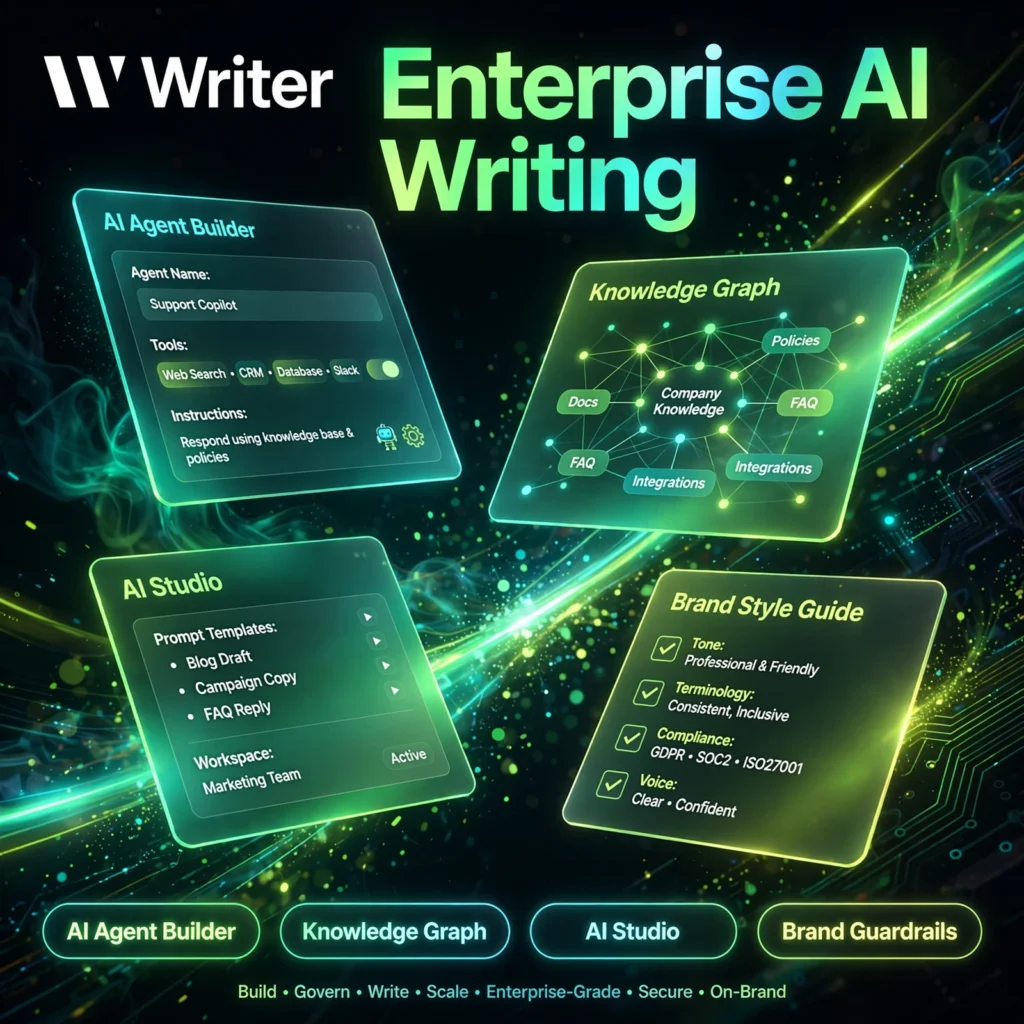
Most AI writing tools help one person write faster. Writer is built for the opposite problem: helping a whole company write accurately, securely, and on-brand — with AI agents, a Knowledge Graph grounded in your own company data, and guardrails that keep every output compliant.
What is Writer?
Writer is an enterprise generative AI platform built around its own Palmyra family of large language models. Instead of a single chat box, it gives teams AI Studio to build custom AI agents, pre-built agents for common business workflows, and tools that connect AI output to approved company knowledge.
It sits in a different league from solo writing assistants such as Jasper or grammar-focused tools like Grammarly. Writer is aimed at marketing, support, product, and operations teams in larger organisations — especially regulated industries where generative AI has to meet strict security and compliance standards.
Key Features of Writer
Here are the standout features that make Writer different from a general-purpose writing app:
- AI Agent Builder (AI Studio): Build custom AI agents for your own workflows with a no-code builder, so non-technical teams can automate drafting, summarising, and research tasks.
- Knowledge Graph: Grounds AI answers in your company’s own documents and data, so outputs are based on approved sources instead of generic model knowledge.
- Brand Guardrails: Style guides, terminology, and compliance rules are enforced automatically, keeping tone, claims, and wording consistent across every team.
- Palmyra Models: Writer’s own enterprise-focused language models, designed for business writing, reasoning, and multilingual work.
- Pre-built Agents: A library of ready-made agents for common jobs such as content drafting, support answers, and product descriptions.
- Enterprise Security: Strong privacy controls, with customer data not used to train models, plus admin controls, SSO, and deployment options for regulated industries.
- Integrations: Works where teams already write, with extensions and connections for tools such as Google Docs, Microsoft products, Slack, and Figma.
How to Use Writer
Writer is rolled out as a team platform rather than a quick solo sign-up:
- Start a trial or demo: Head to writer.com and request the free trial or a demo for your team.
- Set up your workspace: Add your team, style guide, approved terminology, and brand rules so the guardrails reflect how your company writes.
- Connect your knowledge: Link company documents and sources to the Knowledge Graph so agents answer from approved material.
- Pick or build an agent: Start with a pre-built agent, or use AI Studio to build one for a recurring task such as drafting product copy.
- Review and refine: Generate content, check it against the guardrails, and tighten the rules or sources as your team learns what works.
Pro tip: Invest the first week in your style guide and Knowledge Graph sources. Writer’s advantage over a general chatbot — including flexible tools like Copy.ai — only appears once its outputs are grounded in your own approved material.
Writer Pricing Plans
Writer is a paid enterprise platform with no permanent free plan — it offers a free trial instead (check the official pricing page for current figures, as enterprise pricing changes):
- Starter – from around $39/user/month: For smaller teams and departments, with core AI agents, style guides, and a free trial to test the platform first.
- Enterprise – Custom: Full platform access with Knowledge Graph, advanced security and compliance controls, SSO, admin management, and dedicated support, priced through sales.
Because there is no free tier, Writer makes sense when a team will use it daily and needs governance — casual or solo writers will usually be better served by a freemium writing tool.
Pros and Cons of Writer
Pros:
- Knowledge Graph grounds outputs in your own approved company data
- Brand, terminology, and compliance guardrails enforced automatically
- No-code AI Studio lets business teams build their own agents
- Strong enterprise security and privacy posture for regulated industries
Cons:
- No free plan — only a trial, then paid seats
- Enterprise pricing and sales-led setup will be overkill for solo users
- Best results need upfront work on style guides and knowledge sources
Frequently Asked Questions
Is Writer free to use?
No. Writer does not offer a permanent free plan. It offers a free trial, after which teams move to a paid plan such as Starter or a custom Enterprise agreement, so it is best suited to businesses rather than casual users.
What is Writer’s Knowledge Graph?
The Knowledge Graph connects Writer’s AI to your company’s own documents and data sources. Agents use that approved material to answer and draft, which improves factual accuracy and keeps outputs aligned with your internal knowledge.
What are Palmyra models?
Palmyra is Writer’s own family of large language models, built for enterprise use cases such as business writing, reasoning, and multilingual content. Using its own models helps Writer offer tighter security, compliance, and cost control.
Who is Writer best for?
Writer is best for medium and large organisations — marketing, support, product, and operations teams that need AI writing and agents with brand consistency, factual grounding, and strong security, including regulated industries such as finance and healthcare.