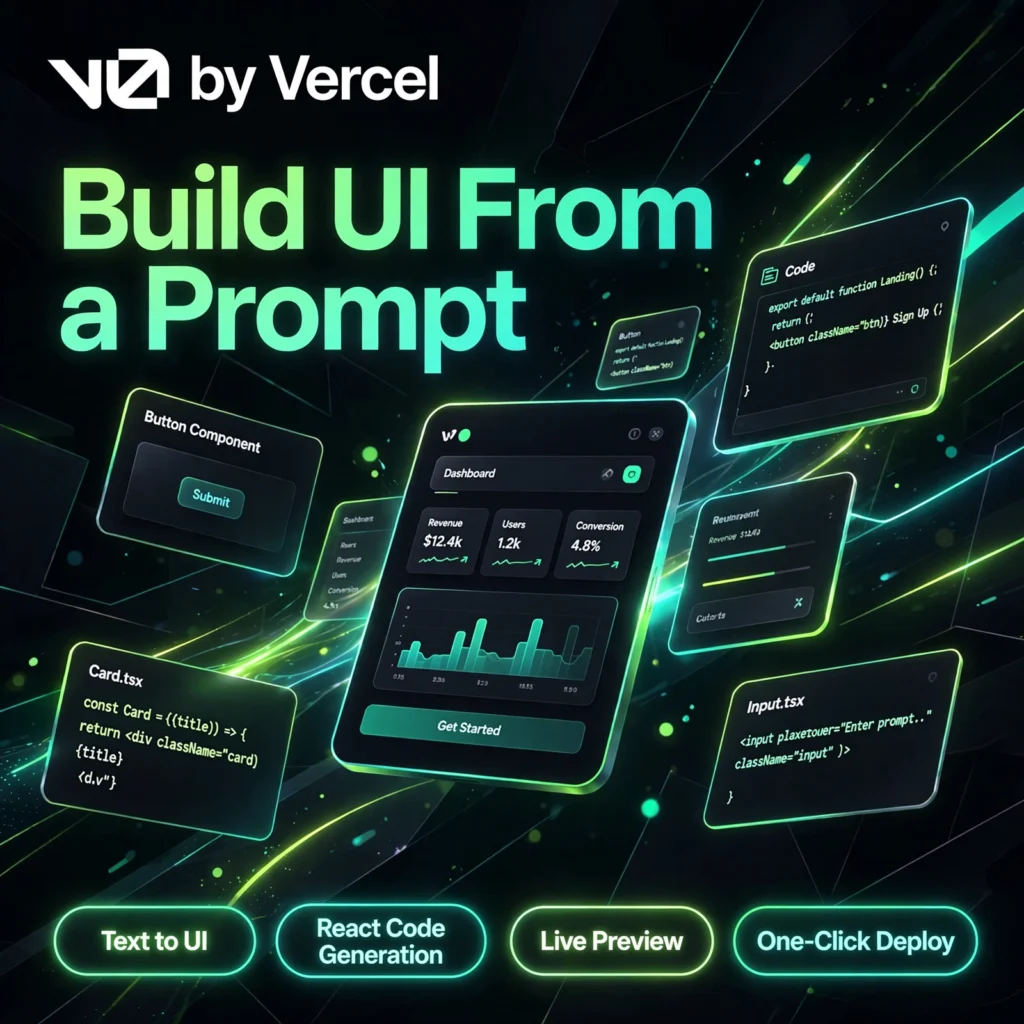
Describe an interface in plain English and watch it appear as real, working code. v0 by Vercel turns simple text prompts into polished React and Next.js interfaces, making it one of the fastest ways to go from an idea to a live web app without starting from a blank file.
What is v0 by Vercel?
v0 is an AI-powered app and interface builder from Vercel, the company behind Next.js. Instead of producing a static mockup, v0 generates production-shaped code built with React, Tailwind CSS and shadcn/ui components, shown instantly in a live preview you can click, test and refine.
Since its 2026 rebuild, v0 goes well beyond single components. It can scaffold full Next.js applications, import an existing GitHub repository, connect databases and API routes, and deploy straight to Vercel. If you have compared prompt-to-app tools such as Lovable or Bolt.new, v0 stands out for the quality and cleanliness of the React code it produces.
Key Features of v0 by Vercel
Here are the standout features that make v0 a favourite with frontend developers and product teams:
- Text to UI Generation: Describe a landing page, dashboard or component in plain words and get a working interface in seconds.
- Production-Ready React Code: Every generation outputs clean React and Next.js code styled with Tailwind CSS and shadcn/ui, ready to copy into a real project.
- Live Preview and Design Mode: See changes instantly in a rendered preview and make visual edits without going back to prompts for every small tweak.
- GitHub Sync: Import existing repositories, keep projects in sync, and let v0 work with branches and commits like a normal development workflow.
- One-Click Vercel Deployment: Publish a generated app to a live production URL in one click, directly inside the Vercel ecosystem.
- Figma Import and Templates: Start from a Figma design or from thousands of community templates and examples instead of a blank prompt.
How to Use v0 by Vercel
Getting started takes only a few minutes, even if you have never used an AI app builder:
- Sign in free: Go to v0.app and sign in with your Vercel, GitHub or GitLab account — no installation is needed.
- Describe what you want: Type a clear prompt such as “a pricing page with three plans and a monthly-yearly toggle” and let v0 generate the first version.
- Refine in chat or Design Mode: Ask for changes in plain language, or adjust spacing, colours and layout visually in the preview.
- Connect your project: Sync the result to GitHub or import your own repository so the generated code joins your real codebase.
- Deploy: Click deploy to publish on Vercel, or copy the code into an editor like Cursor to keep building.
Pro tip: Mention the exact components, states and data you need in your first prompt — the more specific the brief, the fewer credits you will spend on revisions.
v0 by Vercel Pricing Plans
v0 uses a credit-based system: every plan includes a monthly credit balance, and generations consume credits based on the model and the size of the output. Current plans are:
- Free – $0: $5 of included monthly credits, up to 7 messages per day, live preview, GitHub sync and deployment to Vercel — ideal for exploring the tool.
- Premium – $20/month: $20 of monthly credits, access to larger models, Figma import and the v0 API for solo builders who ship regularly.
- Team – $30/user/month: $30 of credits per user plus daily login credits, shared chats, team collaboration and centralised billing.
- Business – $100/user/month: Everything in Team, with training opt-out by default and stronger privacy and admin controls.
- Enterprise – Custom: SAML SSO, role-based access, priority support and data guarantees for large organisations.
The free plan is generous enough to build and deploy a small project, so you can judge the code quality properly before paying anything. Always confirm the latest credit rates on the official pricing page, as token-based pricing can change.
Pros and Cons of v0 by Vercel
Pros:
- Best-in-class React and Next.js interface quality from simple prompts
- Real, exportable code — not just a design mockup
- Smooth GitHub sync and one-click deployment to Vercel
- Useful free plan with monthly credits included
Cons:
- Most valuable inside the React, Next.js and Vercel stack; less useful outside it
- Credit costs are token-based, so complex generations can be hard to predict
- Backend, authentication and databases still need outside tools or extra setup
- The free plan’s daily message limit runs out quickly during heavy iteration
Frequently Asked Questions
Is v0 by Vercel free to use?
Yes. The free plan costs $0 and includes $5 of monthly credits, up to 7 messages per day, GitHub sync and deployment to Vercel. Paid plans start with Premium at $20/month for higher credit limits and larger models.
What does v0 generate?
v0 generates working web interfaces and full Next.js applications as React code styled with Tailwind CSS and shadcn/ui. You get a live preview plus clean, exportable code that you can deploy or continue editing in your own project.
Do I need to know React to use v0?
No — anyone can describe an interface in plain English and deploy the result. However, developers who know React and Next.js get the most value, because they can review, customise and extend the generated code with confidence.
Can I deploy and export code from v0?
Yes. You can deploy a generated app to Vercel in one click, sync the project to GitHub, or copy the code into your own repository or editor. The code is yours to keep and modify on every plan, including the free plan.