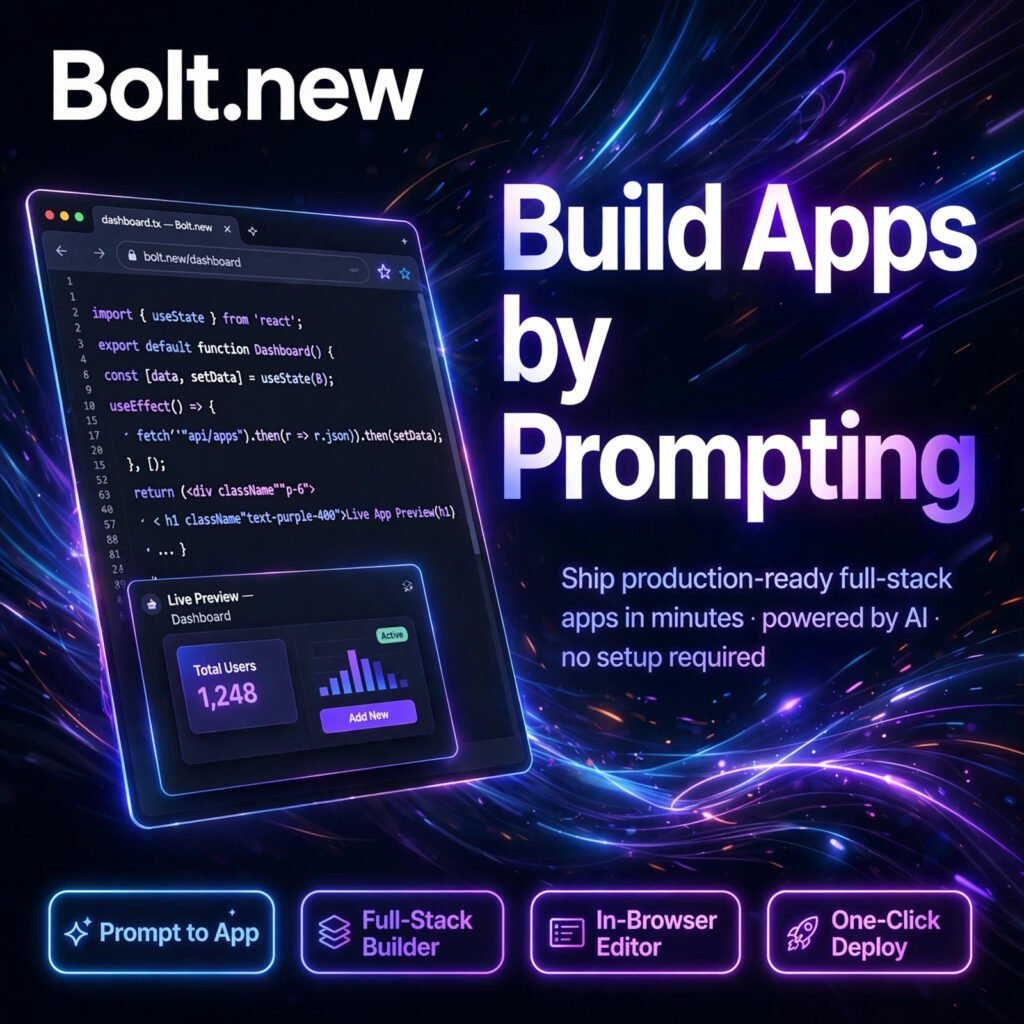
Describe an app, watch it get built. Bolt.new is a browser-based AI app builder from StackBlitz that turns a simple text prompt into a working full-stack web application — code, preview and deployment included, with nothing to install.
What is Bolt.new?
Bolt.new is an AI-powered full-stack app builder that runs entirely in your browser. Using StackBlitz WebContainers, it creates a real Node.js development environment inside a browser tab, writes the code, installs packages, starts a dev server and shows you a live preview — all from one prompt.
If you have tried a design-first builder like Lovable or a browser coding platform like Replit, Bolt sits between them: friendlier than a traditional IDE, but with real, editable, exportable code underneath, across frameworks such as React, Vue, Next.js, Astro and Svelte.
Key Features of Bolt.new
Here are the standout features that make Bolt.new popular with founders and builders:
- Prompt to App: Describe the app you want in plain English and Bolt scaffolds the full project — front end, back end and database wiring — in minutes.
- In-Browser Editor: A complete code editor and terminal run in your browser via WebContainers, so you can inspect and edit every file the AI creates.
- Full-Stack Builder: Built-in database, authentication, file storage and hosting, with integrations for services such as Supabase and Stripe for payments.
- One-Click Deploy: Publish your app to hosting with a custom domain on paid plans, or sync the project to GitHub and deploy anywhere you like.
- Figma Import and Templates: Start from a Figma design or a ready-made starter template instead of a blank prompt to move even faster.
- Mobile via Expo: Extend projects towards iOS and Android using the Expo workflow, alongside your web app.
How to Use Bolt.new
Getting started takes just a few minutes:
- Create a free account: Sign up at bolt.new — the free plan needs no credit card and includes monthly tokens to start building.
- Describe your app: Write a clear prompt, for example a booking app with login, a database and payments, and let Bolt generate the first version.
- Preview and iterate: Test the live preview in your browser, then ask Bolt in chat to fix bugs, change the design or add features.
- Edit the code directly: Open any file in the built-in editor to fine-tune the generated code yourself when you need precise control.
- Deploy or export: Publish with one click, connect a custom domain, or sync to GitHub to continue development elsewhere.
Pro tip: Keep prompts small and specific after the first build. Large projects use more tokens per message, so step-by-step changes — like the workflow in Cursor — protect your token budget.
Bolt.new Pricing Plans
Bolt.new is freemium and priced in tokens, which are consumed as the AI builds and edits your project:
- Free – $0: 1 million tokens per month with a 300,000-token daily limit, public and private projects, hosting and unlimited databases, with Bolt branding on published sites.
- Pro – $25/month: 10 million tokens per month with no daily limit, token rollover for one extra month, no Bolt branding, custom domains, SEO tools and a higher upload limit.
- Teams – $30/user/month: Everything in Pro plus centralised billing, team access management, granular admin controls and organisation sharing.
- Enterprise – Custom: Advanced security including SSO and audit logs, compliance support and dedicated help for larger organisations.
The free plan is generous enough to build several small apps, but the daily token cap is the real limit during long building sessions. As a modern artificial intelligence platform, Bolt updates its plans regularly, so confirm current token limits on bolt.new before upgrading.
Pros and Cons of Bolt.new
Pros:
- Real full-stack apps from a prompt — not just static mock-ups
- Nothing to install: the whole development environment runs in the browser
- Real, exportable code with GitHub sync, so you are never locked in
- Generous free plan with hosting and databases included
Cons:
- Token use grows with project size, so large apps can burn through a monthly allowance
- Complex business logic still needs developer review and manual fixes
- Best for web apps; native mobile publishing still needs extra steps outside Bolt
Frequently Asked Questions
Is Bolt.new free to use?
Yes. Bolt.new has a free plan with 1 million tokens per month and a 300,000-token daily limit, including hosting and unlimited databases. Pro starts at $25/month for 10 million tokens and custom domains.
Do I need coding experience to use Bolt.new?
No. You can build and deploy a working app using only prompts and the visual preview. Coding experience helps when you want to fine-tune the generated code in the built-in editor, but it is not required to start.
Can I export my code from Bolt.new?
Yes. Bolt projects use standard frameworks and can be synced to GitHub or downloaded, so you can continue development in a local editor or another platform without starting over.
What can I build with Bolt.new?
You can build full-stack web apps such as SaaS tools, dashboards, booking systems, e-commerce prototypes and internal tools, with database, authentication and payments wired in through integrations.