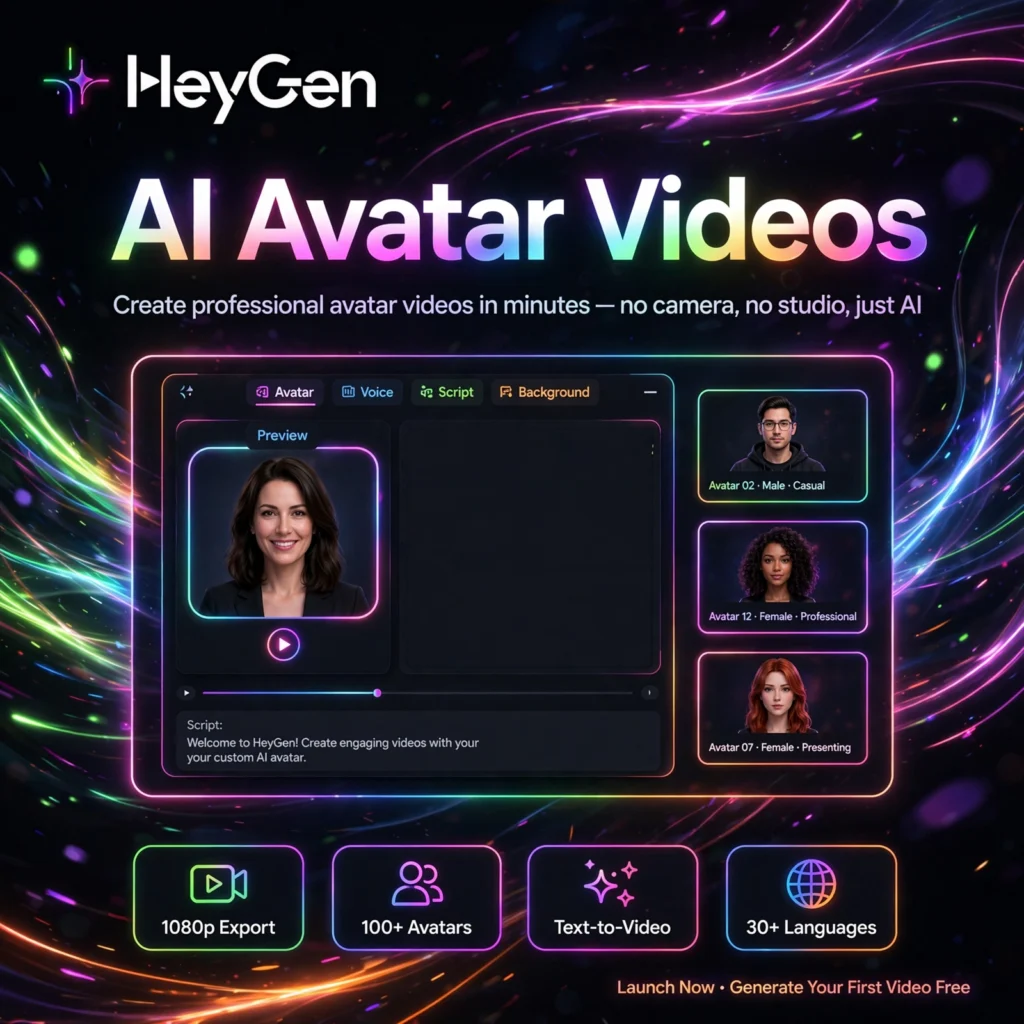
Want to turn a script into an engaging video with a realistic AI presenter — in minutes, not days? HeyGen is the AI video creation platform that makes it easy to produce avatar-led videos for marketing, training, and social media, no camera required.
What is HeyGen?
HeyGen is an AI video generation platform that creates videos with lifelike AI avatars and voices. Founded in 2020, it has grown rapidly by focusing on ease of use: pick an avatar, type your script, and get a polished video — all in your browser.
HeyGen supports 175+ languages and offers hundreds of stock avatars plus custom avatar creation. It is popular with marketers, educators, and creators who need talking-head videos, product demos, and localized content at scale — without hiring actors or booking studios.
Key Features of HeyGen
Here are the highlights that make HeyGen a creator favorite:
- AI Avatars: 700+ stock avatars across diverse ages, ethnicities, and styles — or create your own custom avatar.
- 175+ Languages: Translate and dub videos into dozens of languages with natural voice cloning.
- Avatar IV: The latest avatar model delivers more expressive faces, natural gestures, and better lip-sync.
- Text-to-Video: Generate a full video from a simple prompt or script with automatic visuals.
- Video Templates: Ready-made templates for ads, explainers, training, and social posts.
- API Access: Generate personalized videos at scale — e.g., one customized video per customer.
How to Use HeyGen to Create Videos
Your first HeyGen video takes just minutes:
- Sign up: Create a free account to get started with trial credits.
- Choose a workflow: Start from a template, upload a presentation, or use text-to-video.
- Select an avatar and voice: Pick from the stock library or use your custom avatar.
- Enter your script: Type or paste your text — HeyGen generates the narration and lip-sync automatically.
- Export and share: Preview, render, and download your video or share it directly.
Pro tip: For marketing videos, keep scripts under 150 words per scene. Short, punchy scenes hold attention far better than long monologues.
HeyGen Pricing Plans
HeyGen offers a free tier plus affordable paid plans:
- Free – $0: Limited monthly credits to try avatars and basic features — great for testing.
- Creator – around $29/month: More video credits, longer videos, custom avatars, and no watermark.
- Team – around $89/month: Higher limits, collaboration tools, and brand kit for teams.
- Enterprise – Custom: API at scale, SSO, and dedicated support.
Paid plans remove watermarks and unlock commercial usage. Check HeyGen’s pricing page for current credit amounts, as they change over time.
Pros and Cons of HeyGen
Pros:
- Extremely easy to use — fastest learning curve among avatar video tools
- Large avatar and voice library with strong multilingual support
- Affordable entry point with a usable free tier
- Great for marketers needing quick talking-head content
Cons:
- Avatar realism still trails the very top competitors in close-ups
- Free videos include a watermark
- Credit limits can be restrictive for high-volume creators
- Less suited to complex cinematic or animated video styles
Frequently Asked Questions
Is HeyGen free?
Yes, HeyGen has a free plan with limited monthly credits so you can try the platform. Paid plans start at around $29/month and add more credits, longer videos, custom avatars, and watermark removal.
Can I create my own avatar in HeyGen?
Yes. HeyGen lets you create a custom AI avatar from your own video recording on paid plans. Your digital twin can then present any script in 175+ languages.
Does HeyGen remove watermarks?
Watermarks are removed on paid plans. Videos created on the free plan include a HeyGen watermark. Upgrading to Creator or above gives you clean, professional exports.
Can I use HeyGen videos commercially?
Yes, videos made on paid plans can be used commercially for marketing, ads, and client work under the subscription terms. The free plan is intended for personal and evaluation use.