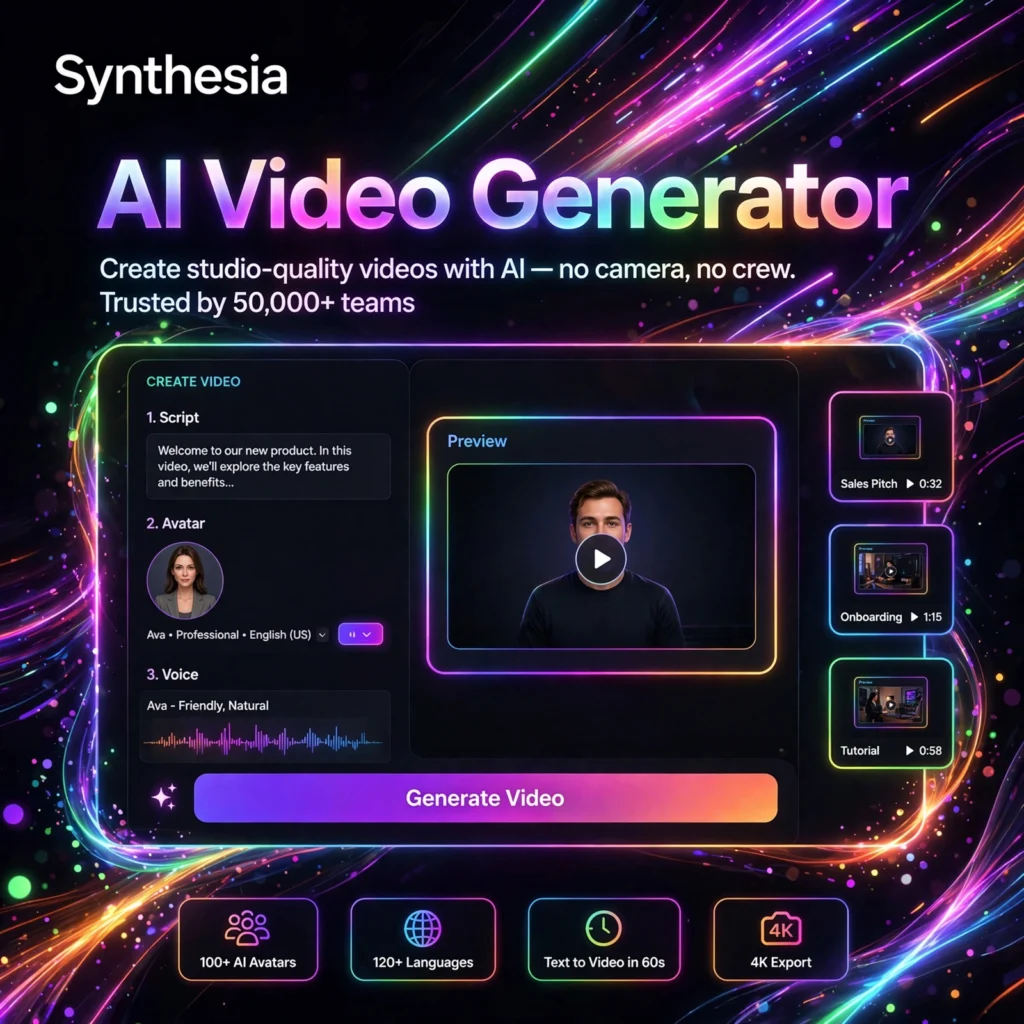
What if you could create a professional training video without cameras, actors, or editing software? Synthesia is the AI video platform that turns plain text into polished presenter-led videos using lifelike AI avatars — and it has become the go-to tool for corporate learning teams worldwide.
What is Synthesia?
Synthesia is an AI video generation platform that creates videos featuring realistic AI presenters. Founded in 2017 in London, it lets you type a script, choose from 230+ diverse AI avatars, and generate a studio-quality video in minutes — no filming required.
The platform supports 140+ languages and is built for business use cases: employee training, onboarding, product explainers, internal communications, and customer education. Major enterprises use Synthesia to produce video content at a scale that would be impossible with traditional production.
Key Features of Synthesia
Here is why teams choose Synthesia for AI video:
- 230+ AI Avatars: A huge library of diverse, expressive presenters — plus the option to create a personal avatar of yourself.
- 140+ Languages & Voices: Generate videos in nearly any language with natural-sounding AI narration.
- Text-to-Video Editor: A simple slide-style editor — type your script per scene and Synthesia handles the rest.
- Personal Avatars: Clone yourself as an AI presenter and create videos in your own likeness, in any language.
- Brand Kit & Templates: Apply your logo, colors, and fonts, and start from 60+ professional video templates.
- Collaboration & Sharing: Comment, review, and share videos with your team, with enterprise-grade security.
How to Use Synthesia to Create Videos
Making your first AI video is simple:
- Start a new video: Choose a template or start from a blank project.
- Pick your avatar: Browse the avatar library or use your personal avatar.
- Type your script: Add your text scene by scene — Synthesia generates the narration automatically.
- Customize: Add your branding, background images, shapes, and transitions.
- Generate and share: Render the video in minutes, then share via link or download it.
Pro tip: Write your script the way you speak, not the way you write documents. Short sentences and conversational language make the AI avatar‘s delivery far more natural.
Synthesia Pricing Plans
Synthesia is a premium, business-focused platform:
- Starter – around $29/month: Limited video minutes per month — best for individuals testing the waters.
- Creator – around $89/month: More video minutes, personal avatars, and brand kit features for regular creators.
- Enterprise – Custom: Unlimited-style usage, SSO, dedicated support, and advanced security for large organizations.
There is no permanent free plan, though Synthesia typically offers a free demo video so you can see the quality before subscribing. Check their site for the latest minute allowances.
Pros and Cons of Synthesia
Pros:
- The most realistic AI avatars in the industry — great for professional use
- Massive language support ideal for global teams
- Huge time and cost savings vs. traditional video production
- Strong enterprise features: security, collaboration, brand controls
Cons:
- No free plan — paid subscription required
- Avatars can still feel slightly uncanny in close-up shots
- Limited creative control compared to filming real presenters
- Video minute limits mean costs add up for high-volume teams
Frequently Asked Questions
Is Synthesia free?
No, Synthesia does not offer a permanent free plan. Plans start at around $29/month. You can usually create a free demo video to evaluate the avatar quality before committing to a subscription.
Can I create an avatar of myself in Synthesia?
Yes. Synthesia’s Personal Avatar feature lets you record a short video of yourself, and the AI creates a digital twin that can present scripts in 140+ languages. This is available on Creator plans and above.
What languages does Synthesia support?
Synthesia supports 140+ languages and accents, making it one of the best tools for creating multilingual training and marketing videos from a single script.
Can I use Synthesia videos commercially?
Yes. Videos created on paid Synthesia plans can be used commercially — for marketing, training, and client work — under the terms of your subscription. Enterprise plans add extra licensing flexibility.