Your calendar fills up with meetings while your real work gets squeezed into the gaps. Reclaim AI flips that around — it automatically schedules your tasks, habits and focus time around your meetings, then defends those blocks and reshuffles them intelligently whenever your day changes.
What is Reclaim AI?
Reclaim AI is an AI-powered scheduling layer for Google Calendar and Microsoft Outlook, founded in 2019 and acquired by Dropbox in 2024. Instead of forcing you to manually block time for every task, it reads your priorities, deadlines and working hours, then finds and protects the best windows in your schedule automatically.
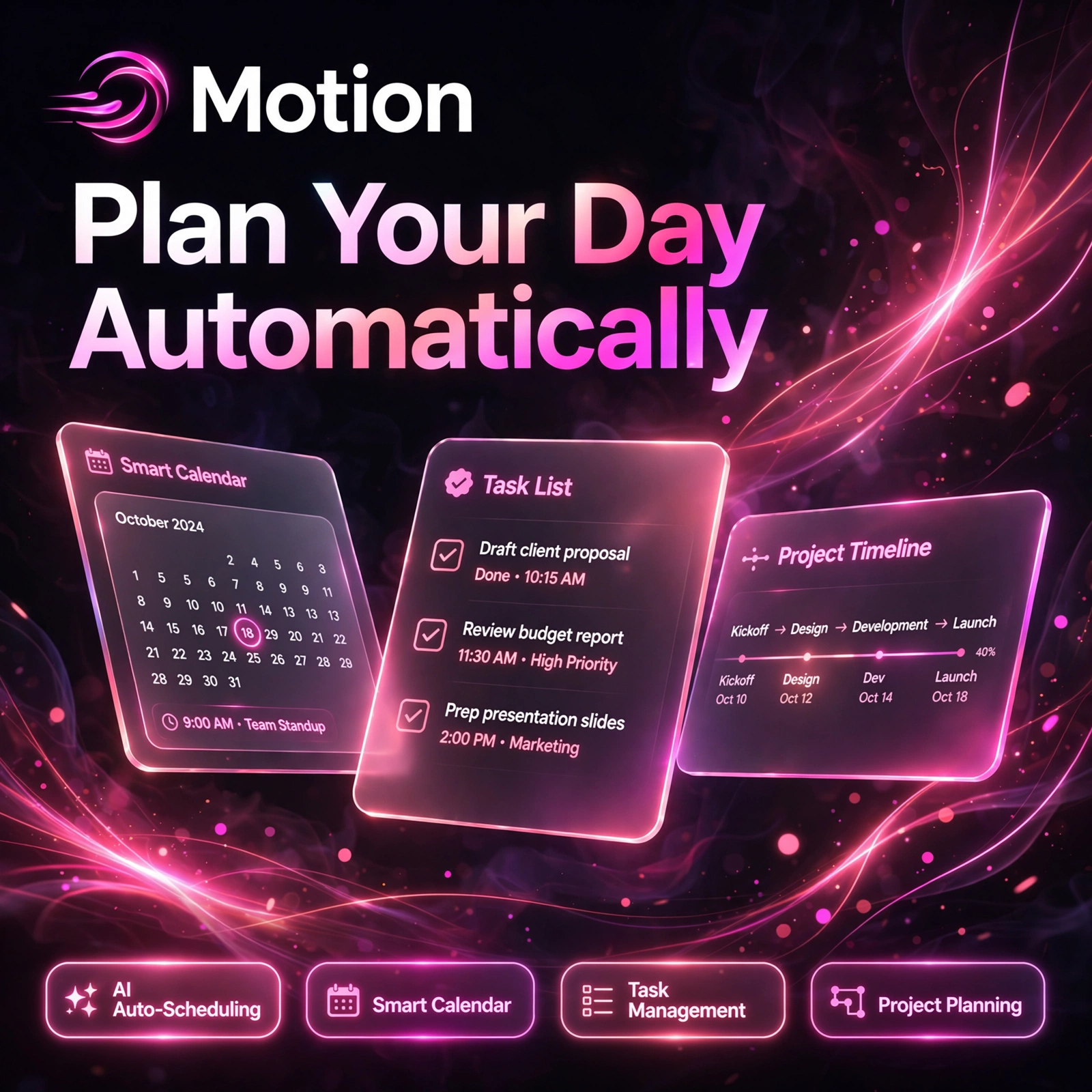
It works a lot like a chief of staff for your calendar, and it is often compared with tools such as Motion — but while Motion is an all-in-one workspace, Reclaim focuses purely on defending your time on the calendar you already use. The idea is simple timeboxing, done automatically: important work becomes a first-class calendar citizen instead of an afterthought.
Key Features of Reclaim AI
Here are the standout features that make Reclaim a favourite with busy professionals and teams:
- AI Task Scheduling: Pulls tasks from Asana, ClickUp, Todoist, Jira, Linear and Google Tasks and auto-schedules them around meetings before their deadlines.
- Focus Time Defence: Automatically blocks and protects deep-work time, moving it to the next best window when an urgent meeting lands.
- Habits: Recurring routines like exercise, reading, lunch or weekly reviews are scheduled flexibly inside your preferred time ranges.
- Smart Meetings: Recurring one-to-ones and team meetings are auto-scheduled at the best time for everyone, and rescheduled automatically when conflicts appear.
- Scheduling Links: Smarter booking links that account for your focus time, tasks, buffers and working hours — not just free/busy status.
- Buffer and Travel Time: Adds breathing room and travel time around meetings automatically, and can enforce no-meeting days.
- Calendar Sync and Analytics: Syncs personal and work calendars, updates your Slack status, and reports where your hours actually go each week.
How to Use Reclaim AI
Getting protected focus time takes only a few minutes:
- Sign up free: Go to reclaim.ai and connect your Google Calendar or Outlook account — the Lite plan is free forever.
- Set your working hours: Tell Reclaim when you work, when you take breaks, and which hours are for personal time.
- Add your Habits: Create flexible routines such as daily focus work, exercise or a weekly review, with a preferred time range for each.
- Connect your task apps: Link tools like Todoist, Asana or ClickUp so tasks flow onto your calendar automatically.
- Create Scheduling Links: Share links that show intelligent availability instead of exposing your whole calendar.
- Let the AI defend your time: Reclaim reshuffles flexible blocks as meetings change — review the weekly analytics to tune priorities.
Pro tip: Start with just two or three habits and a handful of tasks, check how Reclaim places them for a week, then adjust priorities — the rescheduling feels much smarter once it learns your preferences.
Reclaim AI Pricing Plans
Reclaim has a genuinely usable free plan, with paid tiers for individuals and teams:
- Lite – $0 forever: 1 user, 1 scheduling link, 1 habit, limited integrations and a 1-week scheduling range — enough to test the concept.
- Starter – $10/seat/month billed annually ($12 monthly): Unlimited tasks and habits, more scheduling links and integrations, up to 10 seats, 8-week scheduling range.
- Business – $15/seat/month billed annually ($18 monthly): Unlimited scheduling links including round-robin, team analytics, delegated access, up to 100 seats.
- Enterprise – $22/seat/month billed annually: SSO, advanced admin controls and priority support for larger organisations.
If you also manage projects inside a tool like Taskade, Reclaim pairs well with it: plan the work there, and let Reclaim make sure the time to do it actually exists on your calendar.
Pros and Cons of Reclaim AI
Pros:
- Best-in-class defence of focus time, habits and breaks
- Deep two-way integrations with popular task managers
- Free Lite plan is genuinely usable, not just a trial
- Works with both Google Calendar and Outlook, plus Slack status sync
Cons:
- The automatic rescheduling can feel aggressive until priorities are tuned
- It is a calendar layer, not a full task manager — you still need a separate to-do app
- The mobile experience lags behind the web app
- Free plan limits (1 habit, 1 link) run out quickly for busy calendars
Frequently Asked Questions
Is Reclaim AI free to use?
Yes. The Lite plan is free forever and includes 1 scheduling link, 1 habit, limited integrations and core auto-scheduling. Paid plans start at $10 per seat per month billed annually for unlimited tasks and habits.
Does Reclaim AI work with Outlook as well as Google Calendar?
Yes. Reclaim works with both Google Calendar and Microsoft Outlook Calendar, so you can view your schedule, auto-schedule tasks and habits, and share scheduling links across the calendars you already use.
What task apps does Reclaim integrate with?
Reclaim pulls tasks from Asana, ClickUp, Todoist, Jira, Linear and Google Tasks, and schedules them on your calendar by priority and deadline. It also syncs with Slack to update your status automatically.
Who owns Reclaim AI?
Dropbox acquired Reclaim AI in August 2024. Reclaim continues to operate as a standalone product with its own plans and pricing, focused on AI calendar scheduling for individuals and teams.