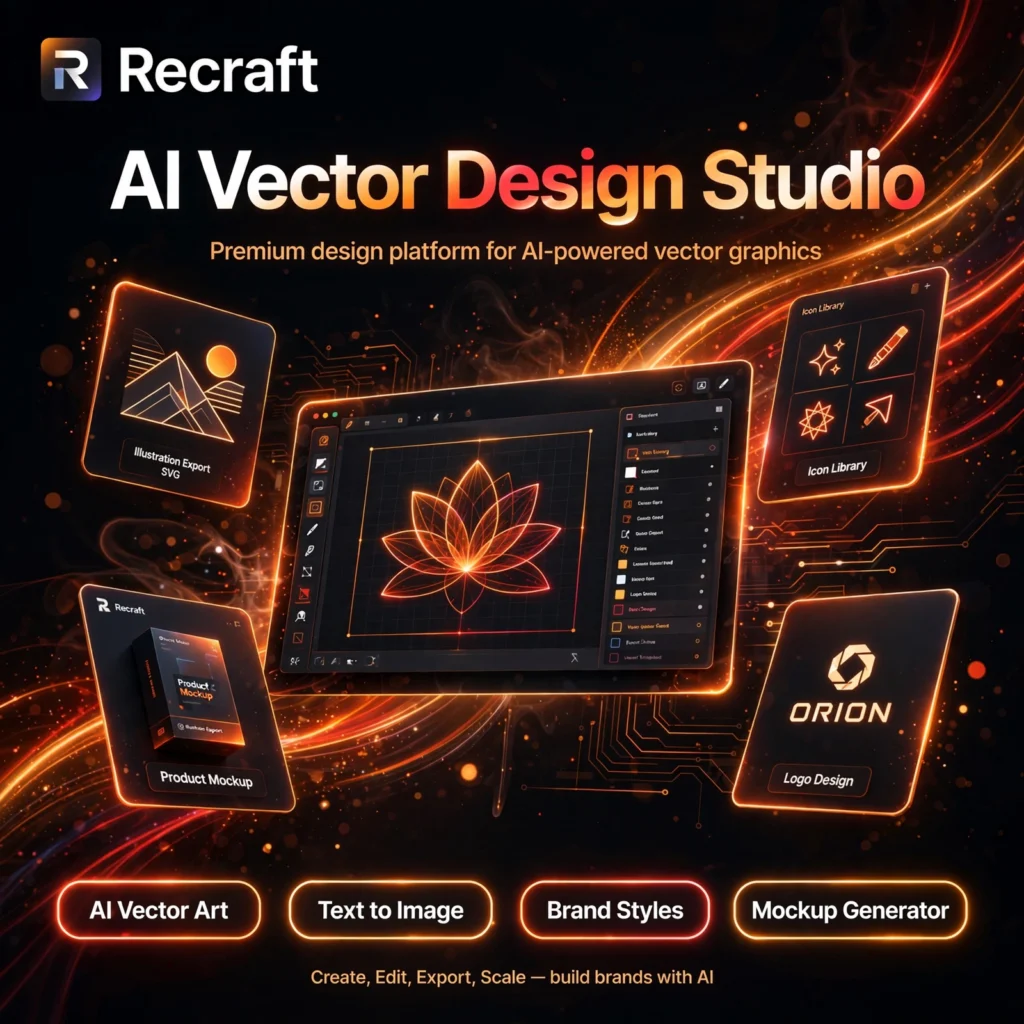
Most AI image generators give you a picture. Recraft gives you design assets — editable vector art, on-brand illustrations, icons and product mockups that stay consistent across a whole campaign. If you have tried a text-focused generator like Ideogram, Recraft is the design-first alternative built for marketers, founders and brand teams.
Key Features of Recraft
Recraft is built around professional design workflows rather than one-off image prompts:
- AI Vector Art: Generate true vector graphics — logos, icons and illustrations that export as SVG and scale to any size without losing quality, something raster-only tools cannot do.
- Text to Image: Create photorealistic images and illustrations from a prompt with Recraft’s own models, plus access to external models on paid plans.
- Brand Styles: Save a custom style with your colours, line weight and look, then reuse it across every asset so a full campaign stays visually consistent.
- Mockup Generator: Place your designs onto products, packaging and devices in realistic mockups directly on the canvas — no separate mockup tool needed.
- AI Image Editing Tools: Vectorizer, background remover, creative upscale, inpainting and outpainting are built in, so you can finish an asset without leaving Recraft.
- Design Canvas and Exports: An infinite, Figma-style canvas with layers and frames, and exports in PNG, JPG, SVG, TIFF and Lottie formats for print, web and motion work.
Recraft Pricing Plans
Recraft is a freemium tool with a permanent free plan, but read the licence terms carefully before using free images in client work:
- Free – $0: Daily credits to generate and edit images, access to the style library and basic tools. Important: free-plan images are public in the community gallery, are owned by Recraft, and are NOT licensed for commercial use.
- Basic – from $10/month billed annually: Around 1,000 credits per month, private generations, full commercial licence, and access to external image models.
- Pro – from $16/month billed annually: More monthly credits, everything in Basic, plus video generation and priority processing for heavier design workloads.
- Teams – from $18/seat/month billed annually: Shared team workspace, centralised billing and collaboration features for agencies and in-house design teams.
Credit counts and prices change from time to time, so check the current plans on the official Recraft website before subscribing. The key decision is simple: if you will use an image commercially, you need a paid plan.
How to Use Recraft
You can produce your first on-brand asset in minutes:
- Create a free account: Sign up on the Recraft website — no card is required for the free plan.
- Start a project: Open a new canvas and type a prompt describing the image, illustration or icon set you need.
- Pick or create a style: Choose a built-in style, or save your brand colours and look as a custom style so future generations match automatically.
- Refine on the canvas: Edit with the built-in tools — remove a background, upscale, vectorize, or drop the design into a product mockup.
- Export your asset: Download in PNG, JPG, SVG or TIFF. Remember that commercial use requires a paid plan.
Pro tip: set up your brand style before generating a batch. Locking the palette and style first keeps a whole set consistent, in the same way a template keeps a Canva campaign on-brand.
Pros and Cons of Recraft
Pros:
- True vector output with SVG export — ideal for logos, icons and print work
- Custom brand styles keep large asset sets visually consistent
- Mockup generator, vectorizer, upscaler and background remover in one workspace
- Permanent free plan for testing and personal projects
- Access to multiple external AI models on paid plans
Cons:
- Free-plan images are public and cannot be used commercially
- Credit-based pricing means heavy generation days can run out mid-project
- Less focused on pure photorealism than a dedicated art tool like Midjourney
- Video generation is gated behind the Pro plan
Frequently Asked Questions
Is Recraft free to use?
Yes. Recraft has a permanent free plan with daily credits for generating and editing images. However, free-plan images are public and are not licensed for commercial use — commercial rights start with the paid Basic plan.
Can I use Recraft images commercially?
Only on a paid plan. The Basic plan and above include a full commercial licence and private generations. Images made on the free plan stay public in the community gallery and belong to Recraft.
Does Recraft generate vector graphics and SVG files?
Yes. Vector generation is Recraft’s specialty. You can create logos, icons and illustrations as true vectors, edit them on the canvas, and export them as SVG, as well as PNG, JPG, TIFF and Lottie files.
What is the difference between Recraft Basic and Pro?
Basic (from $10/month billed annually) gives you around 1,000 credits a month, private images and a commercial licence. Pro (from $16/month billed annually) adds more credits and unlocks video generation for heavier workloads.