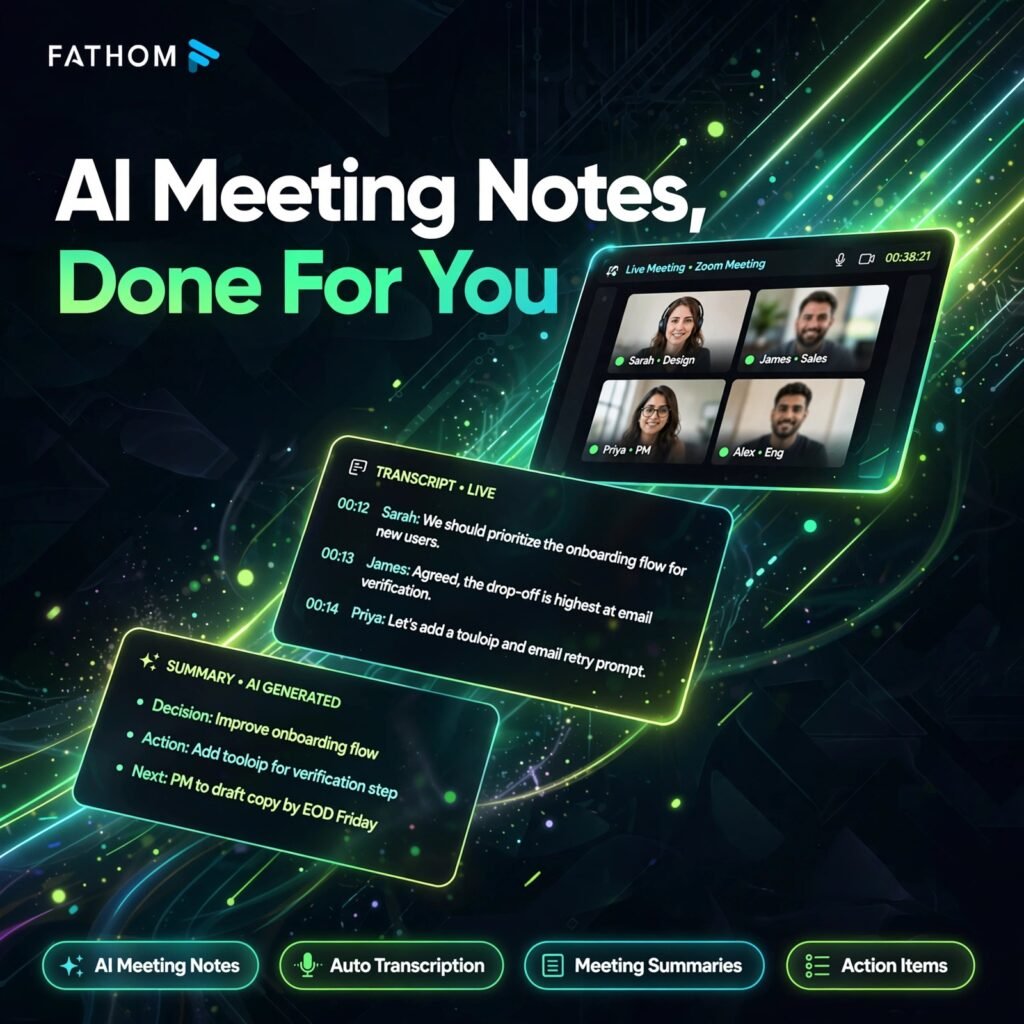
Stop scribbling notes during calls. Fathom is a free AI meeting notetaker that joins your Zoom, Google Meet and Microsoft Teams calls, records and transcribes them, and turns every conversation into a clear summary with action items — so you can stay present in the meeting instead of typing through it.
Key Features of Fathom
Fathom focuses on one job — documenting meetings perfectly — and does it with a generous free plan:
- Unlimited Free Recording: Record, transcribe and store unlimited meetings on the free plan, with no minute caps for individual users.
- AI Meeting Summaries: Get structured summaries with key points, decisions and chapters within seconds of a call ending.
- Automatic Action Items: Fathom extracts tasks and next steps from the conversation so nothing discussed gets forgotten.
- Ask Fathom: Ask questions across your recorded calls and transcripts and get answers drawn from your own meetings.
- Highlight Clips: Mark important moments during a call and turn them into short, shareable video clips with exact quotes.
- 38 Languages: Transcription works across 38 languages, making it useful for international teams and clients.
- CRM and App Integrations: Paid plans sync notes to Salesforce and HubSpot, and connect to thousands of apps through Zapier.
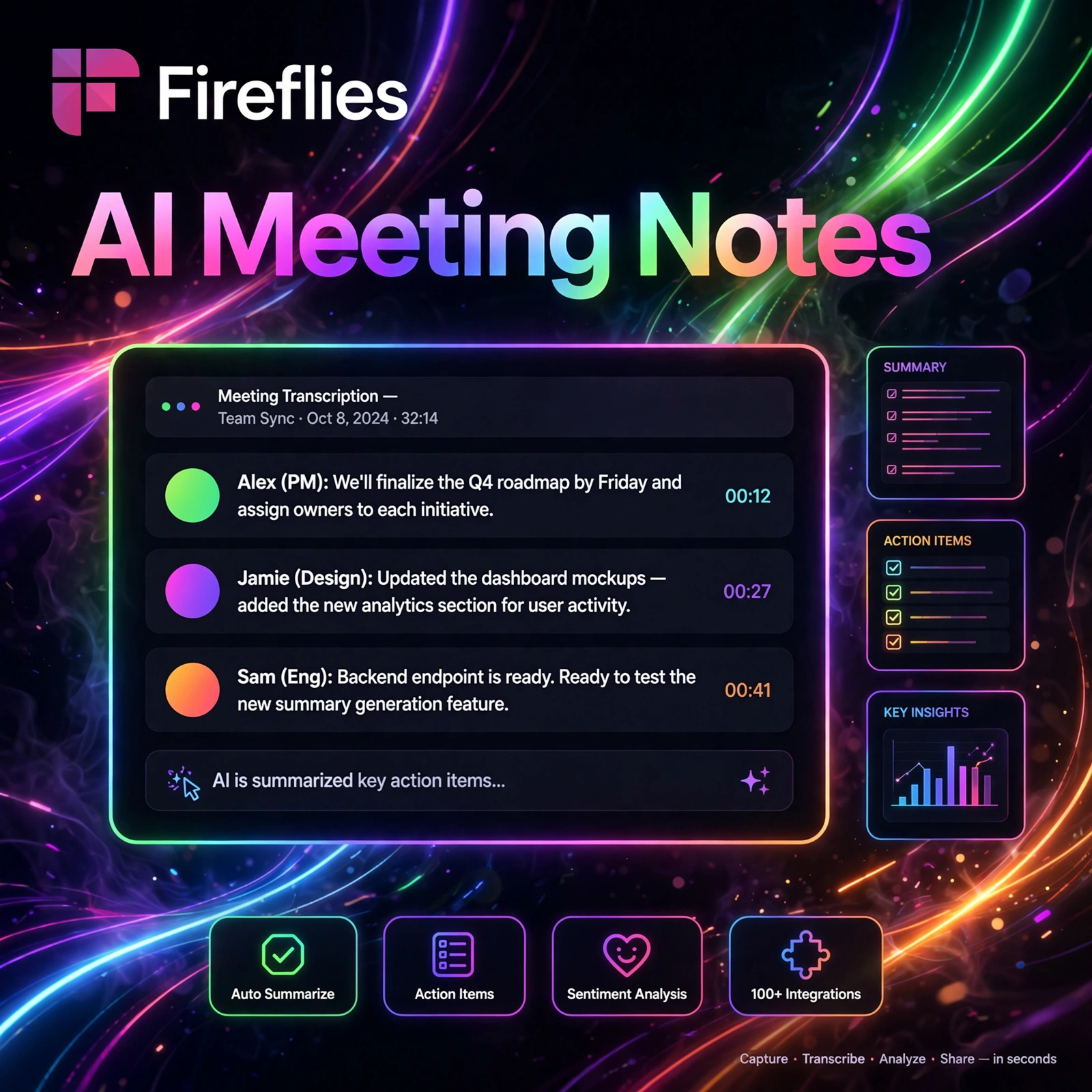
If you compare meeting assistants, Fathom sits naturally alongside tools like Otter.ai for transcription and Fireflies.ai for meeting intelligence, with its unlimited free tier as the standout difference.
Fathom Pricing Plans
Fathom is freemium, with one of the most generous free plans in the category:
- Free – $0: Unlimited recordings, transcription and storage for individuals, with advanced AI summaries on the first 5 calls each month.
- Premium – $20/month ($16/month billed annually): Unlimited advanced AI summaries, AI follow-up emails and full individual features.
- Team – $19/user/month ($15 billed annually, 2-seat minimum): Shared folders, comments, keyword alerts, shared search and collaboration tools.
- Business – $34/user/month ($25 billed annually, 2-seat minimum): CRM sync, deal view, AI coaching metrics, scorecards and advanced security.
- Enterprise – Custom: Advanced provisioning, security controls and dedicated support for larger organisations.
Most individuals never need to pay: the free plan already covers unlimited recording and transcription for everyday videoconferencing.
How to Use Fathom
Getting started takes only a few minutes:
- Sign up free: Create an account at fathom.video and connect your calendar.
- Connect your meeting platform: Link Zoom, Google Meet or Microsoft Teams so Fathom knows which calls to join.
- Let Fathom join: Fathom joins scheduled calls automatically as a notetaker participant and starts recording and transcribing.
- Highlight as you talk: Click to mark key moments during the call so they become easy-to-find clips afterwards.
- Review the summary: After the call, read the AI summary, check the action items, and search or ask questions across the transcript.
- Share and sync: Send clips or notes to teammates, and on paid plans sync everything to your CRM automatically.
Pros and Cons of Fathom
Pros:
- Unlimited free recording, transcription and storage for individuals
- Fast, well-structured AI summaries with clear action items
- Highlight clips make sharing exact moments effortless
- Works with Zoom, Google Meet and Microsoft Teams in 38 languages
Cons:
- Advanced AI summaries are capped at 5 calls per month on the free plan
- Team collaboration and CRM features require a paid plan
- It cannot transcribe uploaded audio or video files — it works on live calls
Frequently Asked Questions
Is Fathom really free?
Yes. Fathom’s free plan includes unlimited recording, transcription and storage for individual users, with advanced AI summaries on the first 5 calls each month. Paid plans start at $20/month for Premium.
Which meeting platforms does Fathom work with?
Fathom works with Zoom, Google Meet and Microsoft Teams. It joins your scheduled calls automatically from your connected calendar and transcribes conversations in 38 languages.
Does Fathom record video as well as audio?
Yes. Fathom captures both the audio and video of your calls, and lets you create short highlight clips from key moments that you can share with your team or clients.
Can Fathom sync meeting notes to my CRM?
Yes, on the Business plan. Fathom syncs summaries, action items and call data to Salesforce and HubSpot, and connects to thousands of other apps through Zapier on paid plans.