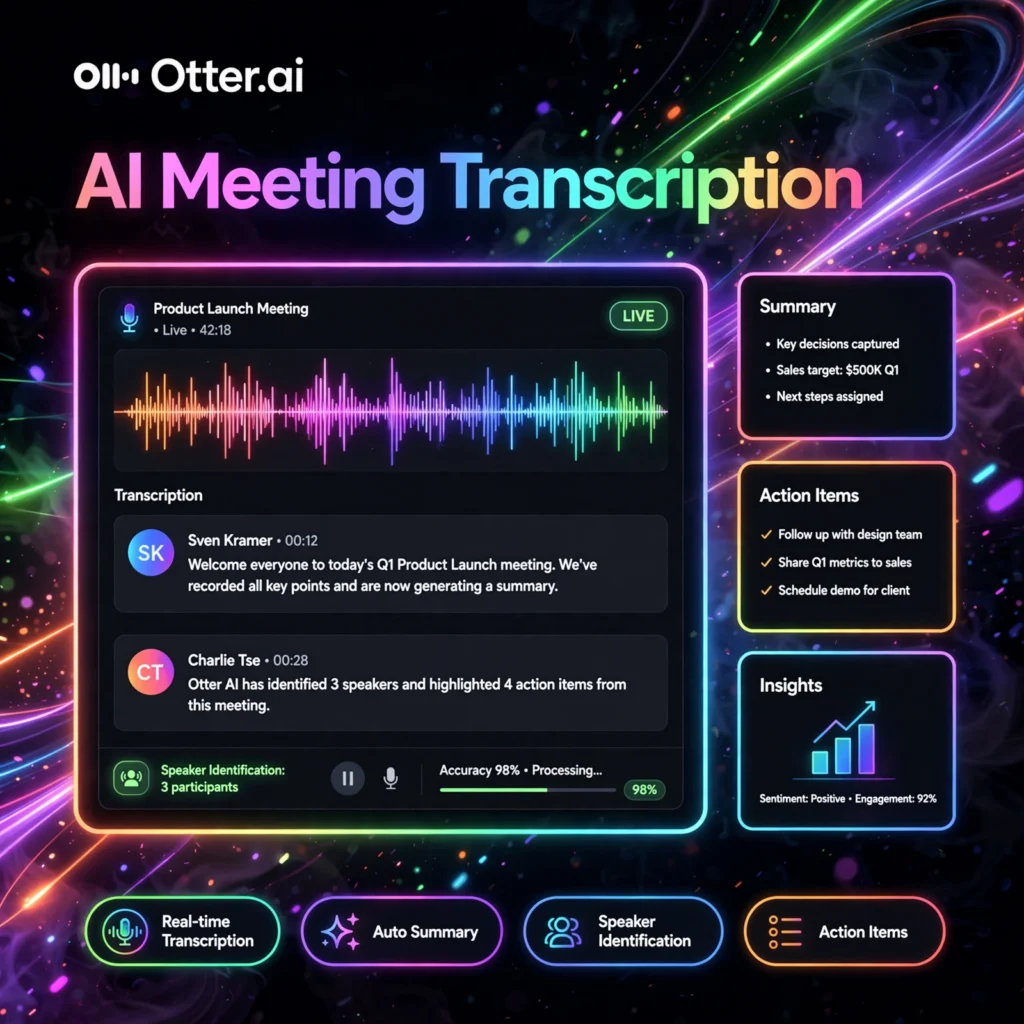
Still typing meeting notes by hand? Otter.ai is a leading AI transcription service that converts your meetings, interviews, and lectures into accurate, searchable text in real time — so you never miss a word.
What is Otter.ai?
Otter.ai is an AI-powered transcription and meeting assistant founded in 2016. It captures live audio from Zoom, Google Meet, Microsoft Teams, or in-person conversations and turns it into polished transcripts with speaker labels.
Beyond transcription, Otter generates AI summaries, extracts action items, and lets you chat with your meetings — ask “What were the next steps?” and get an instant answer. It’s widely used by sales teams, journalists, students, and researchers.
Key Features of Otter.ai
Here are the standout features that make Otter a transcription leader:
- OtterPilot Auto-join: Automatically joins Zoom, Meet, and Teams calls to record and transcribe without you lifting a finger.
- Real-time Transcription: Watch words appear live as people speak, with automatic speaker identification.
- AI Summary & Action Items: Get concise meeting summaries and extracted tasks delivered after every call.
- Otter AI Chat: Ask questions across all your meetings — “What did marketing decide last week?” — and get cited answers.
- Live Captions & Slides: Captures shared slides alongside the transcript for complete context.
- Integrations: Syncs with Salesforce, HubSpot, Slack, and Notion to push notes where your team works.
How to Use Otter.ai
Getting up and running is quick:
- Create a free account: Sign up at otter.ai — free tier includes 300 transcription minutes per month.
- Connect your calendar: Link Google or Outlook so OtterPilot can auto-join your meetings.
- Record or import: Let it join live calls, record in person with the mobile app, or upload audio/video files.
- Review and edit: Clean up speaker names and fix any misheard words in the interactive transcript.
- Share the recap: Send the summary to teammates or export to your CRM and docs.
Pro tip: Train Otter with your team’s jargon and names (Custom Vocabulary) to noticeably improve accuracy on industry terms.
Otter.ai Pricing Plans
Otter offers plans for individuals and teams:
- Basic – Free: 300 monthly transcription minutes (30 min per conversation), basic summaries.
- Pro – ~$16.99/user/month: 1,200 monthly minutes, advanced AI summaries, custom vocabulary, and priority support.
- Business – ~$30/user/month: 6,000 monthly minutes, team admin controls, SSO, and advanced integrations.
- Enterprise – Custom: Organization-wide deployment with security reviews and dedicated success manager.
Education discounts are available for students and teachers.
Pros and Cons of Otter.ai
Pros:
- Excellent real-time accuracy for clear audio
- Otter AI Chat across your whole meeting history is powerful
- Generous free tier for light users
- Strong education and accessibility use cases
Cons:
- Free plan limits conversations to 30 minutes
- Accuracy drops with heavy accents or background noise
- Auto-join bot can feel intrusive to external guests
Frequently Asked Questions
Is Otter.ai free?
Yes — the Basic plan is free and includes 300 transcription minutes per month (up to 30 minutes per conversation). Paid plans unlock more minutes and advanced AI features.
How accurate is Otter.ai transcription?
For clear audio with minimal crosstalk, Otter typically achieves 85-95% accuracy. Adding custom vocabulary for names and jargon improves results further.
Does Otter.ai work with Microsoft Teams?
Yes. OtterPilot integrates with Zoom, Google Meet, and Microsoft Teams, auto-joining scheduled meetings to record and transcribe them.
Can I use Otter.ai for in-person meetings?
Absolutely. The Otter mobile app records and transcribes in-person conversations, interviews, and lectures in real time, with the same AI summaries and search.