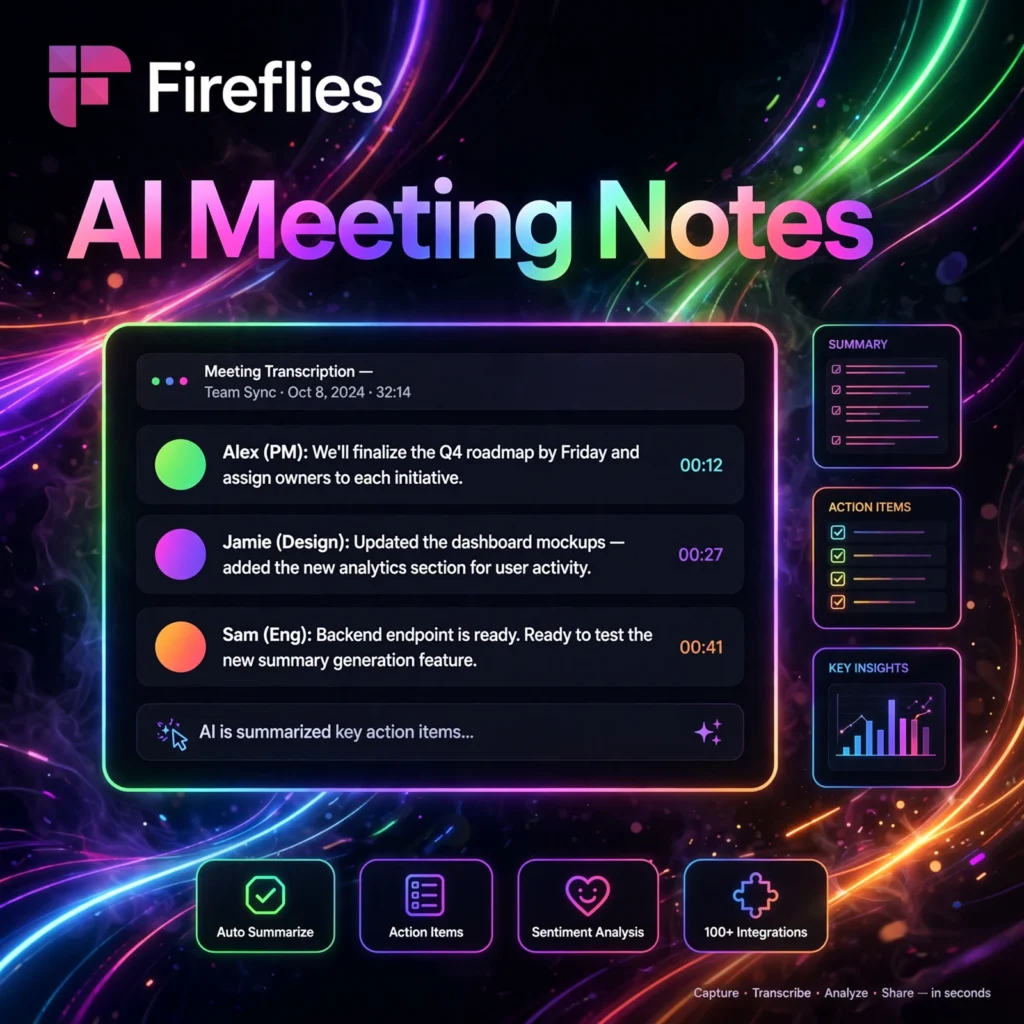
Drowning in meetings and forgetting what was decided? Fireflies.ai is an AI meeting assistant that automatically records, transcribes, summarizes, and analyzes your voice conversations — so you can stay present in the meeting instead of taking notes.
What is Fireflies.ai?
Fireflies.ai is an AI-powered meeting assistant that joins your video calls and turns conversations into searchable, shareable knowledge. It works with Zoom, Google Meet, Microsoft Teams, Webex, and more — plus in-person meetings via its mobile app.
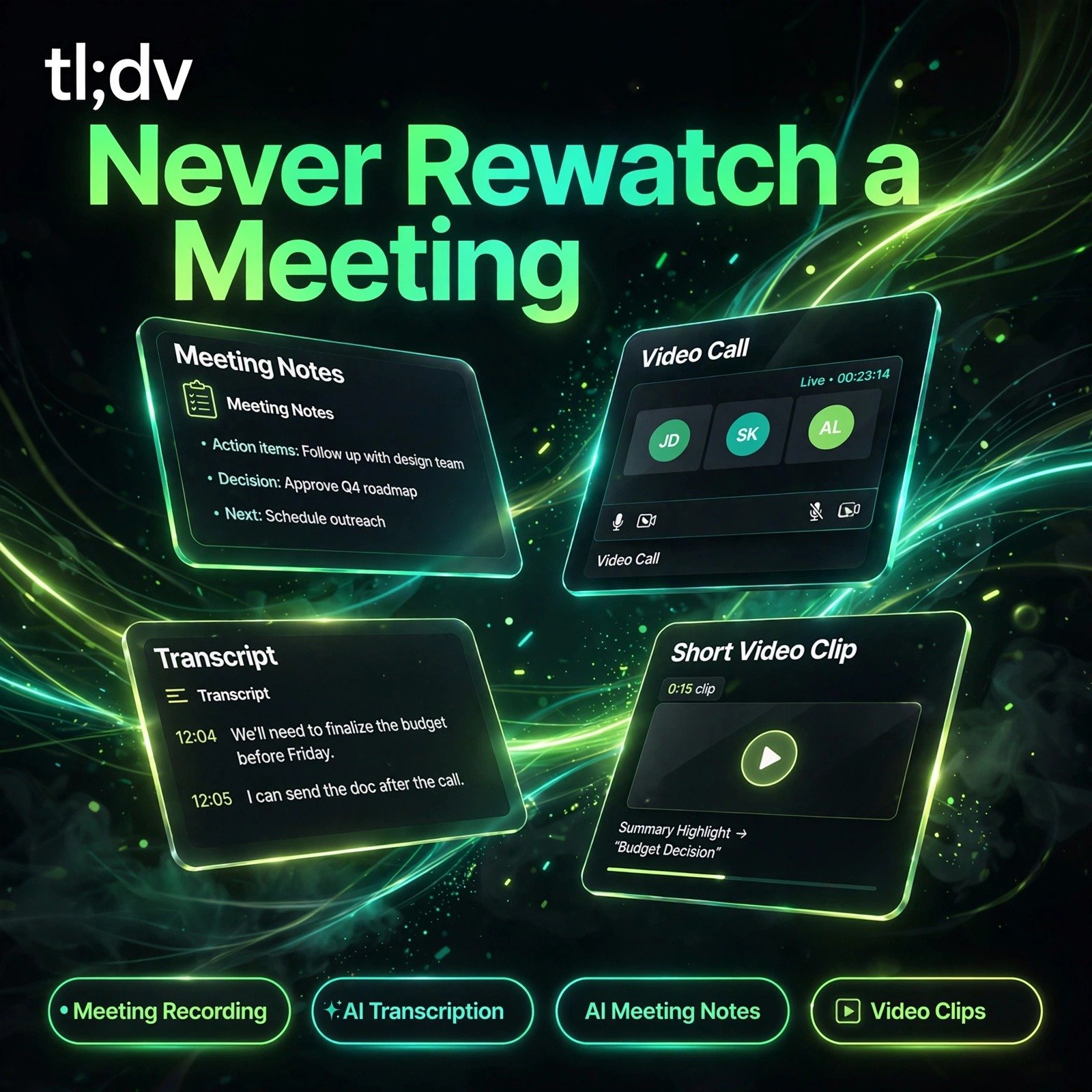
After each call, Fireflies delivers a full transcript with speaker labels, an AI-generated summary, action items, and key highlights. You can search across all your meetings like you’d search your email — “What did the client say about pricing?” — and jump straight to that moment.
Key Features of Fireflies.ai
Here are the standout features that make Fireflies a team favorite:
- Auto-join Meetings: Fireflies (Fred, the notetaker bot) joins scheduled calls automatically — no manual recording needed.
- Accurate Transcription: 90%+ accuracy across 60+ languages with speaker identification.
- AI Summaries: Get TL;DR summaries, bullet-point recaps, and structured notes minutes after the call ends.
- Action Items & Tasks: AI extracts tasks and deadlines, and can push them to Asana, Trello, Monday, or Salesforce.
- Conversation Intelligence: Track talk-time ratios, sentiment, filler words, and topic trends across calls.
- AskFred AI Chat: Ask questions about any meeting — “Summarize the objections raised” — and get instant answers.
How to Use Fireflies.ai
Setup takes about five minutes:
- Sign up: Create a free account at fireflies.ai and connect your Google or Outlook calendar.
- Set auto-join rules: Choose which meetings Fred should join (all, internal only, or by invite).
- Attend your meeting: Talk normally — Fireflies records and transcribes in the background.
- Review the recap: Open your Fireflies dashboard for the transcript, summary, and action items.
- Share & integrate: Send recaps to Slack, push tasks to your CRM, or share a public link.
Pro tip: Create custom Topic Trackers (e.g., “pricing”, “competitors”) to get alerts whenever those topics come up in calls.
Fireflies.ai Pricing Plans
Fireflies has a genuinely useful free tier:
- Free – $0: Limited transcription credits, 1 seat, basic summaries. Perfect for trying it out.
- Pro – ~$10/user/month: Unlimited transcription, AI summaries, integrations, and conversation intelligence.
- Business – ~$19/user/month: For teams; adds video recording, advanced analytics, SSO, and priority support.
Annual billing saves around 20% on paid plans. Most small teams find the Pro plan more than sufficient.
Pros and Cons of Fireflies.ai
Pros:
- Set-and-forget auto-join saves real time
- Excellent integrations with CRMs and project tools
- Searchable meeting history is a superpower for sales teams
- Generous free tier to get started
Cons:
- Transcription struggles with heavy accents or crosstalk
- Bot joining calls can surprise guests (announce it!)
- Advanced analytics locked behind higher tiers
Frequently Asked Questions
Does Fireflies.ai work with Zoom and Google Meet?
Yes. Fireflies integrates natively with Zoom, Google Meet, Microsoft Teams, Webex, and several other platforms. It can auto-join from your calendar or be invited manually.
Is Fireflies.ai free?
Fireflies offers a free plan with limited transcription credits — enough to test it properly. Paid plans start around $10/user/month for unlimited transcription and AI features.
Can Fireflies.ai summarize my meetings?
Yes. After every call, Fireflies generates an AI summary with key points, decisions, and action items, so you can catch up on a one-hour meeting in two minutes.
Is it legal to record meetings with Fireflies?
Fireflies announces when it joins and most regions require one- or two-party consent. Best practice: mention recording at the start of the call and check your local regulations and company policy.