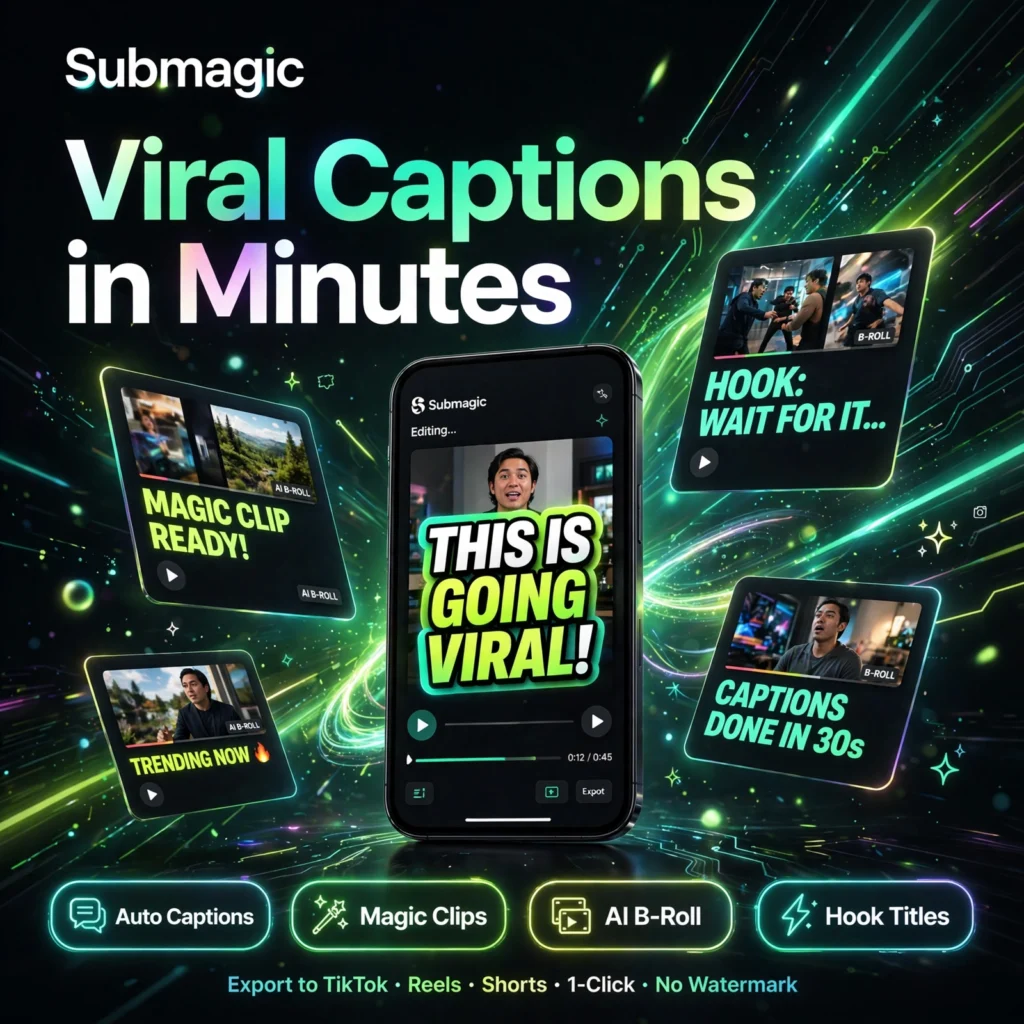
Short videos without captions lose viewers in seconds. Submagic is an AI short-form video editor that adds animated captions, B-roll, emojis and hooks automatically, helping creators turn raw clips into scroll-stopping TikTok, Reels and YouTube Shorts in minutes instead of hours.
Key Features of Submagic
Submagic is built specifically for short-form creators, editors and agencies who publish every day:
- Auto Captions in 100+ Languages: AI transcription with around 99% accuracy, word-by-word animated captions and trendy templates designed for viral short videos.
- Magic Clips: Upload a long video or podcast and the AI finds the best moments, scores them for engagement and turns them into ready-to-post vertical shorts.
- Magic B-Roll: The AI detects context in your speech and inserts relevant stock footage and images automatically, with premium Storyblocks B-roll on higher plans.
- AI Hook Titles: Generate attention-grabbing hook titles, auto emojis and auto zooms that keep viewers watching longer.
- Clean Audio and Silence Removal: Remove bad takes, filler words and silences, and clean background noise for studio-quality sound in one click.
- AI Descriptions and Publishing: Generate post descriptions and hashtags automatically, then publish or schedule directly to social platforms.
If you mainly repurpose long videos, compare it with Opus Clip, and if you need a full online editor alongside captions, see our VEED review.
Submagic Pricing
Submagic is freemium — you can start free and upgrade as your volume grows. Monthly prices below, with up to 41% off on annual billing:
- Free – $0: 3 videos per month, up to about 90 seconds each, AI captions and starter templates, exports with a Submagic watermark.
- Starter – $19/month ($12/month annual): 15 videos per month up to 2 minutes, no watermark, 1080p export at 30fps, free B-roll and audio.
- Pro – $39/month ($23/month annual): 40 videos per month up to 5 minutes, premium animated captions, custom templates, Storyblocks B-roll, AI hook titles, clean audio and caption translation.
- Business + API – $69/month ($41/month annual): 100 videos per month up to 30 minutes, 4K export at 60fps, unlimited custom templates, brand kit, API access and priority support.
- Magic Clips Add-on – +$19/month: Extra long-video clipping capacity on any paid plan.
The Pro plan is the most popular choice for serious creators, while agencies usually need Business for 4K, branding and team workspaces.
How to Use Submagic
You can caption and polish your first video in a few minutes:
- Create a free account: Sign up on the Submagic website — no credit card is needed for the free videos.
- Upload your video: Import an MP4 or MOV file, or paste a link, and choose the spoken language.
- Let the AI work: Submagic transcribes the audio, generates animated captions, adds emojis, zooms and B-roll automatically.
- Customise the style: Pick a caption template, adjust colours and fonts, swap B-roll clips, fix any words in the text-based editor and add your hook title.
- Export and publish: Download in 1080p or 4K depending on your plan, or publish directly with an AI-generated description.
Pro tip: record with clean audio and face the camera where possible — better source audio means near-perfect captions and less editing afterwards. Mobile creators can also compare workflows in our CapCut review.
Pros and Cons of Submagic
Pros:
- Extremely fast — captioned, styled shorts in minutes, not hours
- Accurate captions in 100+ languages with viral-style animated templates
- Magic Clips and Magic B-Roll automate the hardest editing steps
- Free tier with 3 videos a month to test it properly, no card required
Cons:
- Free exports carry a watermark and are limited to short videos
- Starter plan caps videos at 2 minutes and 15 exports a month
- Magic Clips costs extra on top of a paid plan
- 4K and 60fps export require the Business plan
Frequently Asked Questions
Is Submagic free to use?
Yes. Submagic offers a free tier with 3 videos per month, AI captions and starter templates, with no credit card required. Free exports include a watermark, and paid plans starting at $19/month remove it.
How many languages does Submagic support?
Submagic generates captions in more than 100 languages with around 99% accuracy, and higher plans can also translate captions so one video can reach audiences in several languages.
Can Submagic turn long videos into shorts?
Yes. With the Magic Clips add-on, Submagic analyses long videos and podcasts, finds the most engaging moments and automatically creates multiple vertical shorts with captions and hooks.
What export quality does Submagic offer?
Starter exports in 1080p at 30fps without a watermark. Pro adds higher resolutions and premium features, while Business + API supports 4K at 60fps for videos up to 30 minutes.