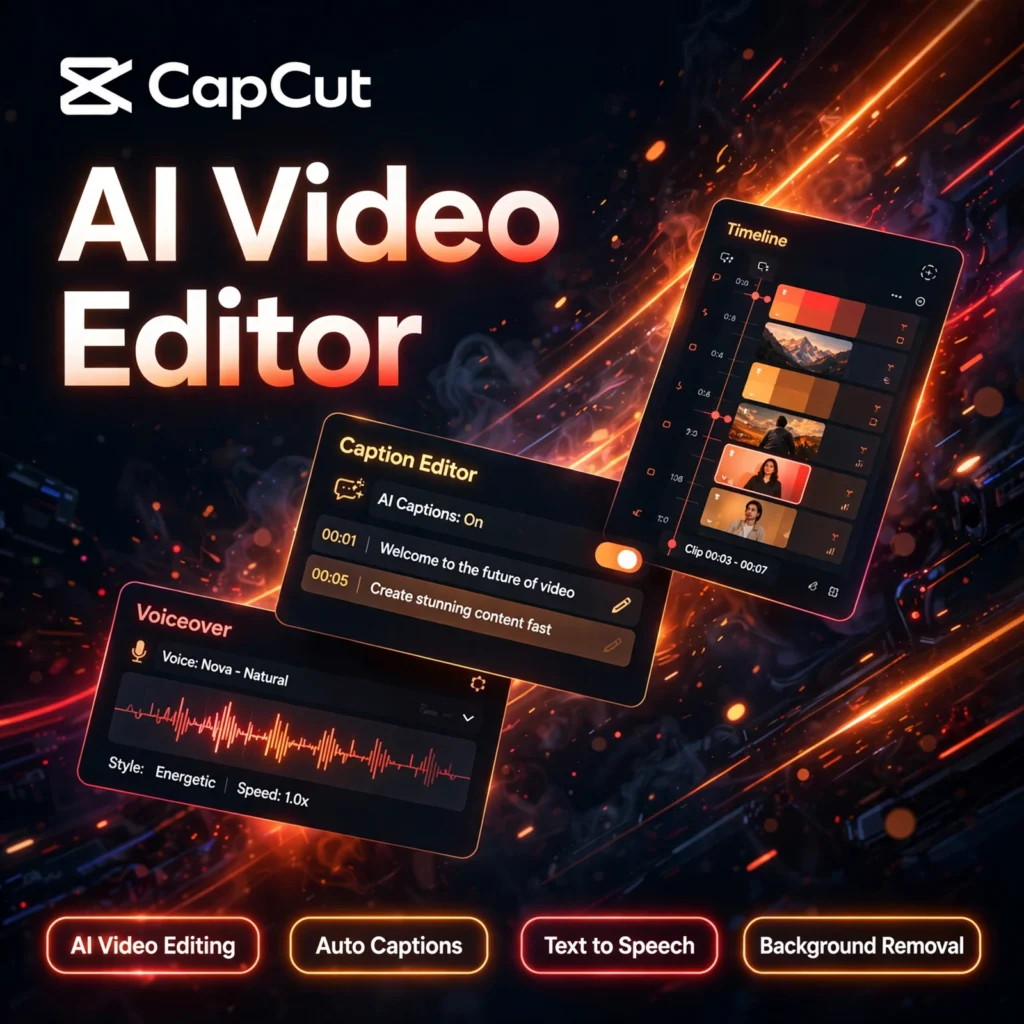
The editor behind millions of viral shorts. CapCut is a free AI-powered video editor built for TikTok, Instagram Reels and YouTube Shorts, combining a full multi-track timeline with one-click AI tools like auto captions, text to speech and script-to-video. If tools like VEED appeal to you but you want a faster, phone-first workflow, CapCut is the name most creators reach for first.
Key Features of CapCut
CapCut packs professional editing power into an interface a beginner can learn in minutes:
- AI Video Editing: Script-to-video and AI media tools turn a written idea into a draft video with scenes, narration and music in minutes.
- Auto Captions: Generate accurate, word-by-word captions in many languages with a single click, then style them with animated templates.
- Text to Speech: Turn any script into a natural AI voiceover, or clone elements of narration for faceless channels.
- Background Removal: Remove or replace video backgrounds without a green screen, alongside chroma key for manual control.
- Full Timeline Editor: Multi-track editing with keyframes, masking, speed ramping, stabilisation, noise reduction and beat-sync cuts.
- Huge Asset Library: Trending templates, effects, transitions, stickers and music refreshed constantly for social platforms.
- Everywhere You Edit: Mobile apps, desktop apps and a full web editor that sync projects through the cloud.
CapCut Pricing Plans
CapCut is freemium, and its free tier is one of the most generous in video editing:
- Free – $0: Full timeline editor, basic effects and templates, 1080p exports and limited AI credits each month for captions and AI tools.
- Standard – around $9.99/month: More AI credits, premium templates and effects, and higher export options for regular creators.
- Pro – around $19.99/month: The full AI toolkit, 4K export, a large monthly AI credit allowance, voice features and a premium royalty-free asset library.
- Team – Custom: Shared workspaces and brand assets for businesses producing video at scale.
Prices vary by region and platform, so check the plan page in your app. Most beginners never need to pay: the free plan covers complete short-form edits end to end, and paid tiers mainly buy more AI credits, 4K exports and premium assets.
How to Use CapCut
Here is the fastest route from raw clips to a posted short:
- Create a free account: Open CapCut on mobile, desktop or the web and start a new project.
- Import your footage: Add clips from your device or cloud storage and drag them onto the timeline.
- Let AI do the heavy lifting: Run auto captions, remove the background, clean up audio and trim filler moments automatically.
- Style the edit: Add a trending template, animated text, transitions and music, then resize the canvas for TikTok, Reels or Shorts in one click.
- Export and share: Export in 1080p free, or 4K on paid plans, and post directly to your platform.
Creators who prefer editing speech like a document may also like Descript, while teams that collaborate entirely in the browser often compare CapCut with Kapwing.
Pros and Cons of CapCut
Pros:
- Exceptionally capable free plan with a complete timeline editor
- Fast, accurate auto captions designed for short-form video
- Massive, constantly updated template and effects library
- Very easy to learn, with mobile, desktop and web versions
Cons:
- AI features consume monthly credits, so heavy AI use needs a paid plan
- Some premium templates and effects sit behind the Pro paywall
- Less suited to long, complex professional films than dedicated desktop editors
- Owned by ByteDance, which some organisations review for data policies
Frequently Asked Questions
Is CapCut free to use?
Yes. CapCut’s free plan includes the full timeline editor, basic effects and templates, 1080p exports and limited monthly AI credits. Standard and Pro plans add more AI credits, premium assets and 4K export.
Does CapCut add a watermark to videos?
Standard edits exported from the free plan are generally watermark-free, although some Pro templates and ending clips can carry branding. Paid plans remove template watermarks and unlock the full premium library.
Can CapCut generate captions automatically?
Yes. CapCut’s auto captions transcribe speech and generate synced, styled subtitles in many languages with one click. You can edit the wording, timing and design before exporting.
Which devices can I use CapCut on?
CapCut runs on iOS, Android, Windows and Mac, and also offers a full web editor. Projects sync through your account, so you can start an edit on your phone and finish it on desktop.