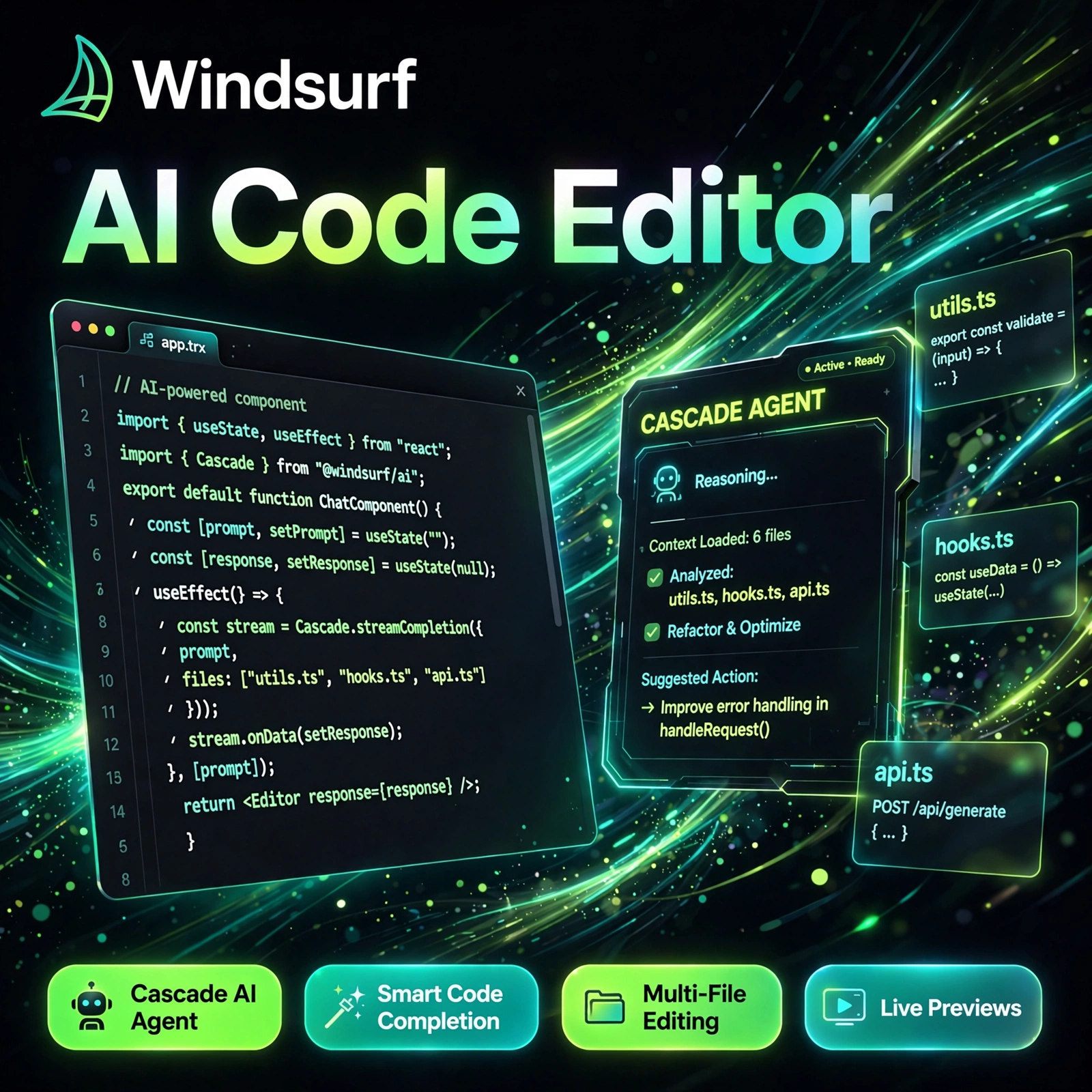
Staring at boilerplate code, hunting bugs, and switching tabs for documentation slows every developer down. Codeium, now known as Windsurf, is an AI coding assistant that autocompletes code, chats inside your editor, and uses its Cascade agent to handle multi-step tasks across your whole project. If you already use an AI code editor, Codeium is one of the most generous freemium alternatives to try.
Key Features of Codeium
Codeium combines fast autocomplete with an agentic editor experience, so it helps with both small edits and larger builds:
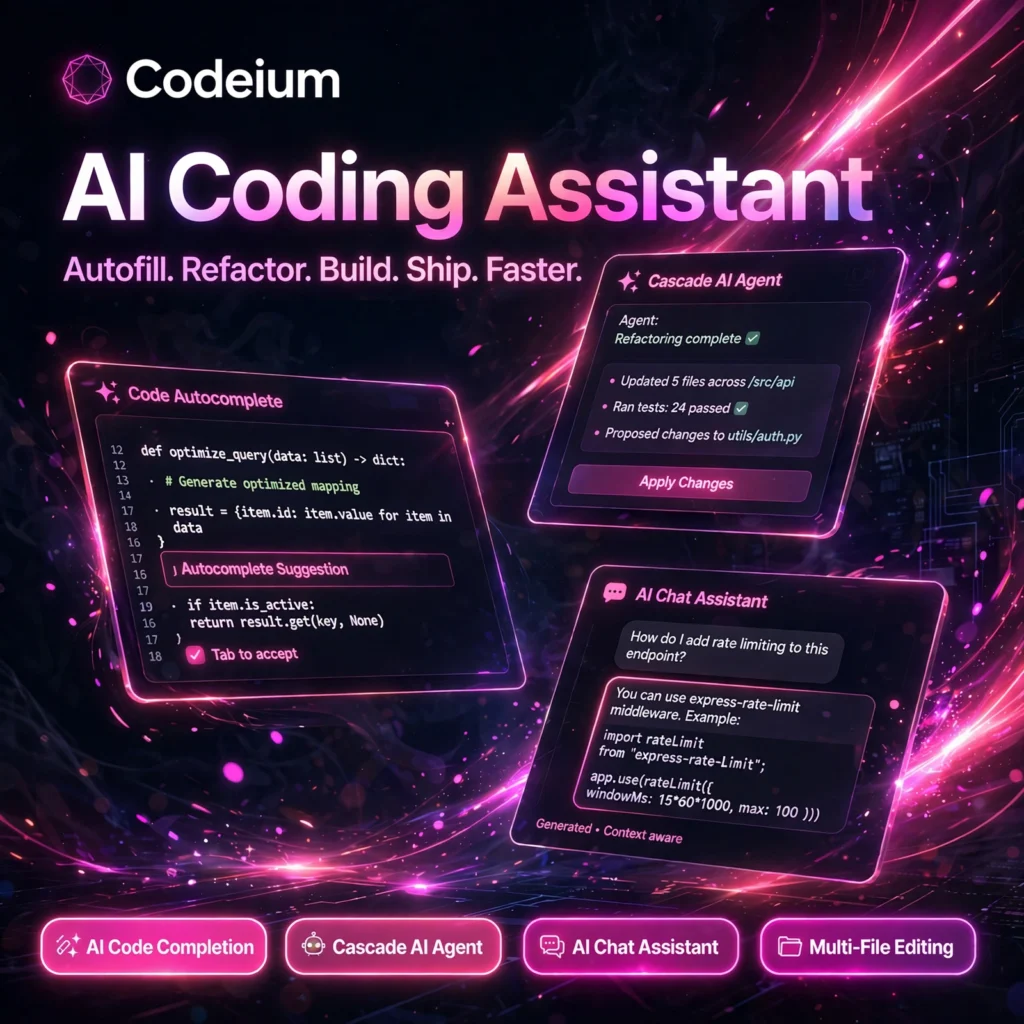
- AI Code Completion: Context-aware autocomplete for whole lines and full functions, including its Supercomplete feature that predicts your next edit, not just the next token.
- Cascade AI Agent: An agent that plans, edits multiple files, runs commands, reads errors, and keeps working through a task while keeping deep context of your codebase.
- AI Chat Assistant: Ask questions, explain code, generate tests, refactor functions, and debug errors in natural language without leaving your IDE.
- Multi-File Editing: Describe a change once and let Cascade apply it consistently across files, routes, tests, and documentation.
- 70+ Languages and 40+ Editors: Works across popular languages and as a plugin for VS Code, JetBrains IDEs, Vim, Emacs, and more, plus the standalone Windsurf editor.
- Choice of Models: Access Codeium’s own fast models alongside leading frontier models on paid plans, so you can balance speed and reasoning power.
- Privacy Controls: No training on your code by default on modern plans, with enterprise options for self-hosted and private deployment.
Codeium Pricing Plans
Codeium follows a freemium model, which makes it easy to start for free and upgrade only when you need more agent credits and premium models:
- Free – $0: Unlimited or generous autocomplete, basic chat, and limited Cascade usage with rate limits. A genuinely usable starting point for individual developers and students.
- Pro – around $15/month: Higher Cascade credits, premium frontier models, faster responses, and full agent features for professional developers who code every day.
- Teams – around $30–$35/user/month: Shared billing, admin controls, and team settings for small development teams standardising on one AI editor.
- Enterprise – Custom: Self-hosted deployment, SSO, advanced security and governance, and dedicated support for large organisations.
Prices and credit limits change as models evolve, so check the official pricing page before buying. Compared with a tool like GitHub Copilot, Codeium’s free tier is the main reason many developers try it first.
How to Use Codeium
Getting started takes only a few minutes, whether you use the plugin or the full Windsurf editor:
- Create a free account: Visit the official website and sign up for a free Codeium account.
- Install it: Download the Windsurf editor, or install the Codeium extension in VS Code, JetBrains, or your preferred IDE.
- Open a real project: Load an existing codebase so Codeium can index it and give context-aware suggestions from the start.
- Code with autocomplete: Start typing and accept, reject, or edit suggestions with a keystroke as you work.
- Use Cascade for bigger tasks: Describe a task such as adding a route with tests, and review every file change before accepting it.
- Chat and refactor: Highlight confusing code, ask for an explanation, generate tests, or request a cleaner refactor.
Pro tip: Give Cascade a clear, scoped task with acceptance criteria, then review the diff file by file — you get agent speed without losing control of your codebase. The official documentation covers shortcuts, rules files, and MCP integrations in detail.
Pros and Cons of Codeium
Pros:
- Generous free plan with strong autocomplete for individuals
- Cascade agent handles multi-file, multi-step tasks end to end
- Works in many editors, not just one standalone app
- Fast suggestions and good large-codebase indexing
Cons:
- Free Cascade usage is rate-limited, so heavy agent work needs Pro
- Agent edits still need careful review and can miss project intent
- Not every VS Code extension works perfectly in the Windsurf editor
- Pricing, credits, and plan names have changed often since the rebrand
Frequently Asked Questions
Is Codeium free to use?
Yes. Codeium offers a free plan with generous autocomplete, basic chat, and limited Cascade agent usage. Pro, at around $15/month, raises the limits and unlocks premium models for daily professional use.
What is the difference between Codeium and Windsurf?
Codeium was the original AI autocomplete and chat product. The company rebranded its AI editor as Windsurf, and codeium.com now redirects to windsurf.com. The Codeium extensions still bring autocomplete and chat to other editors.
What is Cascade in Codeium?
Cascade is Windsurf’s AI agent. It keeps context across your session, plans multi-step tasks, edits multiple files, runs terminal commands, reads error output, and iterates on its own changes while you review and approve the results.
Does Codeium work with VS Code and JetBrains?
Yes. Alongside the standalone Windsurf editor, Codeium offers plugins for VS Code, JetBrains IDEs, Vim, Emacs, and many other editors, supporting more than 70 programming languages.