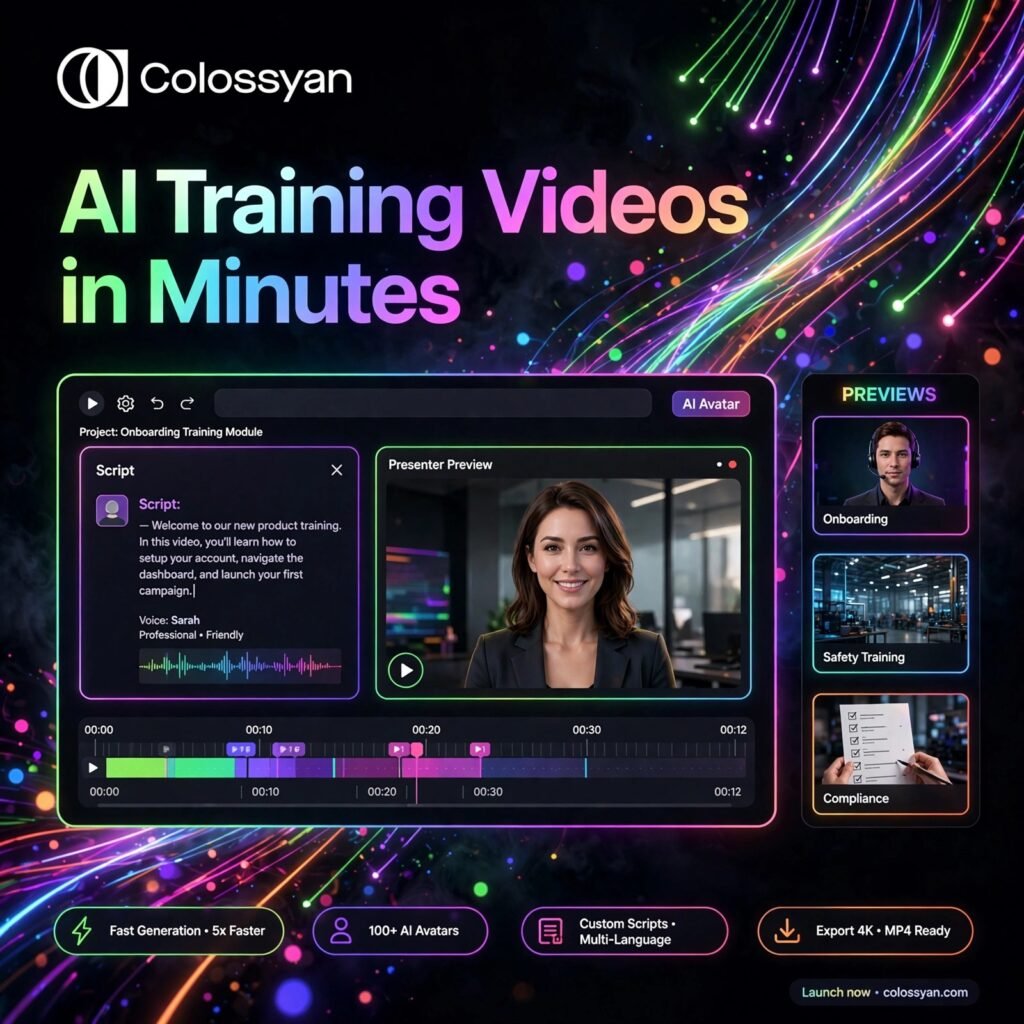
Need professional training videos without cameras, actors, or a studio? Colossyan turns text, slides, and documents into polished videos presented by realistic AI avatars — built specifically for workplace learning, onboarding, and corporate training teams.
What is Colossyan?
Colossyan is an AI video generator designed for training and learning & development (L&D) teams. Instead of filming presenters, you type a script, choose an AI avatar, and Colossyan generates a finished video with natural voiceover, lip-sync, backgrounds, and on-screen text in minutes.
Companies use Colossyan for employee onboarding, compliance training, product walkthroughs, and internal communications. If you have tried general avatar tools like Synthesia or HeyGen, Colossyan stands out for its interactive learning features — branching scenarios, built-in quizzes, and SCORM export that plugs straight into your LMS, all presented by a digital avatar.
Key Features of Colossyan
Here are the features that make Colossyan a favourite with training teams:
- 300+ AI Avatars and 700+ Voices: Choose from a large library of diverse, realistic presenters and voices, or create a custom avatar of your own team member on higher plans.
- Document and Slide to Video: Upload a PowerPoint, PDF, or document and let the AI turn it into a structured, avatar-led video course automatically.
- Branching Scenarios and Quizzes: Build interactive videos where learners make choices, answer quiz questions, and follow different paths — ideal for compliance and safety training.
- 120+ Languages with Auto-Translation: Translate a finished video into over 120 languages with matched voices and lip-sync, so one course serves a global workforce.
- SCORM Export and LMS Integration: Export courses as SCORM files for your learning management system and track completion and engagement with built-in video analytics.
- Brand Kits and Screen Recording: Apply your logo, colours, and fonts across every video, and record your screen for software walkthroughs inside the same editor.
- Enterprise Security: SOC 2 Type II compliance, GDPR readiness, and SAML single sign-on for organisations with strict governance needs.
How to Use Colossyan
Your first training video is ready in a few simple steps:
- Sign up and start a trial: Create an account at colossyan.com and open the video editor from your dashboard.
- Start from a template, slides, or scratch: Pick a training template, upload a PPT or PDF to convert, or begin with a blank scene.
- Choose your avatar and voice: Select a presenter and a voice in your language, then adjust tone, speed, and pronunciation for brand or technical terms.
- Write and arrange your script: Type the script scene by scene, add backgrounds, text, and screen recordings, and insert quiz questions or branching choices.
- Preview and refine: Watch a preview, fix timing or wording, and apply your brand kit so the video matches company style.
- Export and publish: Download the video in Full HD, export it as SCORM for your LMS, or share it with a link and track viewer analytics.
Pro tip: Keep each scene short and focused on one idea. Short scenes render faster, hold attention better, and are far easier to update when a policy or product detail changes.
Colossyan Pricing Plans
Colossyan offers a free trial and paid plans based on video minutes and team features:
- Free Trial – $0: A 14-day trial with a few minutes of video to test avatars, voices, templates, and the editor before paying.
- Starter – $19/month (billed annually): Around 10 video minutes per month, access to the avatar library, Full HD exports, and core templates for solo creators and small teams.
- Business – $70/month (billed annually): Much higher video minutes, collaboration features, interactive branching and quizzes, brand kits, and priority support for training teams.
- Enterprise – Custom: Custom minutes and seats, custom and studio avatars, SCORM and advanced LMS features, SAML SSO, and a dedicated account manager.
Minute allowances and plan names change from time to time, so always confirm the current pricing page before buying. For most L&D teams producing regular courses, the Business plan is the practical sweet spot.
Pros and Cons of Colossyan
Pros:
- Purpose-built for training, with quizzes and branching scenarios
- Turns existing slides and documents into videos automatically
- SCORM export and analytics make LMS tracking simple
- Strong localisation: 120+ languages from a single video
- No filming, actors, or editing skills needed
Cons:
- Minute-based limits can feel tight on the Starter plan
- Custom studio avatars cost extra on top of subscriptions
- Focused on corporate training — less suited to creative marketing clips; tools like Descript may fit editors better
- Rendering longer videos can take several minutes
Frequently Asked Questions
Is Colossyan free to use?
Colossyan offers a 14-day free trial with a few minutes of video so you can test avatars, voices, and templates. After the trial, paid plans start at $19/month billed annually for the Starter plan.
What is Colossyan best used for?
Colossyan is best for workplace learning: employee onboarding, compliance and safety training, product tutorials, and internal communications. Its quizzes, branching scenarios, and SCORM export are designed specifically for L&D teams.
How many languages does Colossyan support?
Colossyan supports video creation and automatic translation in more than 120 languages, with hundreds of voices and accents. You can localise one training video for a global workforce without re-recording anything.
Can I create a custom avatar in Colossyan?
Yes. On Business and Enterprise plans you can create a personal custom avatar, and a higher-fidelity studio avatar is available as an add-on. This lets your own trainers or leaders present courses without ever stepping in front of a camera.