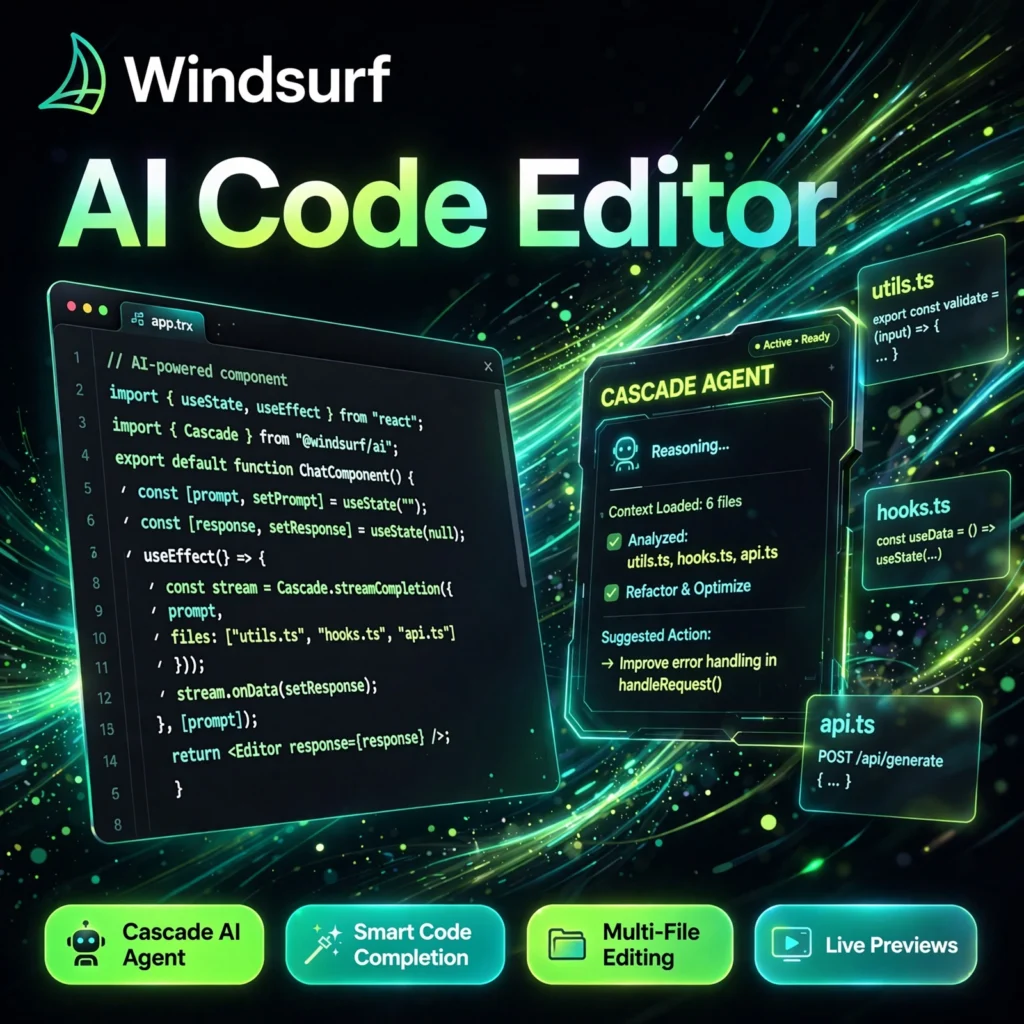
Most code editors add AI as a side panel. Windsurf was built the other way round: it is an AI-first editor where an agent understands your whole project, plans changes, and edits multiple files for you. If you liked the autocomplete in Codeium, Windsurf is that same team’s full editor experience.
Windsurf started at Codeium and is now part of Cognition. It is based on a familiar VS Code-style interface, so your themes, extensions, and shortcuts carry over, while its Cascade agent, smart completions, and live previews are designed to keep you in flow instead of constantly switching tools.
Key Features of Windsurf
Here are the features that make Windsurf stand out among AI code editors:
- Cascade AI Agent: An agentic assistant that traces dependencies, makes coordinated edits across files, runs terminal commands, and iterates when errors appear.
- Smart Code Completion: Supercomplete predicts your next edit, not just the next token, with unlimited Tab completions on every plan.
- Multi-File Editing: Describe a change once and Cascade applies it consistently across your codebase while keeping full project context.
- Multi-Model Support: Switch between Windsurf’s SWE-1 family and frontier models such as Claude, GPT, and Gemini inside the same session.
- Live Previews and Deploys: Preview your running app inside the editor and deploy directly without leaving your workspace.
- Deep Codebase Indexing: Windsurf indexes your entire project so answers and edits respect your existing patterns, files, and dependencies.
- IDE Plugins: Prefer your current setup? Windsurf plugins bring its AI to VS Code, JetBrains, Vim/Neovim, and Xcode.
Windsurf Pricing Plans
Windsurf is freemium, with a genuinely useful free tier for evaluation:
- Free – $0/month: 25 credits per month, unlimited Tab completions, unlimited previews, access to the SWE-1 Lite model, and limited app deploys.
- Pro – $15/month: 500 credits per month, full SWE-1 model access, Fast Context, more deploys per day, and add-on credits at $10 for 250.
- Teams – $30/user/month: 500 credits per user, admin dashboard, centralized billing, priority support, SSO, and access controls.
- Enterprise – Custom: Around 1,000 credits per user, hybrid or self-hosted deployment, zero data retention options, and dedicated support.
Pricing can change, so check the official site before you buy. For most individual developers, Pro is the sweet spot, while the free plan is enough to test Cascade on a real project.
How to Use Windsurf
Getting started takes only a few minutes:
- Download and install: Get the installer for Windows, macOS, or Linux from the official website and launch the editor.
- Sign in and import: Create your free account and import your VS Code settings, extensions, and themes if you have them.
- Open a project: Point Windsurf at a folder; it will index your codebase to build project-wide context.
- Open Cascade: Press Ctrl/Cmd + L, describe the feature, fix, or refactor you want, and review the plan it proposes.
- Review and iterate: Accept or adjust the multi-file edits, run the preview, and ask Cascade to fix anything that fails.
Pro tip: Give Cascade a complete goal, such as adding an endpoint plus its tests, rather than one tiny edit at a time — that is where the agent saves the most time. Developers comparing editors should also see our Cursor review and our GitHub Copilot review.
Pros and Cons of Windsurf
Pros:
- Cascade handles multi-file, agentic tasks end to end
- Generous free tier with unlimited Tab completions
- Familiar VS Code interface with easy settings import
- Choice of in-house SWE-1 and frontier AI models
- Competitively priced Pro plan for individual developers
Cons:
- Credits can run out quickly on heavy agentic work
- Smaller extension and community ecosystem than VS Code itself
- Continuous AI processing can increase battery and memory use
- Very complex changes still need careful human review
Frequently Asked Questions
Is Windsurf free to use?
Yes. Windsurf has a free plan with 25 credits per month, unlimited Tab completions, unlimited previews, and access to the SWE-1 Lite model, so you can evaluate it on a real project before paying.
What is Cascade in Windsurf?
Cascade is Windsurf’s agentic AI assistant. It understands your whole codebase, plans a task, edits multiple files in a coordinated way, runs terminal commands, and iterates when it hits errors.
How is Windsurf different from Cursor?
Both are AI-first editors based on VS Code. Windsurf leans into autonomy with Cascade keeping context across a whole session, while Cursor focuses more on precise inline edits. Windsurf Pro is also cheaper at $15/month.
Can I use Windsurf with my existing VS Code setup?
Yes. Windsurf can import your VS Code settings, themes, and extensions, and separate Windsurf plugins are available for VS Code, JetBrains, Vim/Neovim, and Xcode if you do not want to switch editors.