Nobody wants to rewatch a one-hour meeting to find a single decision. tl;dv records, transcribes and summarises your calls so the important moments are easy to find and share. For teams comparing AI notetakers like Otter.ai and Fireflies.ai, tl;dv stands out for its generous free plan and its clip-first way of sharing meeting highlights.
What is tl;dv?
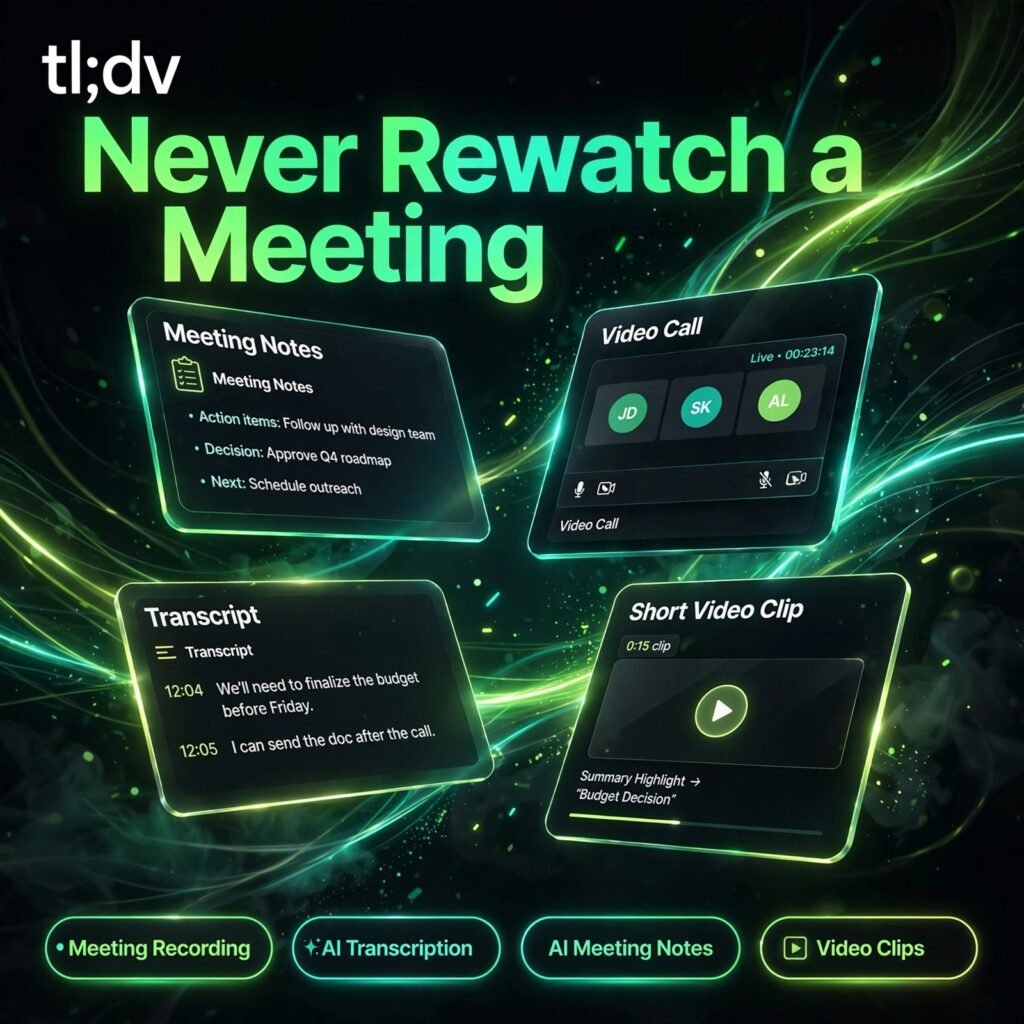
tl;dv — short for “too long; didn’t view” — is an AI meeting recorder and notetaker for Zoom, Google Meet and Microsoft Teams. It joins your calls, captures video and audio, produces a searchable transcript, and uses AI to generate notes, summaries and action points from what was actually said.
Instead of sending colleagues a full recording, you can cut the key moments into short timestamped clips and share them in Slack, Notion or your CRM. It is popular with sales, customer success, product and recruiting teams, and it sits naturally alongside tools such as Fathom in the AI meeting assistant category.
Key Features of tl;dv
Here are the standout features that make tl;dv useful:
- Unlimited Meeting Recording: Record Zoom, Google Meet and Microsoft Teams calls with video, including on the free plan, plus a bot-free desktop option for other conversations.
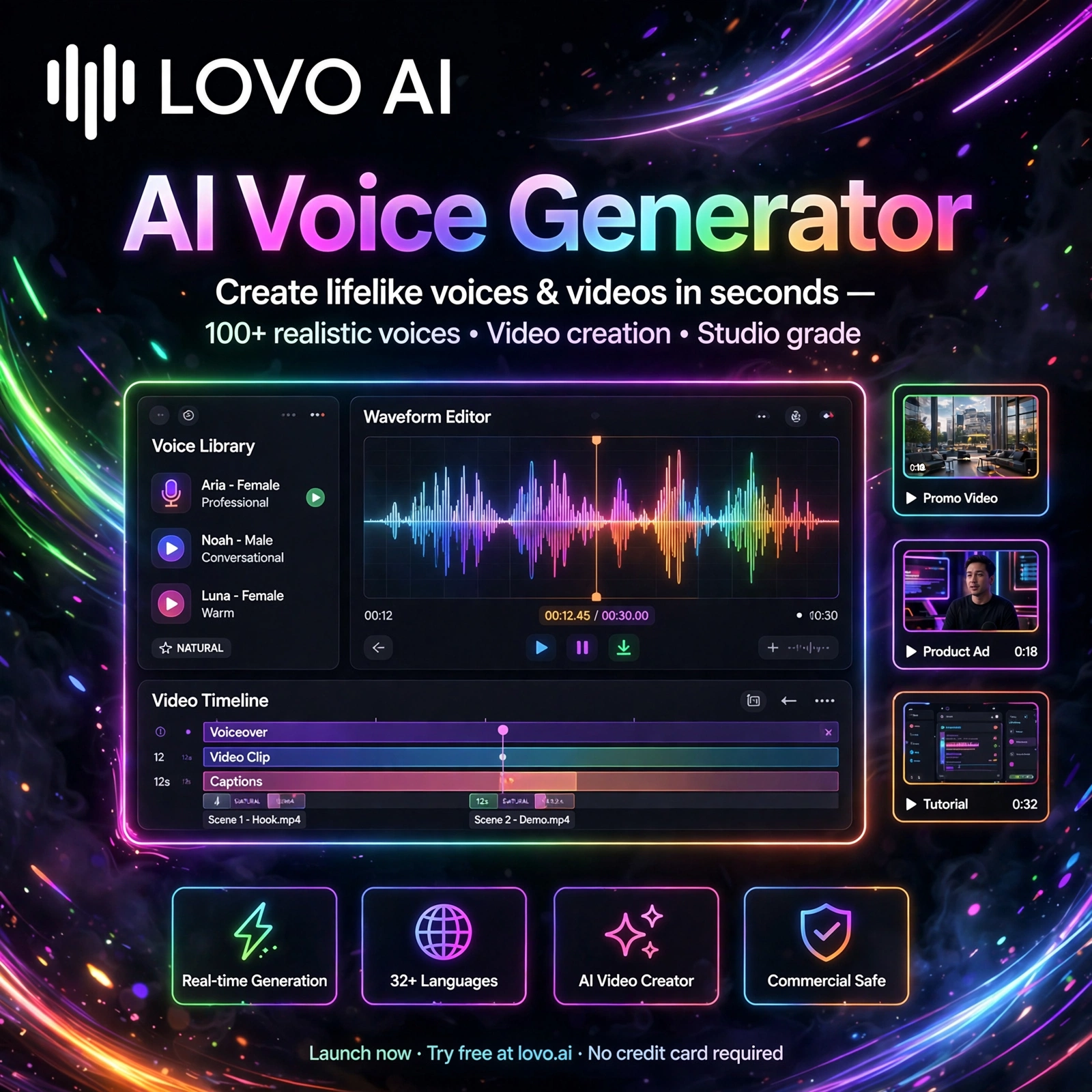
- AI Transcription in 40+ Languages: Automatic speaker recognition and transcripts in more than 40 languages, so international calls stay searchable and usable.
- AI Meeting Notes and Summaries: Structured notes, summaries and action items generated automatically after every call, following your chosen template.
- Clips and Highlights: Turn any moment into a timestamped clip or highlight reel and share it with a link — no video editing skills needed.
- Ask tl;dv and Multi-Meeting Reports: Ask questions across your meeting library and generate reports that surface recurring themes, objections and insights from many calls at once.
- Sales Coaching and Integrations: Playbook monitoring, speaker insights and objection-handling tips on higher plans, with 5,000+ integrations including Slack, HubSpot, Salesforce and Notion on Pro.
How to Use tl;dv
Getting started takes only a few minutes:
- Sign up free: Create a free account at tldv.io and connect your calendar.
- Connect your meeting platform: Link Zoom, Google Meet or Microsoft Teams and choose which meetings tl;dv should join automatically.
- Record your call: tl;dv joins as a participant (or use the desktop app for bot-free recording) and captures video, audio and speakers.
- Review the AI notes: After the call, read the transcript, summary and action items, and correct any speaker names if needed.
- Clip and share: Highlight the moments that matter, create clips, and share them to Slack, Notion, email or your CRM.
Pro tip: Use Ask tl;dv across several weeks of customer calls before a product or sales review — patterns in objections and requests become obvious much faster than reading transcripts one by one.
tl;dv Pricing Plans
tl;dv is freemium, with a genuinely useful free plan and paid tiers for heavier AI use:
- Free – $0: Unlimited video recordings and transcripts, unlimited AI moment summaries, 10 AI meeting notes, 10 Ask tl;dv queries, 10 multi-meeting reports, 5 uploads, and Slack, email and calendar integrations.
- Pro – $18/user/month billed annually ($29 monthly): Unlimited AI meeting notes, Ask tl;dv and multi-meeting reports, 5,000+ integrations, and global settings for teams.
- Business – $35/user/month billed annually: Everything in Pro plus sales playbook monitoring, AI coaching and objection-handling tips, multi-meeting speaker insights, custom transcript glossary and API access.
- Enterprise – Custom: Advanced team and data management, privately hosted EU-based AI options and a dedicated customer success manager.
Regional discounts of up to 40% may apply, so check the official tl;dv pricing page for the current figures in your region before you subscribe.
Pros and Cons of tl;dv
Pros:
- One of the most generous free plans — unlimited recordings and transcripts
- Clips make sharing a single meeting moment fast and simple
- Transcription in 40+ languages with automatic speaker recognition
- Multi-meeting AI reports surface patterns across many calls
Cons:
- Free plan limits AI notes and advanced AI features after the first meetings
- Video recording focuses on Zoom, Meet and Teams; other platforms are audio-only via the desktop app
- Sales coaching features are locked to the Business plan
- The recorder joins visibly as a bot unless you use the desktop app
Frequently Asked Questions
Is tl;dv free to use?
Yes. The free plan includes unlimited video recordings and transcripts, unlimited AI moment summaries, and limited amounts of AI meeting notes, Ask tl;dv queries and multi-meeting reports. Paid plans start at $18 per user per month billed annually.
Which meeting platforms does tl;dv work with?
tl;dv records Zoom, Google Meet and Microsoft Teams calls with video. Its desktop app also offers a bot-free mode that can record audio from other online or in-person conversations, with a built-in consent mechanism.
How many languages does tl;dv transcribe?
tl;dv transcribes meetings in more than 40 languages and automatically recognises different speakers, which makes it a strong choice for international teams and multilingual customer calls.
Who is tl;dv best for?
tl;dv is best for sales, customer success, product and recruiting teams that run many video calls and want searchable recordings, AI notes and shareable clips instead of full-length replays. Its free plan also suits individuals and small teams getting started with AI notetaking.