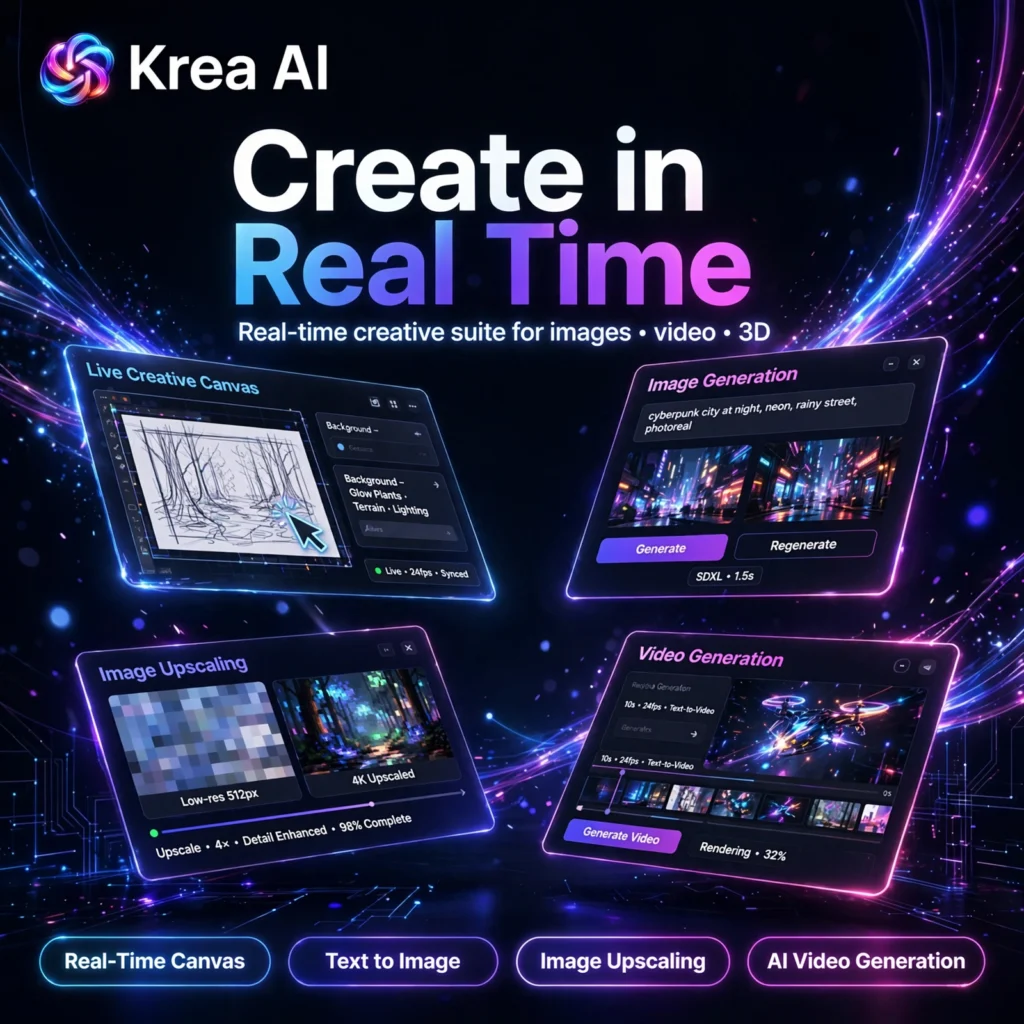
Most AI image tools make you type a prompt, wait, and hope for the best. Krea AI works differently: it is a real-time creative suite where images update live as you type, sketch or move elements on a canvas. Designers who already use tools like Midjourney often add Krea when they want faster iteration, more control over composition, and image, video and 3D models together in one browser workspace.
Key Features of Krea AI
Krea brings many leading models and creative tools together, so you do not need separate subscriptions for every step of a visual project:
- Real-Time Canvas: Draw shapes, add reference images or type a prompt and watch a polished image update live, making composition and early concepts much faster to explore.
- Text to Image: Generate images with Krea’s own models and a library of well-known image models, with many styles for photography, illustration, product shots and design work.
- Image Upscaling and Enhancer: Upscale and enhance images, adding detail for sharper results suited to large displays, marketing assets and print-ready projects on higher plans.
- AI Video Generation: Access leading video models from one interface on paid plans, turning text or images into short clips without juggling several video platforms.
- Custom Styles with LoRA Training: Train custom models on your own images to keep characters, products or a brand style consistent across generations.
- 3D and Editing Tools: Create 3D objects from text or images and refine work with editing, style transfer and enhancement tools inside the same suite.
Krea AI Pricing
Krea is freemium, so you can start free and upgrade when you need more compute, more models or a commercial licence:
- Free – $0: A daily allowance of compute units, Krea image generation, real-time tools, limited LoRA training and basic upscaling. A good way to test the workflow, but without the full model library or a commercial licence.
- Basic – from $9/month: More monthly compute units, access to the full image model library, video access and a commercial licence for regular creators.
- Pro – from $35/month: Much higher compute, more simultaneous generations, larger upscaling allowances and more LoRA training for professional designers and small teams.
- Max – from $60/month: The highest compute limits, the most parallel generations and the largest enhancement allowances for studios and heavy production work.
Prices and compute amounts can change, so check the official pricing page before buying. If you mainly need polished still images from prompts, compare Krea with Leonardo AI and Recraft before deciding.
How to Use Krea AI
Getting started takes only a few minutes, and no design software or coding is required:
- Sign up free: Go to krea.ai, create an account and open the dashboard from your browser.
- Choose a tool: Start with the real-time canvas for live exploration, or open image, video, enhancer or 3D tools for a specific job.
- Type or sketch: Write a clear prompt, draw rough shapes or upload a reference image, then watch the result update as you work.
- Switch models and styles: Try different models and style presets for the same idea, and keep the version that best matches your project.
- Enhance and upscale: Send your favourite result to the enhancer or upscaler to add detail and increase resolution.
- Train a custom style if needed: Upload examples of a character, product or visual style to create more consistent future generations.
- Download your work: Export the finished image, video or asset and use it in your design, marketing or content workflow, following the licence on your plan.
Pros and Cons of Krea AI
Pros:
- Real-time canvas makes iteration far faster than prompt, wait and retry workflows
- Many image, video and 3D models in one subscription and one interface
- Strong upscaling and enhancement for high-resolution work
- Generous daily free plan for learning and testing
- Custom LoRA training helps keep styles and subjects consistent
Cons:
- Free plan excludes the full model library, video models and a commercial licence
- Compute units can be confusing, and video or upscaling can use them quickly
- The large number of models and tools can feel overwhelming for complete beginners
- Best results still need clear prompts, references and several iterations
Frequently Asked Questions
Is Krea AI free to use?
Yes. Krea AI has a free plan with a daily compute allowance, image generation, real-time tools, limited LoRA training and basic upscaling. Paid plans add the full model library, video models, higher limits and a commercial licence.
What can you make with Krea AI?
You can generate and edit images, create short AI videos, upscale and enhance pictures, train custom styles, and produce 3D objects from text or reference images, all inside one browser-based creative suite.
How is Krea AI different from other image generators?
Krea focuses on real-time, interactive creation. Its canvas updates live as you type, sketch or use references, and the platform brings many third-party and in-house models together instead of offering only one generator.
Can I use Krea AI for commercial work?
Commercial use is included on paid plans such as Basic, Pro and Max, while the free plan does not include a commercial licence. Always check the current licence terms for your plan before using assets in client or business projects.