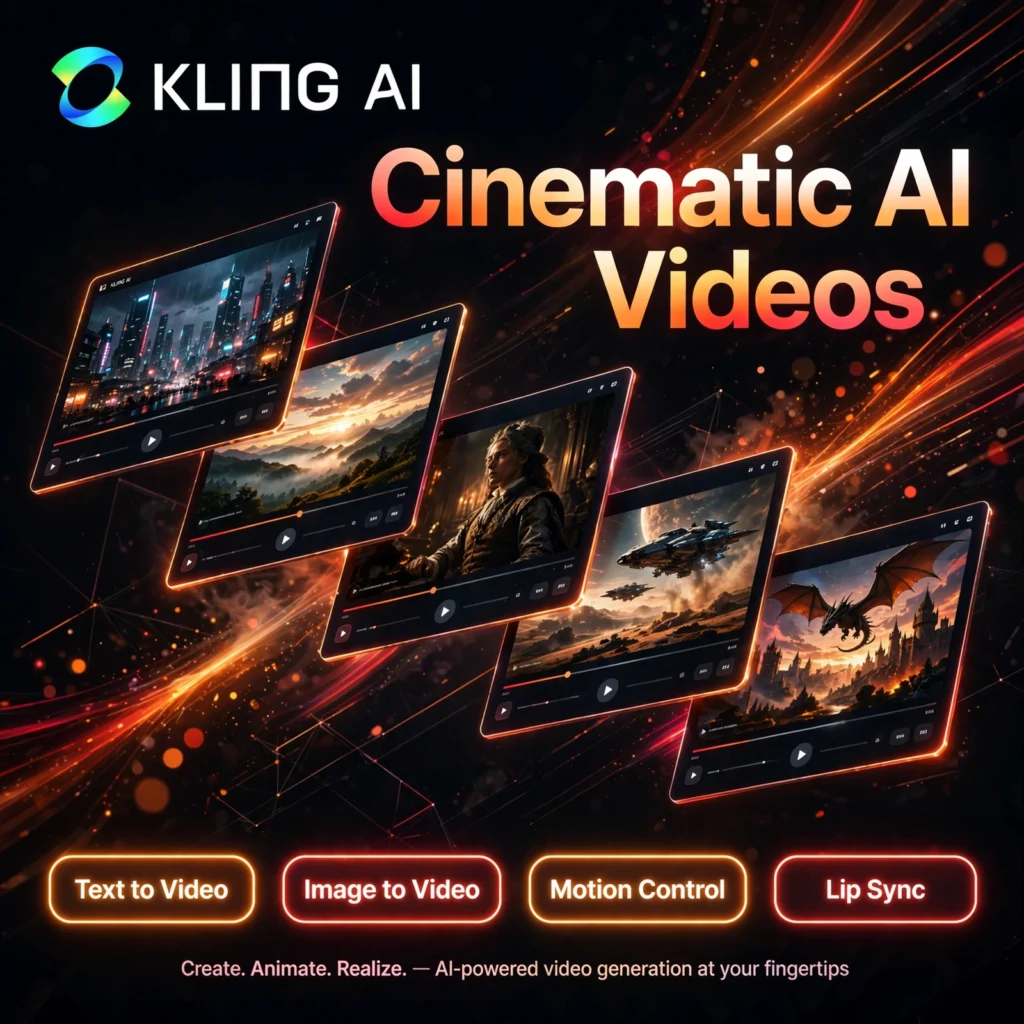
Realistic motion is where most AI video tools fall apart — and it is exactly where Kling AI shines. Built by Kuaishou, Kling turns simple text prompts and still images into smooth, cinematic clips that creators use for social media, ads, and short films every day.
What is Kling AI?
Kling AI is a text-to-video and image-to-video generator developed by Kuaishou, the company behind one of the world’s largest short-video platforms. Instead of juggling timelines and keyframes like a traditional editor, you describe the shot you want — or upload a photo — and Kling generates a video with impressively natural physics, from flowing hair and water to believable human movement.
Creators often compare it with tools like Runway and Pika, and Kling consistently stands out for realistic motion and a generous free tier that refreshes daily, making it easy to experiment before spending anything.
Key Features of Kling AI
Here are the standout features that make Kling AI a favourite among video creators:
- Text to Video: Describe any scene in natural language and generate a cinematic clip in standard or professional quality mode.
- Image to Video: Animate any still photo or product image into a moving video while keeping the subject recognisable.
- Motion Control & Camera Moves: Direct pans, zooms, and dollies, and guide subject movement for more deliberate, director-style shots.
- Lip Sync & Native Audio: Match character mouth movements to dialogue and add sound in newer model versions for talk-ready clips.
- Video Extension: Extend generated clips by chaining shots together to build longer sequences for tools like InVideo or your editor of choice.
- Daily Free Credits: The free plan refreshes credits every day, so you can keep creating without waiting for a monthly reset.
How to Use Kling AI
Getting your first Kling video takes just a few minutes:
- Create a free account: Go to klingai.com and sign up — daily free credits are added to your account automatically.
- Choose your mode: Pick Text-to-Video for a prompt-based clip or Image-to-Video to animate an uploaded photo.
- Write a detailed prompt: Describe the subject, action, setting, lighting, and camera movement for the most accurate result.
- Set duration and quality: Choose a 5 or 10 second clip and switch to Professional mode when you need higher fidelity.
- Generate and refine: Preview the result, regenerate or extend the clip if needed, then download and share it.
Pro tip: Mention a specific camera move in your prompt, such as a slow dolly-in, to get noticeably more cinematic results.
Kling AI Pricing Plans
Kling AI uses a credit-based pricing system with a genuinely useful free tier:
- Free – $0: Daily refreshed credits (around 66 per day), 720p output, watermarked videos, and basic generation features.
- Standard – from $6.99/month: 660 credits per month, 1080p output, watermark removal, professional mode, and video extension.
- Pro – from $25.99/month: 3,000 credits per month, priority access, and advanced audio features for regular creators.
- Premier – from $64.99/month: 8,000 credits per month for heavy production and commercial workloads.
- Ultra – from $127.99/month: 26,000 credits per month for studios and high-volume teams.
Prices vary by region and billing cycle, so check the official site for the latest rates. The daily free credits make Kling one of the easiest AI video tools to evaluate properly.
Pros and Cons of Kling AI
Pros:
- Best-in-class realistic motion and physics at its price point
- Generous free tier with credits that refresh daily
- Very affordable entry plan compared with rival video generators
- Simple interface that beginners can learn in a single session
Cons:
- Clips are short, so longer videos must be built by chaining shots
- Free-tier queues can be slow during peak hours
- Hands, fingers, and on-screen text can still look distorted
- Character consistency across separate clips remains inconsistent
Frequently Asked Questions
Is Kling AI free to use?
Yes. Kling AI offers a free plan with credits that refresh daily, 720p output, and watermarked videos. Paid plans start from around $6.99/month and remove the watermark while adding more credits and 1080p quality.
What can I create with Kling AI?
You can create short cinematic clips from text prompts, animate still photos and product images, add lip-synced dialogue, and extend clips into longer sequences for social media, marketing, and storytelling.
How long are Kling AI videos?
Individual generations are typically 5 or 10 seconds long. You can extend a clip or chain several generations together inside an editor to build longer videos for platforms like TikTok, Reels, and YouTube Shorts.
Can I use Kling AI videos commercially?
Paid plans include commercial use rights and watermark-free exports, which makes them suitable for client work and monetised content. Free-plan videos are watermarked and best suited to testing and personal projects.