Staring at a blank page halfway through a novel is a rite of passage for fiction writers. Sudowrite is an AI writing partner built only for storytellers, helping you plan, draft and revise fiction in your own voice. Unlike general chatbots such as ChatGPT or marketing copy tools like Jasper, every Sudowrite feature is designed around characters, scenes and plot.
What is Sudowrite?
Sudowrite is an AI fiction writing assistant for novelists, short-story writers and screenwriters. Instead of generating generic text, its tools read your story context — your characters, world and outline — and suggest prose that fits the scene you are working on.
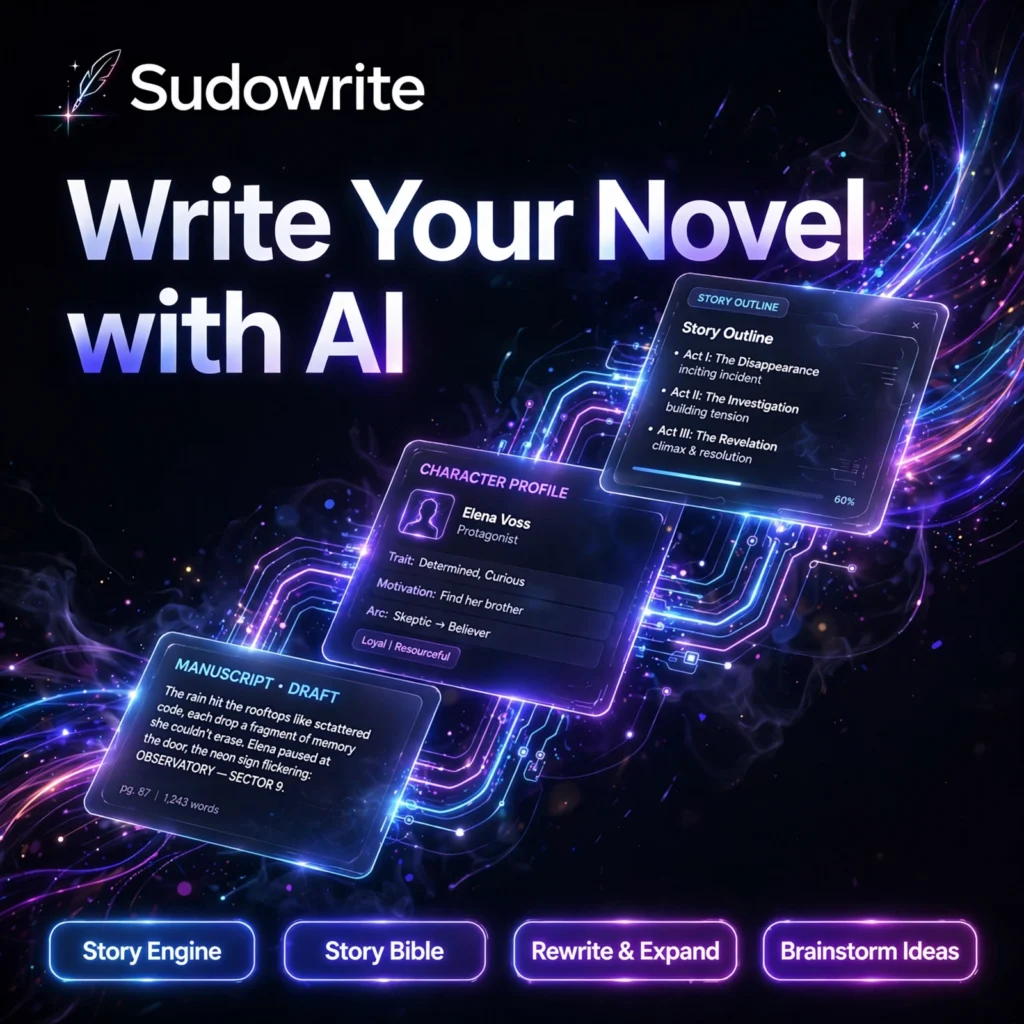
At its heart are the Story Engine, which turns an idea into outlines, chapter beats and draft prose, and the Story Bible, which stores your characters, settings and story details so the AI stays consistent across a long manuscript. It runs on fiction-focused models, including Sudowrite’s own Muse model, alongside other leading models.
Key Features of Sudowrite
Here are the standout features that make Sudowrite popular with fiction authors:
- Story Engine: Go from a story idea to a structured outline, chapter beats and full draft chapters, step by step, in your own style.
- Story Bible: A living reference for your characters, worldbuilding, synopsis and outline that keeps names, traits and plot details consistent from chapter one to the finale.
- Write: When you are stuck mid-scene, Write suggests the next passage based on your characters, tone and what has just happened.
- Rewrite and Expand: Rephrase a passage in a different tone, expand a short scene into richer detail, or use Describe to add vivid sensory detail to any moment.
- Brainstorm: Generate names, plot twists, dialogue ideas and “what happens next” options whenever writer’s block strikes.
- Canvas and Feedback: Plan plot points and character arcs on a visual canvas, and get beta-reader-style feedback comments on your chapters.
How to Use Sudowrite
Getting started with your first story takes only a few minutes:
- Start the free trial: Sign up at sudowrite.com — the trial gives you around 10,000 credits and does not require a credit card.
- Create a project: Start a new project and add your story idea, genre and a short synopsis.
- Build your Story Bible: Add your main characters, key settings and an outline so the AI understands your world.
- Draft with Story Engine: Turn your outline into chapter beats, then generate and edit draft prose scene by scene.
- Polish your scenes: Use Rewrite, Expand, Describe and Feedback to sharpen dialogue, pacing and description before you export your manuscript.
Pro tip: Fill in your Story Bible properly before drafting. The more the AI knows about your characters and world, the more consistent — and more “you” — its suggestions will sound. Writers who prefer a more conversational drafting style can also compare it with Claude.
Sudowrite Pricing Plans
Sudowrite is a paid tool with no permanent free plan — only a one-time free trial. All plans unlock the same features; they differ in monthly credits:
- Hobby & Student – $10/month billed annually ($19 monthly): 225,000 credits per month, suited to casual writers and short fiction.
- Professional – $22/month billed annually ($29 monthly): 1,000,000 credits per month, the popular choice for active novelists working on full manuscripts.
- Max – $44/month billed annually ($59 monthly): 2,000,000 credits per month with 12-month credit rollover, plus advanced editing feedback, for prolific authors.
Because there is no free tier, use the trial credits on a real chapter of your current project — that is the fastest way to judge whether Sudowrite fits your writing process.
Pros and Cons of Sudowrite
Pros:
- Purpose-built for fiction, with story-aware tools general AI chatbots do not offer
- Story Bible keeps characters and worldbuilding consistent across long novels
- Strong help for writer’s block: brainstorming, next-scene suggestions and rewrites
- Free trial needs no credit card, so testing it is risk-free
Cons:
- No permanent free plan — you must pay once trial credits run out
- Focused only on fiction, so it is not suited to business or marketing writing
- Credit-based pricing means heavy Story Engine use can drain a plan quickly
- Advanced feedback features are reserved for the Max plan
Frequently Asked Questions
Is Sudowrite free to use?
No. Sudowrite has no permanent free plan. It offers a one-time free trial of around 10,000 credits with no credit card required, after which paid plans start at $10 per month billed annually.
How much does Sudowrite cost?
Plans billed annually are Hobby & Student at $10/month (225,000 credits), Professional at $22/month (1,000,000 credits) and Max at $44/month (2,000,000 credits with rollover). Monthly billing costs more: $19, $29 and $59 respectively.
What is the Sudowrite Story Bible?
The Story Bible is a structured home for your story’s characters, worldbuilding, synopsis and outline. Sudowrite’s AI reads it while drafting and rewriting, which keeps character traits, names and plot details consistent across a long manuscript.
Who is Sudowrite best for?
Sudowrite is best for novelists, short-story writers and screenwriters who want AI help that understands fiction — drafting scenes, expanding descriptions and beating writer’s block — rather than a general-purpose chatbot.