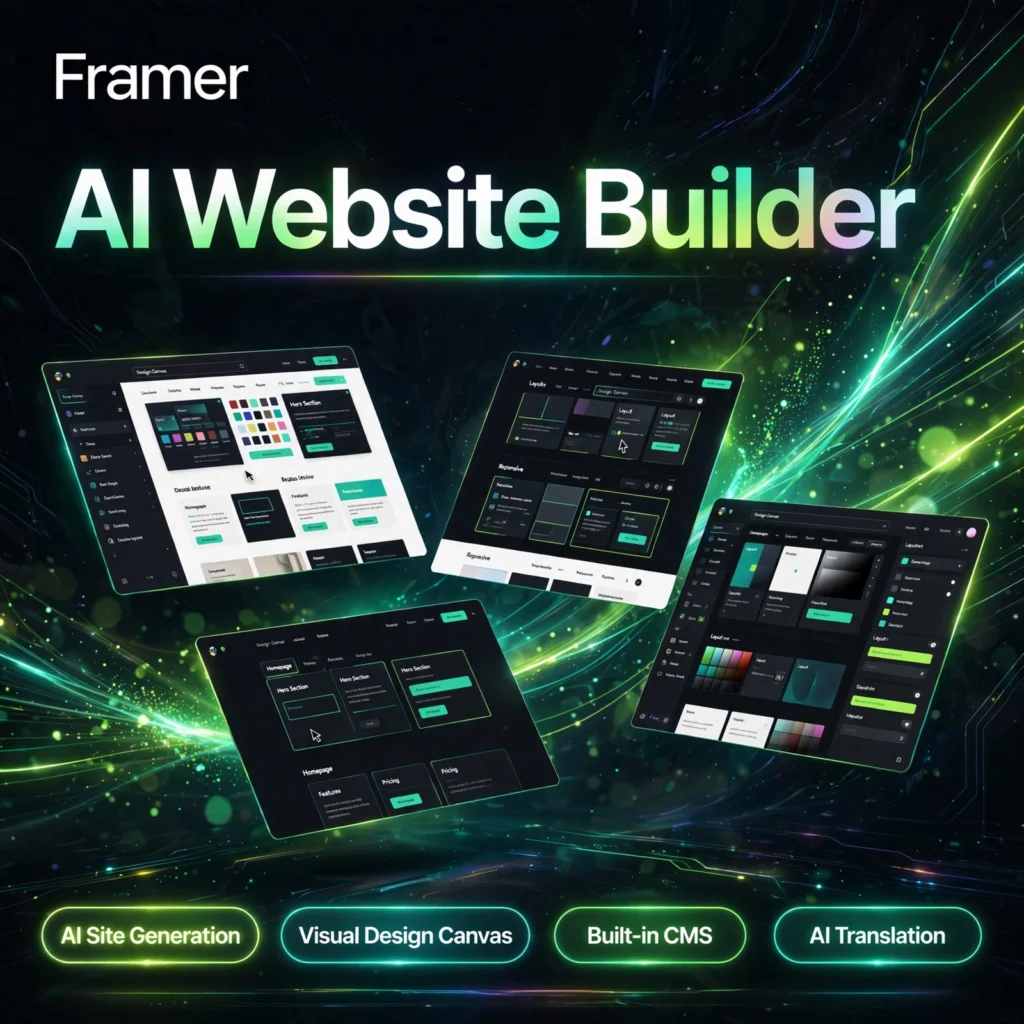
Designers want a website that looks custom, not templated — without spending weeks in code. Framer is a no-code website builder with a Figma-like canvas and AI tools that generate layouts, rewrite copy and translate pages, so startups, agencies and creators can publish polished, animated sites remarkably fast.
Key Features of Framer
Here are the features that make Framer a favourite for marketing sites, portfolios and landing pages:
- AI Site Generation: Describe your site in a prompt and Framer drafts responsive pages and sections you can refine on the canvas instead of starting from a blank page.
- Visual Design Canvas: A freeform, Figma-style editor with pixel-level control over layout, spacing and responsive breakpoints — no code required.
- Built-in CMS: Manage blogs, collections and dynamic content inside Framer, with generous CMS limits on paid plans.
- Animations and Interactions: Add scroll effects, hover states and rich motion natively, making sites feel premium without plugins.
- AI Translation and Rewrite: Rewrite copy in one click and translate whole sites into other languages while keeping a consistent brand style.
- Hosting, SEO and Analytics: Fast hosted publishing with SEO controls, forms, A/B testing on higher plans and built-in analytics.
If you prefer an AI presentation builder, compare Framer with our Gamma review, or see how a prompt-to-app tool differs in our Lovable review.
Framer Pricing
Framer is freemium and prices each site separately. Current headline plans, billed annually, are:
- Free – $0: Build and publish on a Framer subdomain with Framer branding, basic pages and CMS collections — ideal for learning and non-commercial tests.
- Basic – $10/month per site (annual billing): Custom domain, more pages and bandwidth, built-in SEO and more CMS capacity for a real business site.
- Pro – $30/month per site (annual billing): More CMS collections, staging, redirects, roles and permissions, plus higher AI credits for teams shipping serious sites.
- Enterprise – Custom: Custom limits, security and dedicated support for larger organisations.
Extra editor seats and additional translated languages are paid add-ons, so check the official Framer website for the latest per-site pricing before you commit. Like Canva, the free plan is genuinely useful, but a custom domain needs a paid plan.
How to Use Framer
- Create a free account: Sign up on the Framer website and start a new site from a prompt, a template or a blank canvas.
- Generate a first draft: Use the AI site generation to create a layout, then replace the copy and images with your own brand content.
- Design on the canvas: Adjust layout, colours, fonts and breakpoints visually, and add animations for scroll and hover effects.
- Add content and CMS: Connect collections for blog posts or listings, set up forms, and use AI translation if you need other languages.
- Publish: Preview on desktop and mobile, connect a custom domain on a paid plan, check SEO settings, then publish in one click.
Pros and Cons of Framer
Pros:
- Beautiful, design-first editor that feels familiar to Figma users
- AI generation, rewrite and translation speed up the first draft
- Native animations make marketing sites look polished without code
- Free plan makes it easy to learn and test before paying
Cons:
- Each site needs its own paid plan, so multi-site costs add up
- AI drafts still need design work before they look truly polished
- Less suited to complex e-commerce or very large content sites
- Translated languages and extra editor seats cost extra
Frequently Asked Questions
Is Framer free to use?
Yes. Framer has a free plan that lets you build and publish a site on a Framer subdomain with Framer branding. Paid plans add a custom domain, more CMS capacity and higher limits.
Does Framer use AI to build websites?
Yes. Framer AI can generate pages and sections from a text prompt, rewrite copy, and translate your site into other languages. You then refine everything visually on the design canvas.
Is Framer good for beginners?
Framer suits people who think visually, especially designers. Complete beginners can start from templates and AI drafts, but the freeform canvas rewards some basic design knowledge.
Can I use my own domain with Framer?
Yes, on a paid plan such as Basic or Pro you can connect a custom domain and remove the Framer subdomain. The free plan publishes on a Framer subdomain with branding.