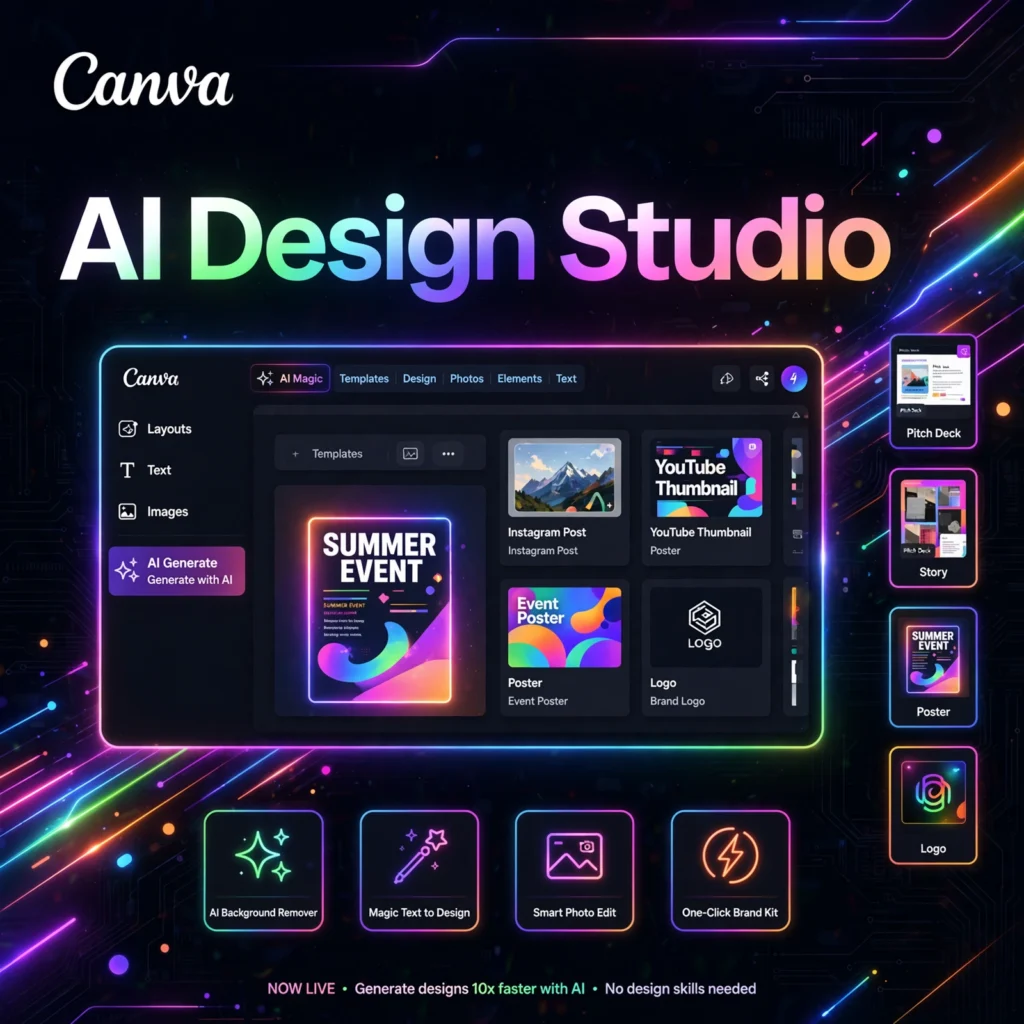
Need professional designs without learning Photoshop? Canva is the world’s most popular online design platform, and its Magic Studio AI suite now lets anyone create stunning graphics, presentations, videos, and documents in minutes.
What is Canva?
Canva is an Australian design platform founded in 2013 by Melanie Perkins, Cliff Obrecht, and Cameron Adams. What started as a simple drag-and-drop editor has grown into an all-in-one visual workspace used by hundreds of millions of people — from students and freelancers to Fortune 500 teams.
Magic Studio is Canva’s collection of AI-powered tools built directly into the editor. Instead of switching between apps, you can write copy, generate images, erase backgrounds, and repurpose content without ever leaving your design canvas.
Key Features of Canva
Here are the standout AI features in Canva’s Magic Studio:
- Magic Write: AI copywriting that drafts blog intros, social captions, taglines, and product descriptions right inside your design.
- Magic Design: Describe what you need and get a complete, editable design generated instantly.
- Text to Image (Dream Lab): Generate custom images from text prompts in styles like photo, illustration, 3D, and painting.
- Magic Eraser & Magic Edit: Remove unwanted objects or transform parts of an image with a simple brush and prompt.
- Magic Expand: Extend an image beyond its edges — perfect when a photo is the wrong shape for a format.
- Background Remover: One-click background removal for photos, even on complex backgrounds.
- Brand Kit: Store your logos, colors, fonts, and voice so every AI output matches your brand automatically.
- Magic Switch: Repurpose content in one click — turn a blog post into a presentation or a video into social clips.
How to Use Canva for AI Design
Creating with Canva’s AI tools takes just a few steps:
- Sign up free: Create an account at canva.com — no credit card required.
- Pick a starting point: Choose from thousands of templates or start with a blank canvas in any size.
- Open Magic Studio: Use Magic Write for copy, Text to Image for visuals, or Magic Design for a full layout.
- Customize: Drag, resize, and restyle everything — AI outputs remain fully editable.
- Export or publish: Download as PNG, PDF, or MP4, or publish directly to social media.
Pro tip: Set up your Brand Kit first. When your colors, fonts, and logos are saved, every Magic Studio generation comes out on-brand with zero extra work.
Canva Pricing Plans
Canva runs on a freemium model, with AI usage metered by monthly credits:
- Free – $0: Core design tools, 5GB storage, limited AI allowance (up to 200 standard AI uses). Great for personal projects.
- Pro – around $15/month: Full Magic Studio access, 100M+ premium templates and stock assets, Brand Kit, background remover, 1TB storage.
- Business – around $25/user/month: Everything in Pro plus team collaboration, multiple Brand Kits, approval workflows, and higher AI limits.
- Enterprise – Custom: SSO, advanced admin controls, dedicated support, and organization-wide brand management.
Education and nonprofit plans with free Pro access are also available. Note that AI credits do not roll over month to month, and image generation consumes them fastest.
Pros and Cons of Canva
Pros:
- Extremely beginner-friendly — no design skills needed
- AI tools built into a familiar editor, not a separate app
- Huge template and stock library (100M+ assets on Pro)
- Generous free tier for casual use
Cons:
- AI image quality trails dedicated generators like Midjourney
- AI usage is credit-metered, even on paid plans
- Less precise control than professional tools like Photoshop or Figma
- Pro pricing has increased over time
Frequently Asked Questions
Is Canva’s AI free?
Canva’s free plan includes a limited monthly allowance of AI uses — enough to try Magic Write, text-to-image, and background removal. Heavy or regular AI use requires Canva Pro, which unlocks the full Magic Studio suite with much higher limits.
What is Magic Studio?
Magic Studio is Canva’s AI toolkit: Magic Write for text, Magic Design for layouts, Dream Lab for image generation, Magic Eraser and Magic Edit for photo editing, Magic Expand for outpainting, and Magic Switch for repurposing content across formats.
Can I use Canva designs commercially?
Yes. Designs you create in Canva can be used commercially, and Pro includes a commercial use license for premium stock assets. Always check the licensing terms for specific stock photos, fonts, and music before use in paid campaigns.
Can Canva replace Photoshop?
For most everyday design work — social graphics, presentations, marketing materials — yes. Canva is faster and easier. For pixel-level photo retouching, complex compositing, or print production, Photoshop still offers deeper control.