Want to create a full song in seconds — vocals, instruments, and all — without touching a single instrument? Suno is the AI music generator that turned text prompts into radio-ready tracks, and it has become one of the most talked-about creative AI tools on the internet.
What is Suno?
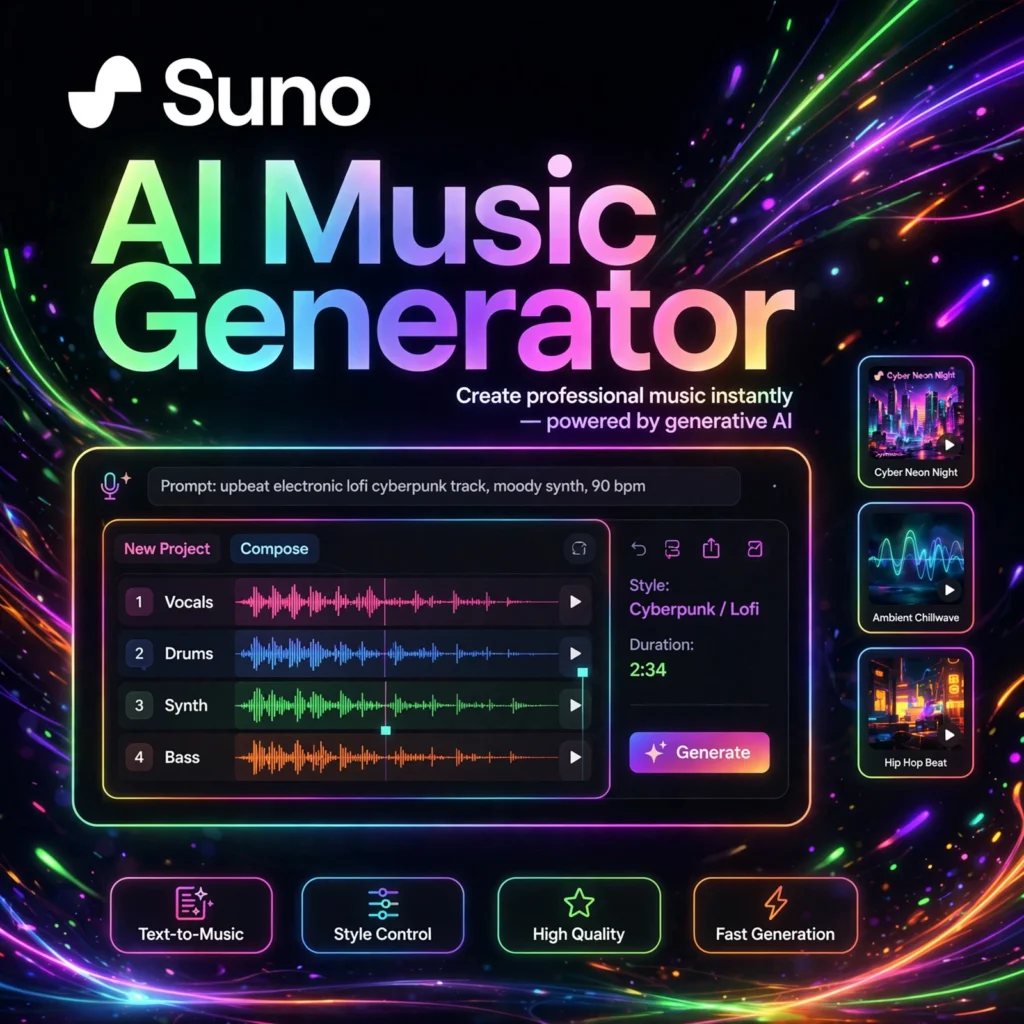
Suno is an AI-powered music creation platform that generates complete songs from simple text descriptions. Founded by a team of AI researchers and musicians, Suno’s models can compose melodies, write lyrics, arrange instruments, and even synthesize singing voices — all from a prompt like “an upbeat synth-pop anthem about summer nights.”
Unlike basic melody generators, Suno produces full-length tracks (up to several minutes) with verses, choruses, and bridges. You can generate songs with AI vocals, create instrumentals only, or even extend and remix your own uploads. It works right in the browser and through a mobile app — no music theory or studio equipment required.
Key Features of Suno
Here is what makes Suno stand out in the crowded AI music space:
- Text-to-Song Generation: Describe a genre, mood, and theme, and Suno creates a complete song with vocals and instrumentation in under a minute.
- Custom Lyrics Mode: Paste your own lyrics and let Suno compose the music around them, with control over style and structure.
- Multiple Model Versions: Newer models deliver noticeably better audio quality, more coherent song structures, and more expressive vocals.
- Extend & Remix: Lengthen a track, create variations, or replace sections to fine-tune your song.
- Stem Separation: Split a generated song into vocals and instrumentals for further editing or remixing.
- Community & Playlists: Explore trending songs from millions of users, share your creations, and discover new styles.
How to Use Suno to Create Music
Creating your first song with Suno takes just a few steps:
- Sign up for free: Create an account on Suno’s website or mobile app — free credits let you start generating immediately.
- Choose Simple or Custom mode: Simple mode takes one text prompt; Custom mode lets you add your own lyrics and style tags.
- Write your prompt: Describe the genre, mood, instruments, and theme — e.g., “lo-fi hip hop, rainy day vibes, mellow piano.”
- Generate: Suno creates two versions of your song in under a minute. Listen and pick your favorite.
- Refine and share: Extend, remix, or download your track. Share it with the community or keep it private.
Pro tip: Be specific about genre and mood in your prompt. Adding reference artists (“in the style of 80s synthwave”) dramatically improves results.
Suno Pricing Plans
Suno uses a credit-based system with generous free access:
- Free – $0: Daily credits to generate a handful of songs — perfect for trying it out.
- Premier – around $10/month: Far more monthly credits, priority generation, and the ability to run multiple jobs at once.
- Pro – around $30/month: The highest credit allowance for heavy creators and professionals.
Paid plans also unlock commercial usage rights for your songs, which the free tier does not include. Check Suno’s site for the latest credit amounts, as they are updated regularly.
Pros and Cons of Suno
Pros:
- Shockingly good song quality for an AI generator — full vocals, structure, and mixing
- Extremely easy to use; no musical background needed
- Generous free tier to experiment with
- Fast generation and an active creative community
Cons:
- Free tier songs cannot be used commercially
- Lyrics can occasionally be nonsensical or mispronounced
- Limited fine-grained control compared to a real DAW (digital audio workstation)
- Ongoing debates about AI training data and artist rights
Frequently Asked Questions
Is Suno free to use?
Yes, Suno offers a free plan with daily generation credits, so you can create songs without paying. Paid plans (Premier and Pro) give you many more credits, faster generation, and commercial usage rights for the music you create.
Can I use Suno songs commercially?
Commercial use requires a paid subscription. Songs created on the free plan are for personal, non-commercial use only. With Premier or Pro plans, you own the rights to use your generations commercially, subject to Suno’s terms of service.
How long are the songs Suno creates?
Suno generates full-length songs, typically up to 2–4 minutes depending on the model version. You can also use the Extend feature to lengthen a track and build longer compositions section by section.
Do I own the music I create with Suno?
On paid plans, yes — you retain ownership of the songs you generate and can use them commercially. On the free plan, Suno retains certain rights. Always review the current terms of service before using AI-generated music in commercial projects.