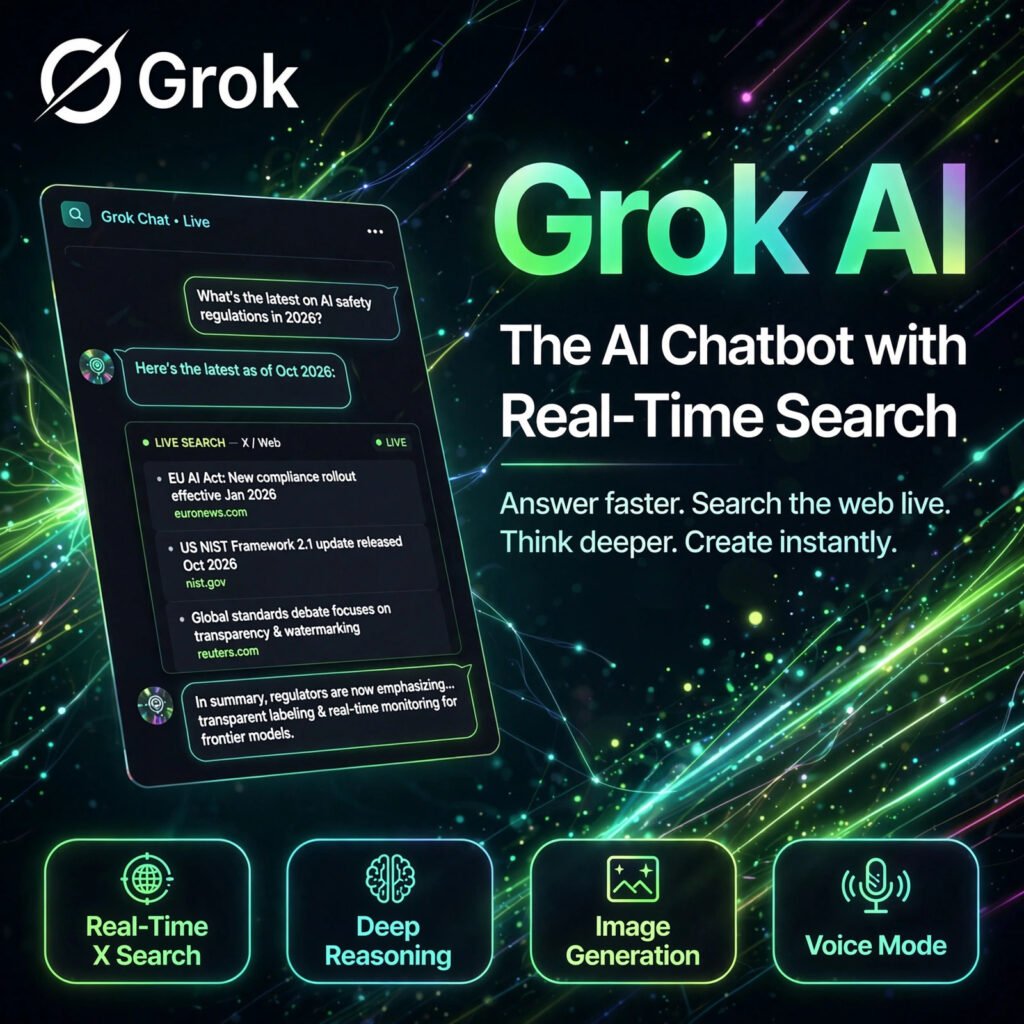
The chatbot plugged into the live conversation of the internet. Grok by xAI answers questions with real-time access to X and the web, deep reasoning, image and video generation and a direct, witty style that sets it apart from rivals like ChatGPT.
What is Grok?
Grok is a generative AI assistant developed by xAI, the artificial intelligence company founded by Elon Musk. It was first released in November 2023 inside X (formerly Twitter) and is now a standalone product on grok.com and on iOS and Android apps, as well as inside X itself.
Unlike a typical AI chatbot that relies only on training data, Grok can search X posts and the wider web in real time. That makes it especially useful for breaking news, trending topics and questions about what people are saying right now. You can read more background on Wikipedia.
Key Features of Grok
Here are the standout features that make Grok different:
- Real-Time X and Web Search: Grok pulls in live posts from X and current web sources, so its answers can cover events from minutes ago, not just its training cut-off.
- Deep Reasoning Modes: Think and DeepSearch-style modes work through hard problems step by step and research multiple sources before answering, which helps with maths, logic and research questions.
- Image and Video Generation: Create images from text prompts and generate short videos, all inside the same chat where you ask questions.
- Voice Mode: Talk to Grok out loud and hear natural spoken replies, useful for hands-free questions on mobile.
- File and Document Analysis: Upload documents, PDFs and images and ask for summaries, explanations or answers drawn from your own files.
- Coding and Writing Help: Generate, explain and debug code, draft documents and rewrite text, similar to other leading assistants such as Perplexity for research-style answers.
How to Use Grok
Getting started takes only a couple of minutes:
- Open Grok: Go to grok.com, open Grok inside X, or install the free iOS or Android app and sign in.
- Ask in plain language: Type or speak a question, a coding problem or a writing task, and add context about the format you want.
- Use real-time search: Ask about a current event or trending topic and check the sources Grok cites from X and the web.
- Try reasoning and media: Turn on the deeper thinking mode for complex problems, then generate an image or a short video from a prompt in the same chat.
- Refine the answer: Ask follow-ups, request a shorter or more detailed reply, and verify important facts before relying on them.
Pro tip: For news questions, ask Grok what people on X are saying as well as what happened — the contrast between the facts and the reaction is where Grok is most useful.
Grok Pricing Plans
Grok is freemium, with a free tier and paid upgrades for higher limits:
- Free – $0: Core chat with real-time web and X search, voice, image generation and file analysis, with usage limits such as a set number of prompts per time window.
- SuperGrok – $30/month: Much higher daily limits, priority access at peak times, access to the strongest Grok models, fuller image and video generation, and extra features such as memory and projects.
- SuperGrok Heavy – $300/month: The top tier for power users, with the highest limits, multi-agent reasoning for the hardest questions and early access to new features.
- Via X Premium+ – around $40/month: Grok is also bundled with X Premium+ subscriptions, which add X platform benefits on top of Grok access.
The free plan is enough for casual use and for testing Grok on live topics. Upgrade to SuperGrok if you hit the free limits daily or need the strongest models and media tools.
Pros and Cons of Grok
Pros:
- Real-time X and web access built into every tier, including free
- Strong reasoning, coding and research abilities
- Image and video generation inside the same assistant
- Generous free plan with no credit card required to start
Cons:
- Free tier limits are easy to hit for heavy daily users
- Answers based on X posts can reflect rumours or noise, so fact-checking matters
- Paid pricing is higher than some rival chatbots
- Personality and tone may feel too informal for some professional work
Frequently Asked Questions
Is Grok free to use?
Yes. Grok has a free plan on grok.com, in X and in its mobile apps, with real-time search, voice, image generation and file analysis included subject to usage limits. SuperGrok at $30/month raises those limits and unlocks the strongest models.
What makes Grok different from ChatGPT?
Grok’s biggest difference is live access to X posts and web search built into its answers, which helps with breaking news and trending topics. It also has a more direct, witty tone, while ChatGPT offers a larger custom GPT ecosystem.
Can Grok generate images and videos?
Yes. Grok can create images from text prompts and generate short videos inside the chat. Free users get limited media generation, while SuperGrok subscribers get higher limits and fuller access to the media tools.
Do I need an X account to use Grok?
No. Grok started inside X, but it is now available as a standalone product at grok.com and through its iOS and Android apps, so you can use it without being active on X. An X Premium+ subscription is simply another way to get paid access.