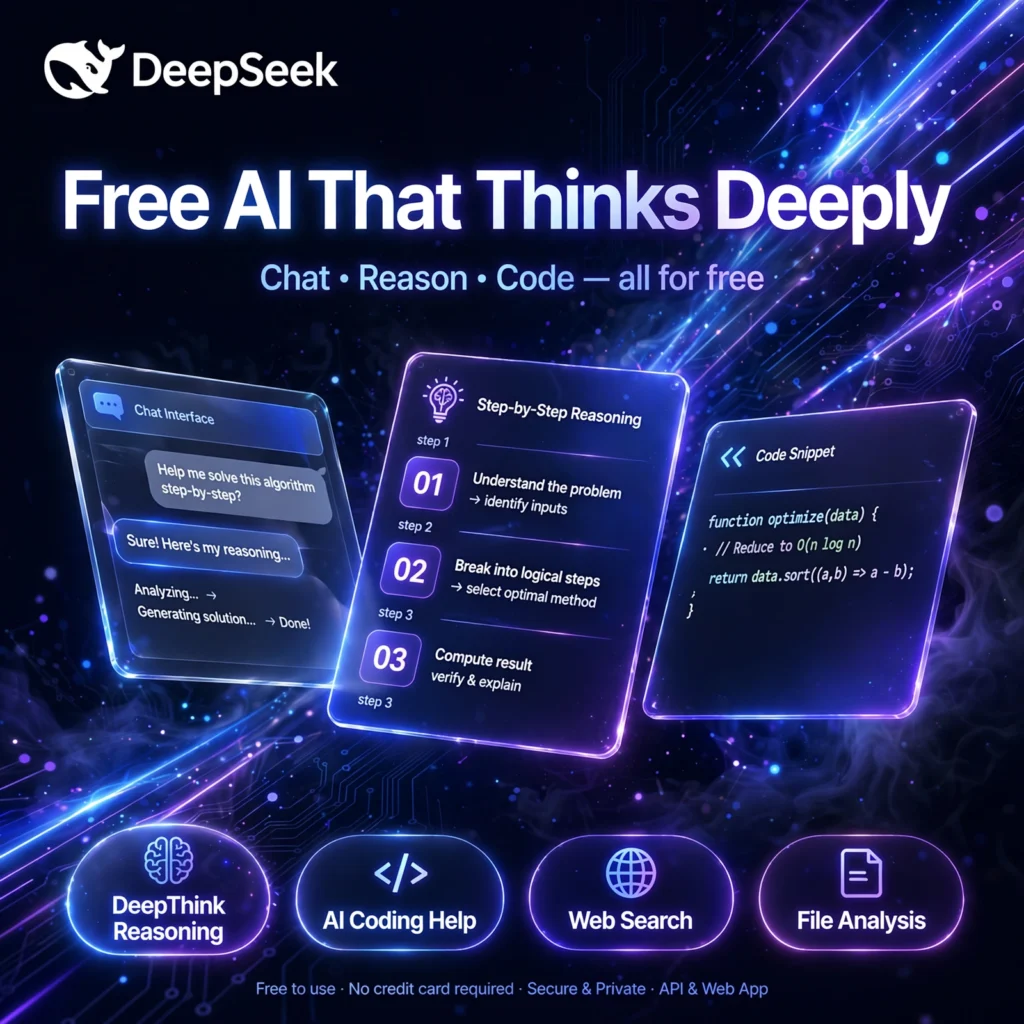
The free chatbot that shocked the AI world. DeepSeek delivers frontier-level reasoning and coding help without a subscription, rivalling paid tools like ChatGPT while keeping its models open for anyone to inspect, download and build on.
What is DeepSeek?
DeepSeek is an AI research company and AI chatbot platform best known for its open-weight large language models. Its chat app runs on the web and on iOS and Android, and it answers questions, writes and explains code, solves maths problems and analyses documents in a clean conversational interface.
What makes DeepSeek different is the combination of price and transparency. The consumer chat is completely free, the underlying models are released with open weights, and developers can use the same technology through a very low-cost API or by self-hosting the models on their own hardware.
Key Features of DeepSeek
Here are the standout features that made DeepSeek famous almost overnight:
- DeepThink Reasoning: A dedicated reasoning mode that works through problems step by step and shows its thinking, which is especially strong for maths, logic and complex coding tasks.
- Completely Free Chat: The web and mobile chat apps are free to use with no subscription tier, no credit card and no paywall on the core experience.
- Strong Coding Help: Generates, explains and debugs code across popular languages and frameworks, making it a favourite second opinion alongside tools like GitHub Copilot.
- Web Search: Built-in search lets the chatbot pull in current information and answer questions about recent events, not just its training data.
- File Analysis: Upload documents and files and ask for summaries, answers and insights drawn directly from your own material.
- Open Models and Cheap API: Open weights for self-hosting, plus an OpenAI-compatible API priced far below most frontier rivals, with extra savings from context caching.
How to Use DeepSeek
Getting started takes less than a minute:
- Open the official site: Go to deepseek.com or download the free iOS or Android app and create a free account.
- Ask your question: Type a question, paste code, or describe the task you need help with in plain language.
- Turn on DeepThink for hard problems: Enable the reasoning mode for maths, logic or tricky debugging so the model thinks step by step before answering.
- Use search and uploads: Switch on web search for current topics, or attach a file when you want answers based on your own document.
- Iterate and refine: Ask follow-up questions, request a shorter or more detailed answer, and check important facts before you rely on them.
Pro tip: For coding, paste the error message together with the relevant code snippet. DeepSeek is much more accurate when it can see both the problem and the context.
DeepSeek Pricing Plans
DeepSeek keeps pricing unusually simple compared with most AI platforms:
- Web and Mobile Chat – Free ($0): Full access to the chatbot on web, iOS and Android, including reasoning, web search and file uploads, with no subscription plan.
- API – Pay As You Go: Developers pay per token at rates far below comparable frontier APIs, with discounts for cached input. Always check the official pricing page for the current per-million-token rates before budgeting.
- Self-Hosted – Free: Download the open model weights from repositories such as Hugging Face and run them on your own infrastructure; you only pay for your hardware.
For everyday users there is simply nothing to pay. Costs only appear if you build products on the API or run large self-hosted deployments. You can also read more about the company and its models on Wikipedia.
Pros and Cons of DeepSeek
Pros:
- Completely free chatbot with no subscription tier
- Excellent reasoning and coding ability for the price
- Open weights allow self-hosting and full data control
- Very low-cost, OpenAI-compatible API for developers
Cons:
- Hosted service stores data in China, which raises privacy questions for sensitive work
- Reasoning mode can be slower than a quick chat reply
- No built-in image generation in the chat app
- Service can slow down at peak demand times
Frequently Asked Questions
Is DeepSeek really free to use?
Yes. The DeepSeek web chat and its iOS and Android apps are free, with no subscription tier and no credit card required. Only the developer API is paid, and it is billed per token at very low rates.
What is DeepThink in DeepSeek?
DeepThink is DeepSeek’s reasoning mode. When it is on, the model works through a problem step by step and shows that thinking before the final answer, which improves accuracy on maths, logic and complex coding questions.
Can I run DeepSeek on my own computer or server?
Yes. DeepSeek publishes open model weights, so you can download and self-host smaller versions locally with tools such as Ollama, or run larger versions on your own servers for full control over your data.
Is DeepSeek safe for private or company data?
The hosted chat stores data in China under DeepSeek’s privacy policy, so avoid pasting sensitive personal or confidential company information into the hosted app. For sensitive work, self-hosting the open models keeps data on your own systems.