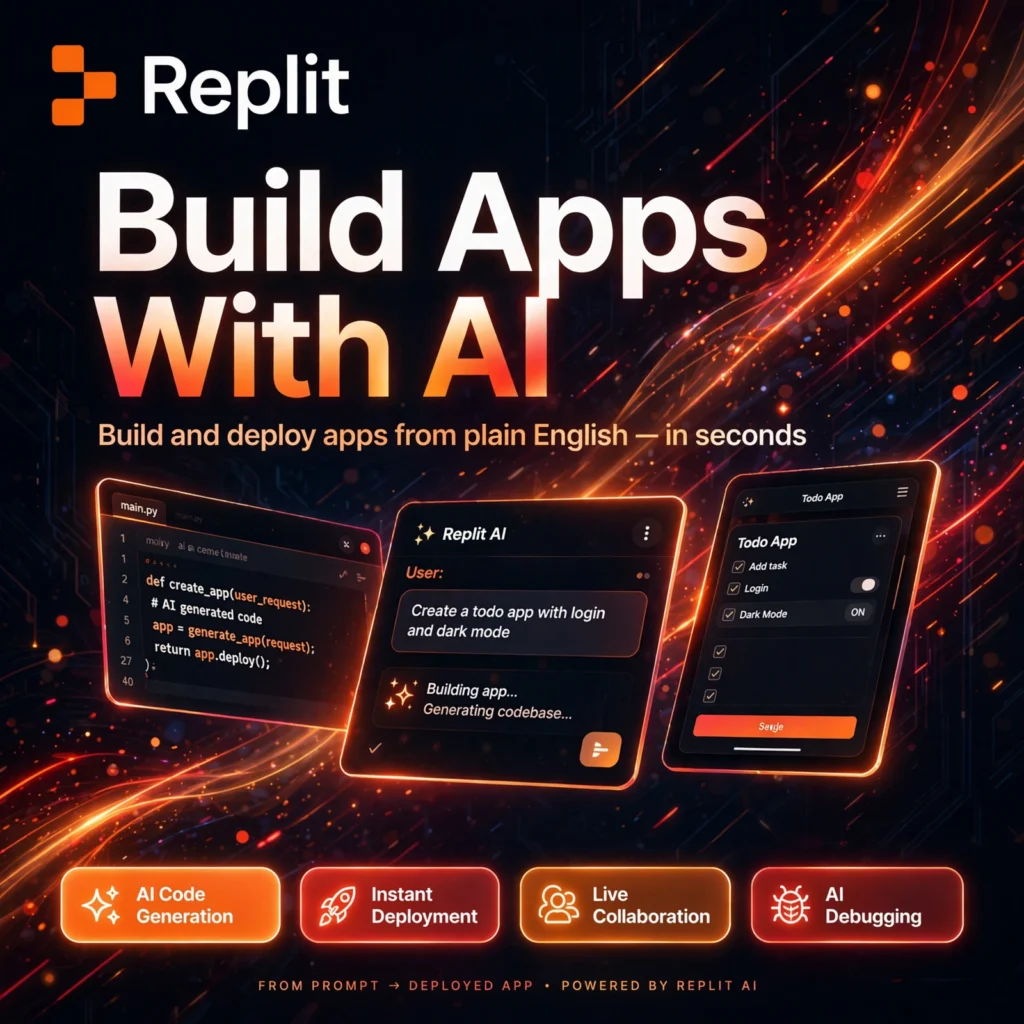
Imagine describing an app in plain English and watching it get built, tested and put live on the internet — all inside your browser. That is Replit, the browser-based coding platform documented on Wikipedia, which has grown from a simple online code editor into a full AI software builder used by millions of learners, founders and professional developers.
Replit removes the hardest part of starting a project: setup. There is nothing to install, no local environment to configure, and no separate hosting to buy. You open a workspace, describe what you want, and its AI Agent scaffolds the project, writes code, fixes errors and deploys the result. For anyone who has tried a local AI editor like Cursor, Replit offers a similar AI-first experience that lives entirely in the cloud.
Key Features of Replit
Here are the features that make Replit stand out from a traditional editor:
- Replit Agent: Describe an app in natural language and the Agent creates folders, installs packages, writes code, tests it and fixes errors automatically.
- AI Code Generation and Completion: Get inline suggestions, full-function generation and explanations as you type, similar in spirit to GitHub Copilot but built into the whole workspace.
- Instant Deployment: Publish a live app with one click, with hosting, SSL and scaling handled for you — no separate server setup needed.
- Real-time Collaboration: Code together in the same workspace with live cursors, comments and shared debugging, like a document editor for software.
- 50+ Languages and Frameworks: Build in Python, JavaScript, TypeScript and many more, with popular frameworks such as Flask, Django and Next.js ready to go.
- Built-in Database and Secrets: PostgreSQL storage, environment variables and a secrets manager are included, so a prototype can become a real product in one place.
Replit Pricing Plans
Replit is freemium, so you can start for free and pay only when you need full Agent power and private, deployed apps:
- Starter – Free: Browser workspace, limited daily Agent credits, a small number of development apps and public projects — ideal for learning and testing ideas.
- Core – $25/month ($20/month billed annually): Full Replit Agent access, unlimited private apps, monthly usage credits for AI, compute and deployments, plus more powerful machines.
- Pro – $100/month: Higher credits, more parallel agents, access to the most powerful models and priority support for growing teams.
- Enterprise – Custom: SSO and SAML, SCIM, advanced privacy controls and dedicated support for large organisations.
Paid plans use a credit system: Agent work, compute and hosting draw from the same monthly credit pool, and extra usage is billed pay-as-you-go. That makes costs flexible, but heavy Agent use on complex builds can consume credits faster than expected, so monitor usage on serious projects.
How to Use Replit
Getting your first app live takes only a few minutes:
- Create a free account: Go to replit.com and sign up — no downloads or local setup are required.
- Describe your app: Tell the Agent what to build, for example a booking page, a dashboard or a small game, in plain language.
- Review and refine: Watch the Agent scaffold and code the project, then ask for changes, new features or design tweaks in chat.
- Test in the browser: Run the app in the built-in preview, fix errors with AI help, and invite teammates to collaborate live.
- Deploy: Click Deploy to publish your app on a live URL, connect a custom domain on paid plans, and share it with the world.
Pro tip: Be specific in your first prompt — name the pages, features and style you want. Clear instructions produce a much better first version and save Agent credits. Developers who prefer an alternative AI assistant inside their own editor can also compare Codeium.
Pros and Cons of Replit
Pros:
- Zero setup — code, test and deploy entirely from the browser
- Powerful Agent that builds and debugs whole apps from prompts
- Excellent real-time collaboration for teams and classrooms
- Generous free Starter plan for learning and prototypes
Cons:
- Credit-based pricing can be unpredictable on complex Agent tasks
- Performance and private deployments require a paid plan
- Very large or highly specialised production systems may still need traditional infrastructure
Frequently Asked Questions
Is Replit free to use?
Yes. The Starter plan is free and includes the browser workspace, limited daily Agent credits and public projects. Core ($25/month, or $20/month billed annually) unlocks full Agent access, private apps and deployments.
Do I need coding experience to use Replit?
No. Beginners can describe an app in plain English and let the Agent build it, while experienced developers can write and edit code directly in the same workspace. It works well for both learning and professional prototyping.
Which programming languages does Replit support?
Replit supports more than 50 languages, including Python, JavaScript, TypeScript, HTML and CSS, Java, C++ and Go, along with popular frameworks such as Flask, Django, React and Next.js.
Can I deploy a real website with Replit?
Yes. Paid plans let you deploy apps to live URLs with hosting and SSL handled by Replit, connect custom domains, and use built-in PostgreSQL databases, so prototypes can become public products without separate hosting.