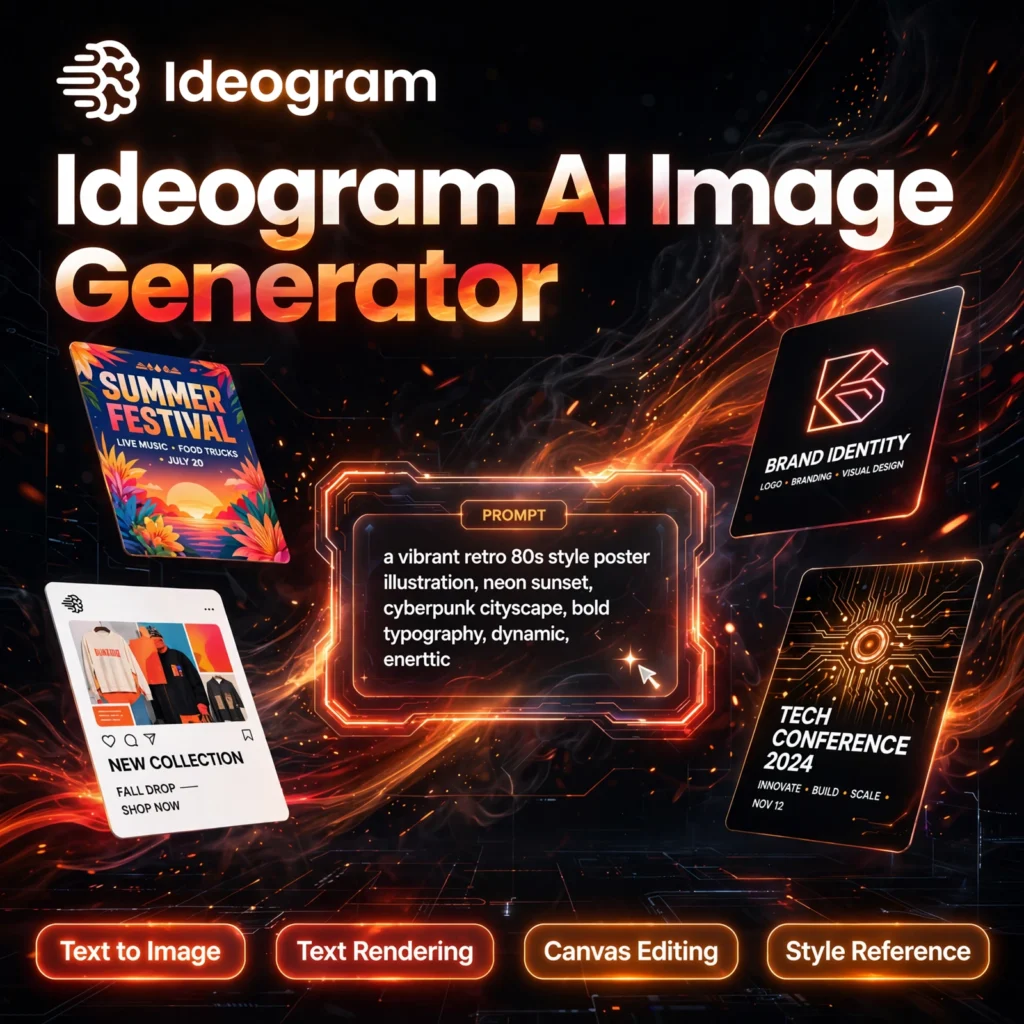
Most AI image generators garble words — Ideogram gets them right. This freemium text-to-image tool is built for posters, logos, social graphics and ads where the text inside the image has to be readable, correctly spelled and beautifully designed.
What is Ideogram?
Ideogram is a text-to-image AI model and image editor launched in August 2023. As its Wikipedia entry notes, it is known for generating legible text inside images compared with many rival models. Where tools like Midjourney focus on artistic flair, Ideogram focuses on graphic design — typography, layout and commercial visuals you can actually use.
Today Ideogram combines generation with a full editing workflow: a Canvas editor, style and character references, and an API for developers. It is a strong companion to tools like Leonardo AI and Adobe Firefly in a modern creator stack.
Key Features of Ideogram
Here are the standout features that make Ideogram different:
- Accurate Text Rendering: Put headlines, quotes, logos and signage inside images and get clean, correctly spelled typography — Ideogram’s signature strength.
- Text to Image Generation: Describe any scene and generate four variations per prompt in styles including realistic, design, 3D and anime.
- Canvas Editor: Edit without starting over using inpainting, outpainting, Magic Fill and Extend to fix or expand parts of an image.
- Style Reference & Style Codes: Upload reference images to lock a consistent look, then save favourite styles as reusable codes for brand consistency.
- Character Consistency: Keep the same character recognisable across multiple generations for stories, campaigns and series.
- Magic Prompt & Describe: Magic Prompt enriches a short idea into a detailed prompt, while Describe turns an existing image into a reusable prompt.
- Batch Generation & API: Higher tiers can generate in bulk and connect Ideogram to apps and workflows through its API.
How to Use Ideogram
Getting started takes only a few minutes:
- Sign up free: Go to ideogram.ai and sign in with Google, Apple or Microsoft — no credit card is needed for the free plan.
- Write your prompt: Describe the subject, style, colours and composition. Put any words that must appear in the image in double quotes, for example “SUMMER SALE”.
- Choose settings: Pick an aspect ratio, style type and, if you have one, a style or character reference image.
- Generate: Click Generate and review the four variations. Pick the version that matches your brief best.
- Edit and refine: Use Remix for a variation, or open Canvas to change text, replace objects, fill areas or extend the frame.
- Download: Export the finished image and use it in your post, poster, thumbnail or campaign.
Pro tip: Be specific about text placement — say where the headline should sit and what font mood you want, such as bold, modern and centred.
Ideogram Pricing Plans
Ideogram is freemium, so you can start free and upgrade for speed, privacy and volume. Check the official site for current billing, as credit amounts can change:
- Free – $0: Weekly slow credits for eligible accounts, public generations and one running or queued generation at a time. Good for testing and light personal use.
- Basic – around $7–$8/month: Around 400 priority credits per month, faster generation and editor access for regular creators.
- Plus – $20/month (less on annual billing): Around 1,000 priority credits, private generations, image uploads and unlimited slow generations.
- Pro – $60/month (less on annual billing): Several thousand priority credits, batch generation, quality exports and API access for agencies and power users.
- Team – per user/month: Shared billing, collaboration and per-user credits for design teams.
For most marketers and content creators, Plus is the sweet spot because private generation and unlimited slow credits remove the main free-plan limits.
Pros and Cons of Ideogram
Pros:
- Best-in-class readable text inside images for posters, logos and ads
- Generous free plan with no credit card required
- Built-in Canvas editor, style references and character consistency
- Simple interface that beginners can learn in minutes
Cons:
- Free generations are public and use a slower queue
- Pure photorealism can trail some specialist rival models
- Priority credits do not always roll over on paid plans
Frequently Asked Questions
Is Ideogram free to use?
Yes. Ideogram has a free plan with weekly slow credits, public generations and core text-to-image features. Paid plans add priority credits, private generations, the full editor workflow and higher limits.
What makes Ideogram different from other image generators?
Its main strength is accurate, readable text inside images. While many generators produce misspelled or distorted words, Ideogram is designed for typography-heavy work such as posters, book covers, packaging, logos and social media graphics.
Can I use Ideogram images commercially?
Paid plans are aimed at commercial creators and marketers, but you should always check Ideogram’s current terms for your plan and use case before using an image in a paid campaign or for a client.
Does Ideogram have an image editor?
Yes. The Canvas editor lets you edit parts of an image with inpainting and outpainting tools such as Magic Fill and Extend, change text, and reframe an image without regenerating everything from scratch.