Writer’s block is expensive when you publish every day. Rytr is a budget-friendly AI writing assistant that turns a short brief into emails, blog sections, ad copy, and social posts in seconds — with 40+ ready-made use cases, so you rarely start from a blank page.
What is Rytr?
Rytr is an AI writing assistant launched in 2021 and built for short-form content. Instead of one open-ended chat box, it organises writing into use cases — pick what you need, add a few details, choose a tone, and Rytr drafts several variants you can edit and reuse.
That template-first approach makes it a practical alternative to larger platforms such as Jasper or Copy.ai for freelancers, small businesses, and marketers who mainly need fast, affordable copy rather than a full content suite. It also sits well alongside a polishing tool like Grammarly for a final check before publishing.
Key Features of Rytr
Here are the features that make Rytr popular with budget-conscious creators:
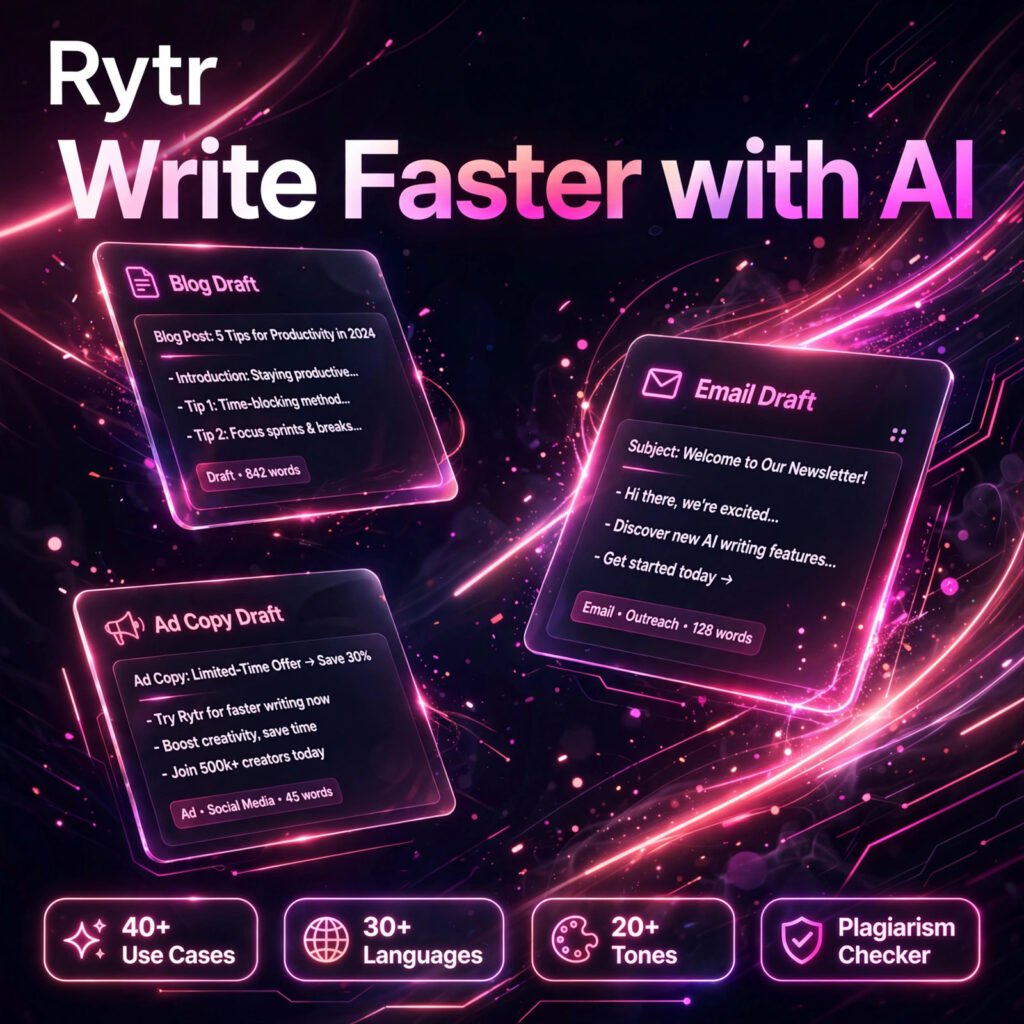
- 40+ Use Cases: Ready templates for blog ideas and sections, emails, product descriptions, ad copy, cover letters, calls to action, and copywriting frameworks such as AIDA and PAS.
- 30+ Languages: Write in more than 30 languages, useful for small teams serving more than one market without hiring separate writers.
- 20+ Tones of Voice: Switch the same brief between formal, casual, persuasive, and other tones to match different brands and audiences.
- Built-in Plagiarism Checker: Check drafts for originality inside the same tool instead of paying for a separate checker.
- AI Image Generation: Paid plans include monthly AI images, so simple visuals can be created alongside the copy.
- Chrome Extension: Use Rytr inside tools such as Gmail, Google Docs, and WordPress, generating and improving text where you already work.
- Custom Use Cases: Higher plans let you create your own use case for a recurring format your team writes again and again.
How to Use Rytr
Rytr is designed to produce a first draft in under a minute:
- Create a free account: Sign up at rytr.me — no credit card is needed for the free plan.
- Pick a use case: Choose from 40+ templates, for example Blog Section Writing, Email, or Facebook Ads.
- Set language and tone: Select your language and one of 20+ tones that fits your audience.
- Add your brief: Enter your topic, product details, or keywords, then generate several variants.
- Edit and check: Refine the best draft, run the plagiarism checker, and export or copy it into your publishing tool.
Pro tip: Rytr shines on short-form work. Generate blog sections one at a time and stitch them together with your own transitions, rather than expecting one click to produce a finished long article — the same advice applies to most large language model writing tools.
Rytr Pricing Plans
Rytr is freemium, and its paid plans are among the cheapest in the AI writing category (check the official site for current figures, as plan names and limits change):
- Free – $0: Around 10,000 characters per month, access to 40+ use cases, 20+ tones, the plagiarism checker, and a small monthly AI image allowance.
- Unlimited / Saver – from around $9/month: Far higher or unlimited character generation, a custom use case, more AI images, and priority support, with a discount on annual billing.
- Premium – from around $29/month: Everything above plus multiple tone matches, more plagiarism checks and images, API access on some listings, and a dedicated account manager.
For most solo creators the entry paid plan is the sweet spot: it removes the free plan’s tight character cap for less than the cost of one freelance blog post.
Pros and Cons of Rytr
Pros:
- Very affordable — free plan plus some of the lowest paid prices in its category
- 40+ use cases and 20+ tones make short-form copy fast to produce
- Supports 30+ languages and includes a built-in plagiarism checker
- Simple interface with almost no learning curve, plus a handy Chrome extension
Cons:
- Free plan’s 10,000 characters per month runs out quickly for heavy users
- Long-form articles need section-by-section generation and manual editing
- SEO tooling is basic compared with dedicated content platforms
Frequently Asked Questions
Is Rytr free to use?
Yes. Rytr has a free plan with around 10,000 characters per month, access to its 40+ use cases, 20+ tones, and the built-in plagiarism checker, with no credit card required. Paid plans remove the character limit.
What can you write with Rytr?
Rytr covers 40+ use cases including blog ideas, outlines and sections, emails, product descriptions, social media posts, Facebook and Google ad copy, cover letters, brand names, and AIDA and PAS copywriting frameworks.
How many languages does Rytr support?
Rytr supports writing in more than 30 languages and offers over 20 tones of voice, so the same brief can be adapted for different markets and brand styles. Exact language counts can vary by plan.
Is Rytr good for long blog posts?
Rytr is strongest on short-form copy. It can draft blog sections, intros, and outlines well, but a full long article usually needs to be generated section by section and edited together, so expect to do meaningful revision before publishing.