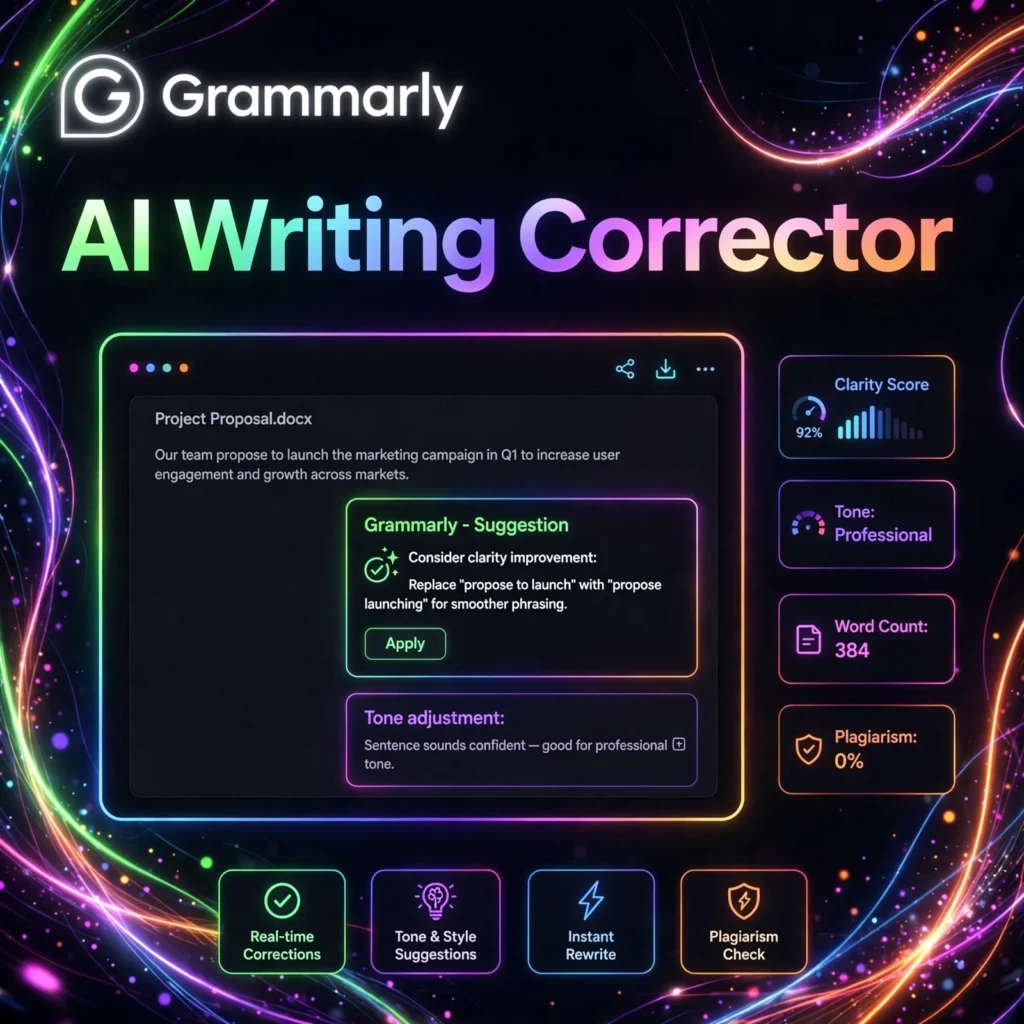
Want every email, essay, and report to read like a professional wrote it? Grammarly is the world’s most popular AI writing assistant, helping over 30 million people every day write with confidence across email, documents, and the web.
What is Grammarly?
Grammarly is an AI-powered writing assistant that checks your grammar, spelling, punctuation, clarity, and tone in real time. Founded in 2009, it has evolved from a simple grammar checker into a full communication assistant with generative AI features.
It works everywhere you write — as a browser extension, desktop app, mobile keyboard, and inside Microsoft Word, Google Docs, Gmail, and 500,000+ other apps and websites. Wherever you type, Grammarly is there to help you sound your best.
Key Features of Grammarly
Here are the standout features that make Grammarly indispensable:
- Real-time Grammar & Spelling: Instantly catches mistakes and suggests fixes as you type, with clear explanations.
- Tone Detection: Analyzes how your message sounds (confident, friendly, formal) so you can adjust before sending.
- Clarity & Conciseness: Flags wordy sentences and suggests tighter rewrites for stronger writing.
- Plagiarism Checker: Compares your text against billions of web pages to ensure originality.
- GrammarlyGO (Generative AI): Draft, rewrite, ideate, and reply with on-brand AI assistance built into your workflow.
- Style Guides & Brand Tones: Teams can enforce consistent voice and terminology across all writers.
How to Use Grammarly
Getting started takes less than two minutes:
- Sign up free: Create an account at grammarly.com — no credit card required.
- Install the extension: Add the browser extension for Chrome, Edge, Safari, or Firefox.
- Write anywhere: Open Gmail, Google Docs, or any website — Grammarly underlines issues automatically.
- Review suggestions: Click any underline to see the fix and a short explanation of the rule.
- Try GrammarlyGO: Highlight text and ask the AI to rewrite, shorten, or change the tone.
Pro tip: Set your goals (audience, formality, domain) in the extension settings — Grammarly tailors its suggestions to how you want to sound.
Grammarly Pricing Plans
Grammarly has a generous free tier and affordable upgrades:
- Free – $0: Grammar, spelling, punctuation, conciseness, and tone detection. Great for everyday writing.
- Premium – ~$12/month: Everything in Free plus full-sentence rewrites, vocabulary enhancement, plagiarism detection, and advanced tone suggestions.
- Business – ~$15/user/month: For teams; adds style guides, brand tones, analytics, and centralized billing.
Students and educators can often get Premium free through their institution — check Grammarly’s education program.
Pros and Cons of Grammarly
Pros:
- Works virtually everywhere you write online
- Generous free plan covers the essentials
- Excellent explanations help you learn as you go
- Strong team features for businesses
Cons:
- Premium suggestions can feel aggressive for creative writing
- Plagiarism checker only on paid plans
- Occasional false positives on specialized terminology
Frequently Asked Questions
Is Grammarly free?
Yes — Grammarly’s free plan covers grammar, spelling, punctuation, and basic tone detection, which is enough for most everyday writing. Premium adds advanced rewrites and plagiarism checking.
Does Grammarly work with Google Docs?
Yes. Grammarly integrates directly with Google Docs through its browser extension, plus Microsoft Word, Gmail, and hundreds of thousands of other apps and sites.
Is my text private when using Grammarly?
Grammarly encrypts your data in transit and at rest, is SOC 2 and ISO certified, and states it never sells your data. Business plans add enterprise-grade security controls and SSO.
Can Grammarly rewrite my sentences with AI?
Yes. GrammarlyGO, its generative AI assistant, can rewrite sentences, adjust tone, generate drafts from prompts, and compose replies — all inside the apps where you already write.