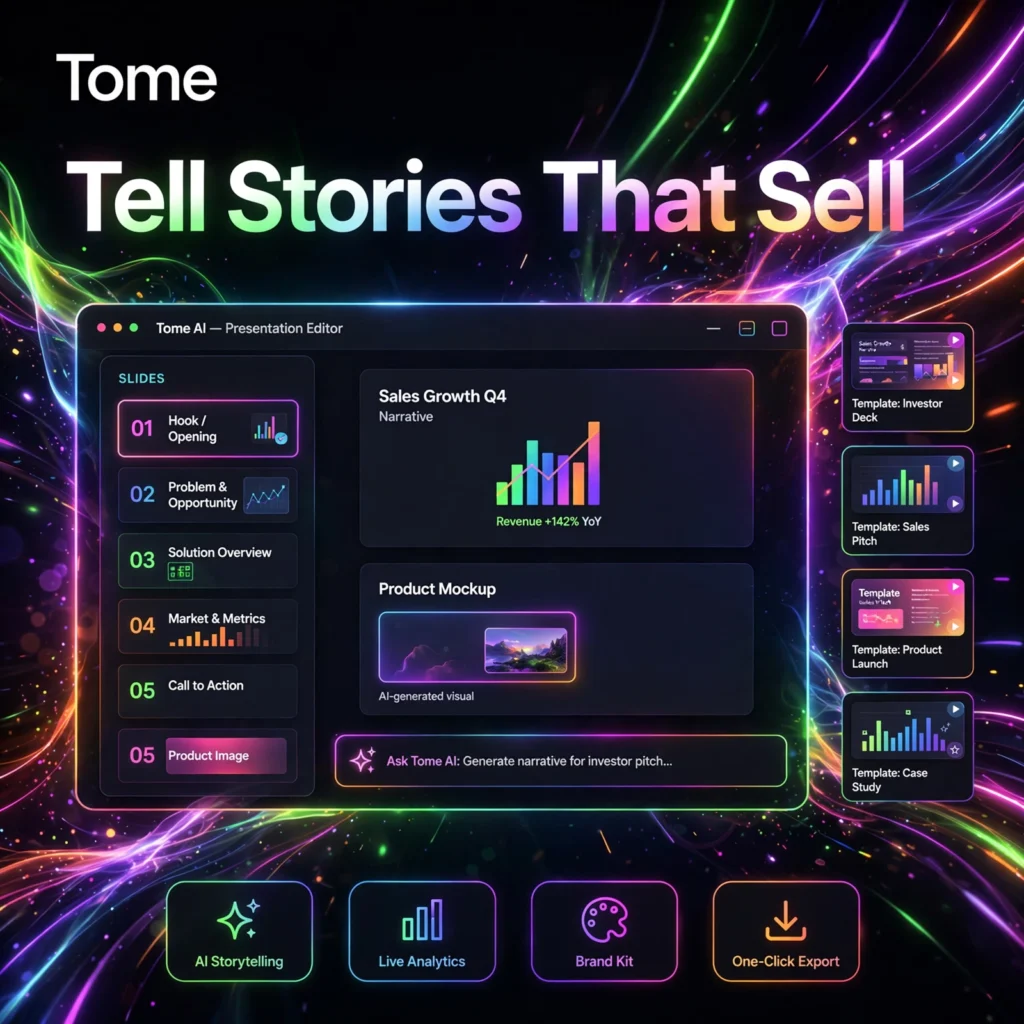
Stop spending hours wrestling with slide layouts. Tome is an AI-powered storytelling and presentation tool that turns a simple prompt into a polished, web-based narrative — and it has more recently evolved into an AI assistant for sales teams who need personalised pitch decks, account research and buyer-ready collateral, fast.
What is Tome?
Tome started as a generative presentation maker: you describe an idea, and its AI drafts the outline, writes the page content and selects imagery for you. Instead of rigid slides, Tome builds a flowing, scrollable page made of flexible tiles — text, images, video and live embeds — that you share as a link rather than a static file.
Today the platform leans heavily into sales and go-to-market work. It can research accounts and prospects, help prepare for meetings, generate tailored collateral and show you engagement analytics so you know which pages a buyer actually read. If you like the idea behind Gamma but want stronger narrative flow and sales personalisation, Tome is worth a close look.
Key Features of Tome
Here are the features that make Tome stand out:
- Prompt-to-Presentation Generation: Describe your topic or deal in plain language and Tome drafts a structured narrative with headings, copy and visuals in seconds.
- AI Account and Prospect Research: For sales teams, Tome helps research companies and personas, surface value hypotheses and personalise outreach and decks for a specific buyer.
- Flexible Tile Canvas: Drag and resize text, image, video and embed tiles — including live content and design embeds — without fighting a traditional slide master.
- AI Editing Tools: Rewrite text, adjust tone and length, regenerate a section or create a custom image without starting the whole deck again.
- Web-First Sharing with Analytics: Publish a deck as a link and track views and engagement, so you can follow up based on what prospects spent time on.
- Templates and Brand Theming: Start from sales, pitch and one-pager templates, then apply custom fonts, colours and branding on paid plans.
- Presentations, One-Pagers and Microsites: The same workflow produces a full deck, a single-page brief or a small shareable site.
How to Use Tome
Getting started takes only a few minutes:
- Create a free account: Go to tome.app and sign up — no software to install, everything runs in your browser.
- Start a new project: Click Create and describe what you need, for example a pitch for a specific company, its size and the problem you solve for them.
- Review the AI draft: Tome generates an outline and pages. Trim long copy, swap images and reorder tiles until the story flows.
- Personalise and brand it: Add your own data, embeds and proof points, then apply your brand colours and fonts if you are on a paid plan.
- Share and track: Publish as a web link or export to PDF, then check the analytics before your next call to see what resonated.
Pro tip: Give Tome real context about the audience — industry, company size and pain points. The more specific the prompt, the less editing the AI draft needs. For purely visual design work, compare it with Beautiful.ai and Canva before you commit.
Tome Pricing Plans
Tome uses a credit model on its free tier and per-user pricing on paid plans:
- Free – $0: Basic AI generation with a limited credit allowance (around 500 credits), basic templates and view-only sharing. Shared decks carry Tome branding and exports may be watermarked.
- Pro – $16/user/month billed annually ($20 monthly): Unlimited creation, no watermarks, custom branding and brand kit, real-time collaboration, engagement analytics, PDF export and priority support.
- Enterprise – Custom: SSO, admin controls, advanced analytics, brand templates, data connectors and dedicated support for larger sales organisations.
The free plan is fine for testing the workflow. If you are sending decks to clients or prospects every week, Pro is the tier most individuals and small sales teams will actually need.
Pros and Cons of Tome
Pros:
- Very fast first draft — a usable narrative deck from one prompt
- Story-first format feels more modern than traditional slides
- Strong fit for personalised sales pitches and account research
- Built-in viewer analytics show what buyers actually read
- Live embeds and web sharing keep content up to date
Cons:
- Free tier is limited by credits and carries Tome branding
- Native PowerPoint export is limited — PDF and web link are the main outputs
- General-purpose and education users may prefer Gamma or Beautiful.ai now that Tome focuses on sales teams
- AI copy often needs trimming to keep the narrative tight
Frequently Asked Questions
Is Tome free to use?
Yes. Tome has a free plan with a limited number of AI credits for generating decks and sections, basic templates and link sharing. Paid plans remove branding and watermarks and unlock unlimited creation.
What is Tome best for?
Tome is best for sales teams, account executives and founders who need personalised pitch decks, one-pagers and meeting collateral quickly. Its AI research, narrative generation and viewer analytics are built around buyer-facing work.
Does Tome export to PDF or PowerPoint?
Tome is web-first, so sharing a live link is the primary output, and Pro plans include PDF export. Native PowerPoint export has historically been limited, so check your plan if editable .pptx files are essential to your workflow.
How is Tome different from Gamma?
Gamma focuses on fast, slide-style decks, docs and sites for a broad audience. Tome focuses more on narrative storytelling and, increasingly, sales personalisation — researching an account and tailoring the story to one specific buyer, with analytics on how they engaged.