What if editing video was as easy as editing a Word document? Descript makes that real — an AI-powered audio and video editor that transcribes your footage and lets you cut, rearrange, and polish it just by editing text.
What is Descript?
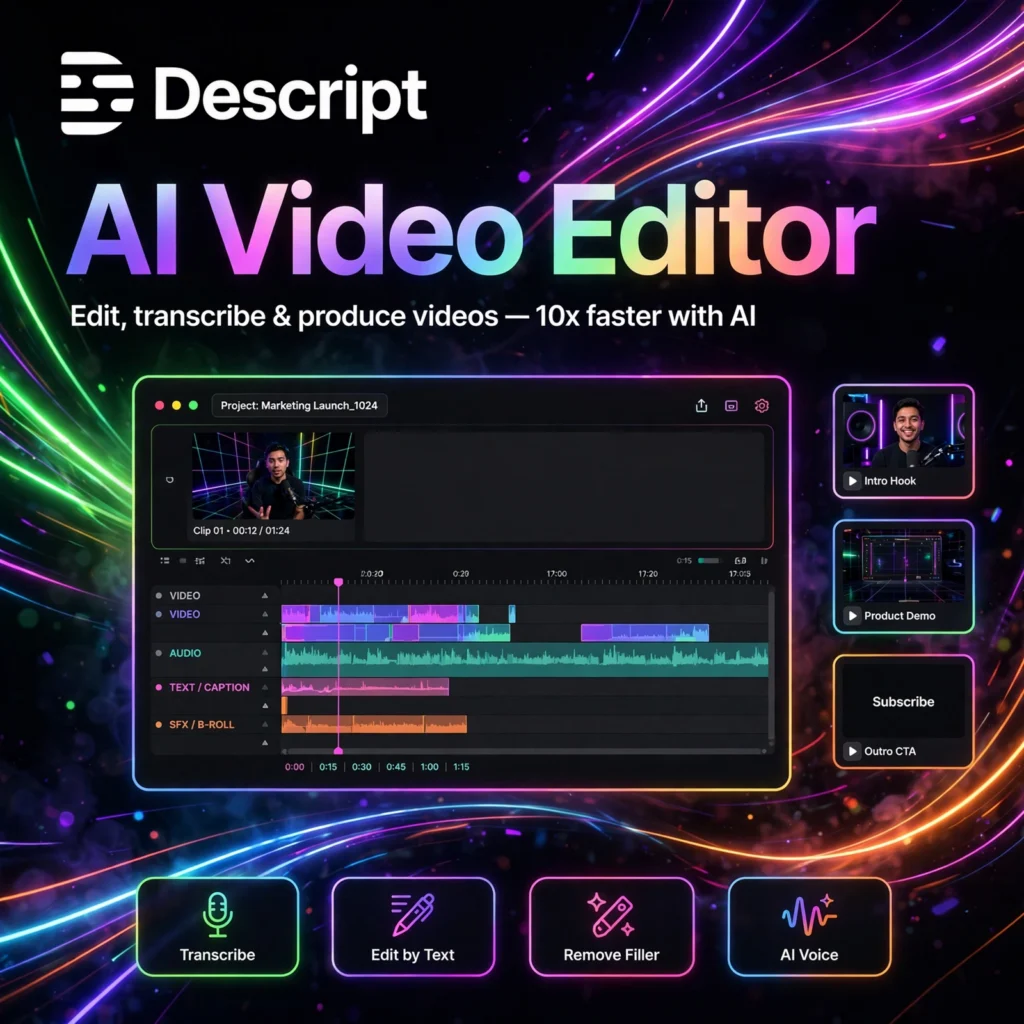
Descript is an AI video and podcast editing platform that turns your media into an editable transcript. Delete a sentence in the transcript and it disappears from the video. Move a paragraph and the clip moves with it. It’s a radically faster way to edit.
Built for creators, podcasters, marketers, and teams, Descript combines multitrack editing, screen recording, and AI voice tools in one app — no timeline scrubbing expertise required.
Key Features of Descript
Here are the standout features that make Descript revolutionary:
- Text-Based Editing: Edit video and audio by editing the auto-generated transcript — the fastest editing workflow ever made.
- Overdub Voice Cloning: Train an AI model of your voice to fix mistakes or generate new narration by typing.
- Studio Sound: One-click AI that removes background noise and echo, making any mic sound studio-grade.
- Remove Filler Words: Automatically detects and deletes “ums,” “uhs,” and awkward silences.
- Screen Recording & Green Screen: Record, edit, and publish videos with automatic eye-contact correction.
- Underlord AI Assistant: Repurpose clips, write show notes, and generate social posts from your content.
How to Use Descript
You can edit your first video in minutes:
- Sign up free: Create an account at descript.com and download the app.
- Import or record: Drag in existing footage or record your screen and camera directly.
- Let it transcribe: Descript generates an accurate transcript with speaker labels automatically.
- Edit the text: Delete filler, rearrange sections, correct words — the media follows your edits.
- Polish with AI: Apply Studio Sound, remove silences, and fix flubs with Overdub.
- Publish: Export in 4K or publish straight to YouTube, podcast feeds, and social.
Pro tip: Use “Remove retakes” to automatically keep only your best take when you re-record lines — a huge time saver.
Descript Pricing Plans
Descript scales from hobbyist to professional:
- Free – $0: 1 hour of transcription per month, 720p exports with watermark. Great for testing.
- Creator – ~$24/month: 10 hours of transcription, 4K watermark-free exports, basic AI features.
- Pro – ~$35/month: 30 hours of transcription, full AI suite including Overdub, and priority rendering.
- Enterprise – Custom: SSO, dedicated support, and custom usage for large teams.
All paid plans include unlimited projects. Annual billing offers roughly two months free.
Pros and Cons of Descript
Pros:
- Text-based editing is dramatically faster than timeline editing
- Overdub voice cloning feels like magic for fixing mistakes
- All-in-one: recording, editing, and publishing in one app
- Excellent for podcasters and talking-head video
Cons:
- Not ideal for cinematic, effects-heavy video production
- Transcription errors need manual review on technical content
- Desktop app can be resource-heavy on older machines
Frequently Asked Questions
Is Descript free?
Yes — Descript’s free plan includes 1 hour of transcription per month with 720p watermarked exports, enough to properly evaluate the workflow before upgrading.
What is Descript Overdub?
Overdub is Descript’s AI voice cloning feature. After training on your voice, you can type new words and have them spoken in your voice — perfect for fixing flubbed lines without re-recording.
Can Descript replace Premiere Pro?
For talking-head videos, podcasts, and tutorials — often yes, and much faster. For complex cinematic edits with heavy effects and color grading, traditional NLEs like Premiere still win.
Does Descript work for podcasting?
Absolutely — Descript started as a podcast tool. Multitrack editing, Studio Sound, filler-word removal, and one-click publishing to podcast hosts make it a podcaster favorite.