Looking for an AI assistant that writes beautifully, codes reliably, and actually thinks things through? Claude by Anthropic is widely praised as one of the smartest and most trustworthy AI assistants — a favorite of writers, developers, and researchers.
What is Claude?
Claude is an AI assistant built by Anthropic, a company founded by former OpenAI researchers with a mission to build safe, steerable AI. Named after Claude Shannon, the father of information theory, it is designed to be helpful, honest, and harmless — and it shows in the quality of its responses.
Claude is especially known for nuanced writing, careful reasoning, and strong coding abilities. Many users consider it the best AI for long-form writing, complex analysis, and tasks where accuracy and tone really matter.
Key Features of Claude
Here are the standout features that make Claude a top-tier AI assistant:
- Artifacts: Claude creates interactive side-panel content — documents, code, diagrams, and even small web apps — that you can view, edit, and iterate on separately from the chat.
- Projects: Organize chats, documents, and custom instructions into dedicated workspaces for ongoing work like a book draft or codebase.
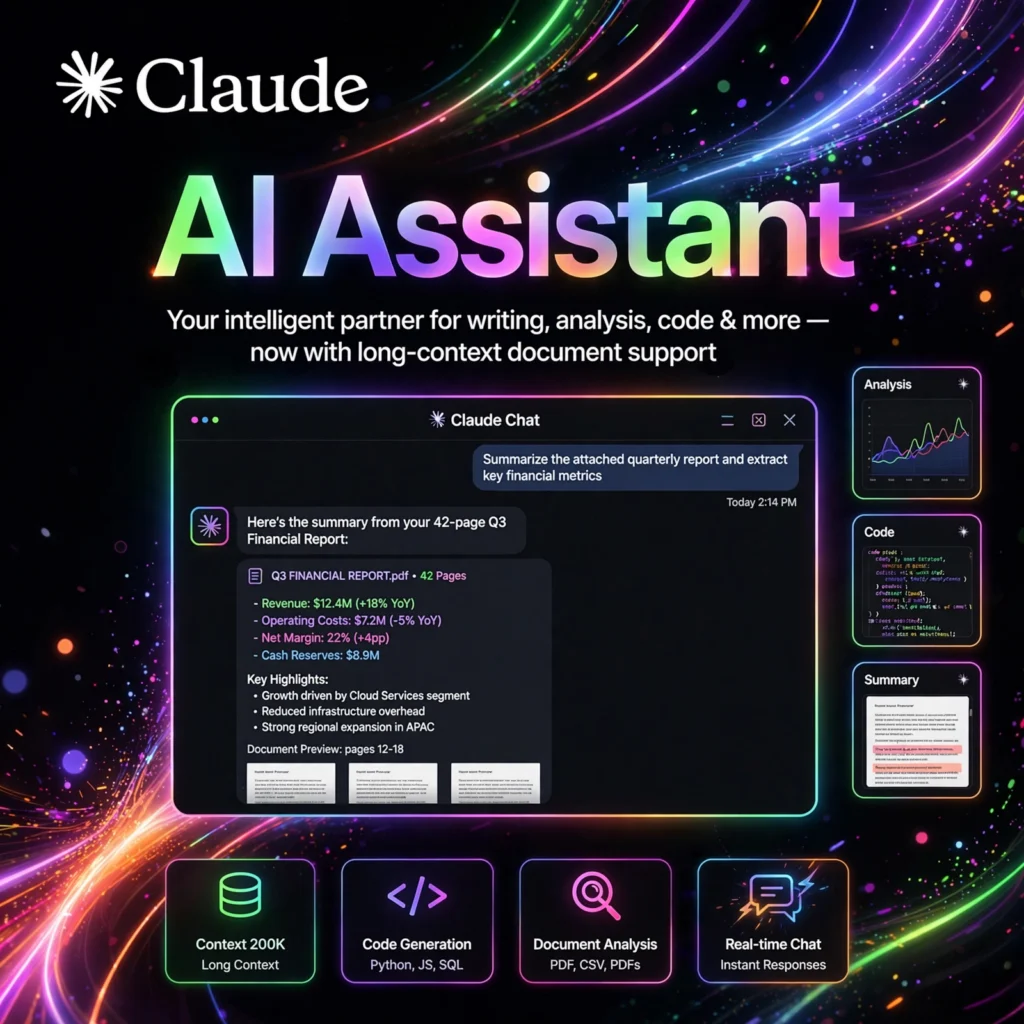
- Huge Context Window: Claude can process entire books, long reports, or large codebases in a single conversation without losing track.
- Strong Coding Skills: Excellent at writing, debugging, and explaining code across dozens of programming languages.
- Constitutional AI: Trained with Anthropic’s safety-first approach, making it reliable and less prone to harmful outputs.
- Analysis Tool: Run JavaScript code to crunch data, create charts, and perform calculations right inside the chat.
How to Use Claude Effectively
Getting the most out of Claude is all about giving it clear context:
- Sign up free: Go to claude.ai and create an account — no credit card needed for the free tier.
- Be specific: Tell Claude your goal, audience, and desired tone. The more context, the better the output.
- Upload documents: Attach PDFs, spreadsheets, or code files and ask Claude to summarize, analyze, or improve them.
- Use Artifacts: For substantial outputs like reports or code, let Claude generate an Artifact you can refine iteratively.
- Set up Projects: For ongoing work, create a Project with background knowledge and custom instructions so every chat starts informed.
Pro tip: Claude responds exceptionally well to examples — paste a sample of the style you want, and it will match the tone remarkably well.
Claude Pricing Plans
Claude offers a solid free tier with affordable upgrades:
- Free – $0: Access to capable Claude models with daily usage limits — plenty for casual use.
- Pro – $20/month: 5x more usage, access to the most powerful models, Projects, and priority access during peak times.
- Max – from $100/month: For heavy users who need much higher limits and early access to new features.
- Team & Enterprise – Custom: Collaboration features, admin controls, and SSO for organizations.
The free plan is generous enough for most people to experience what makes Claude special before deciding to upgrade.
Pros and Cons of Claude
Pros:
- Outstanding writing quality — natural tone, excellent structure
- Best-in-class for long documents and large context tasks
- Artifacts make working with code and documents delightful
- Strong safety record and trustworthy, well-calibrated responses
Cons:
- No real-time web browsing on the free tier in some regions
- Image generation is not built in (unlike some competitors)
- Can be more cautious than competitors, occasionally refusing benign requests
Frequently Asked Questions
Is Claude free to use?
Yes. Claude has a free tier at claude.ai with daily usage limits. The Pro plan ($20/month) offers 5x more usage, access to the most powerful models, and features like Projects.
Who makes Claude?
Claude is built by Anthropic, an AI safety company founded in 2021 by former OpenAI researchers, including siblings Dario and Daniela Amodei. The company focuses on building reliable, interpretable, and steerable AI systems.
Is Claude better than ChatGPT for writing?
Many writers prefer Claude for its natural tone, better long-form structure, and ability to follow nuanced style instructions. ChatGPT has broader features (image generation, voice, plugins), but for pure writing quality, Claude is often rated higher.
What are Claude Artifacts?
Artifacts are separate content panels Claude creates alongside the chat for substantial outputs — documents, code snippets, diagrams, or interactive web pages. You can view, copy, edit, and iterate on them without cluttering the conversation.