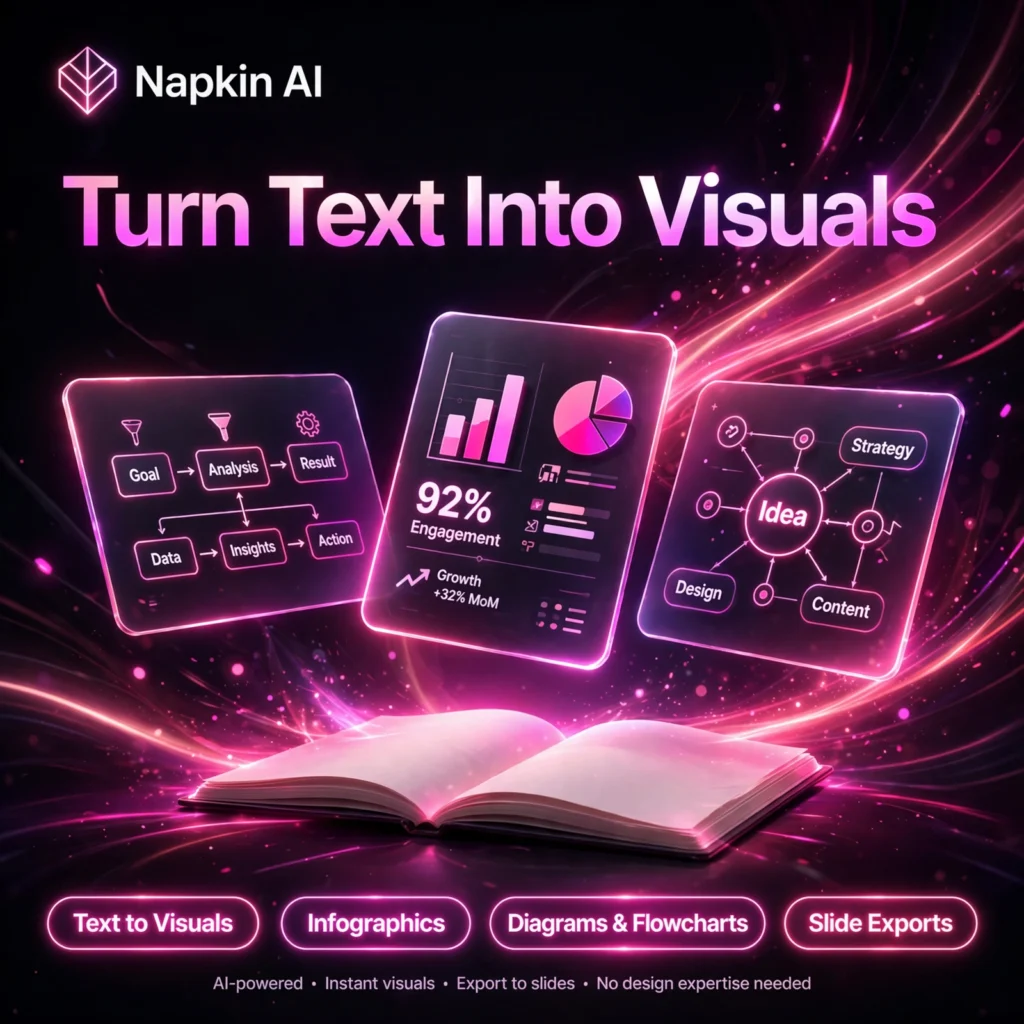
Great ideas often get lost in walls of text. Napkin AI fixes that by turning plain writing into polished, editable visuals in seconds — diagrams, infographics and charts you can drop straight into a deck, report or blog post, with no design skills required.
What is Napkin AI?
Napkin AI is a visual communication platform built around one simple idea: paste your text and get a visual. You write, paste or import your content, and Napkin analyses it, groups the key ideas and generates relevant graphics that match your message. It also offers Napkin Slides, which turns your ideas into complete, ready-to-present decks.
It is popular with consultants, marketers, teachers, founders and content creators who need clear visuals fast. If you already use a full presentation builder like Gamma for complete decks, Napkin AI is the perfect companion for creating the individual diagrams and infographics that go inside them.
Key Features of Napkin AI
Here are the standout features that make Napkin AI so fast and useful:
- Text-to-Visual Generation: Highlight any text and Napkin instantly creates diagrams, flowcharts, mind maps, infographics and data charts from it — no prompts or templates to wrestle with.
- Fully Editable Visuals: Every generated visual stays editable. Swap icons, adjust colours and fonts, and refine layouts until the graphic says exactly what you mean.
- Multiple Visual Styles: Generate several style options from the same text and apply your brand colours to keep every output consistent and on-brand.
- Easy Imports: Bring content in from PPT, DOC, PDF, HTML and Markdown files, or simply paste text directly into the editor.
- Flexible Exports: Export visuals as PNG, PDF, PPT and SVG (PPT and SVG on paid plans) for PowerPoint, Google Slides, Keynote, Notion and more.
- Team Collaboration: Invite your team to a shared Teamspace, edit together in real time, and leave comments and highlights directly on visuals and slides.
- Multilingual Support: Create visuals from text in more than 60 languages, making it ideal for global teams and diverse audiences.
How to Use Napkin AI
Getting started takes just a couple of minutes:
- Sign up free: Create a free account at napkin.ai with just your email — no credit card is needed for the free plan.
- Add your content: Type directly in the editor, paste existing text, or import a PPT, DOC, PDF, HTML or Markdown file.
- Generate visuals: Select your text and click the generate (Autospark) option — Napkin creates relevant visuals in seconds.
- Pick and customise: Choose the visual style you like best, then edit icons, colours and fonts and apply your brand style.
- Export and share: Download your finished visual as PNG or PDF on the free plan, or as PPT and SVG on paid plans, and drop it into your deck or document.
Pro tip: Well-structured text with clear headings and bullet points produces the best visuals, so tidy up your draft before generating.
Napkin AI Pricing Plans
Napkin AI uses a freemium, credit-based model. Credits are spent when new visuals are generated (roughly one credit per selected word), not while editing:
- Free – $0: 500 AI credits per week, unlimited visual editing, unlimited file imports, and unlimited PNG and PDF exports. Exported visuals carry Napkin branding.
- Plus – $9/person/month billed annually ($12 monthly): 10,000 AI credits per month, unlimited PPT and SVG exports, up to 3 custom brand styles, watermark removal, and team management and billing.
- Pro – $22/person/month billed annually ($30 monthly): 30,000 AI credits per month, exclusive designs, unlimited custom branding, custom font uploads, and optional credit top-ups.
- Enterprise – Custom: For larger organisations that need advanced controls and dedicated support — contact Napkin sales.
The free plan is genuinely useful for regular work, while Plus is excellent value if you need watermark-free, presentation-ready exports. For broader design work beyond diagrams, many users pair Napkin with Canva.
Pros and Cons of Napkin AI
Pros:
- Fastest text-to-diagram workflow available — visuals in seconds
- No design skills needed; clean, professional results by default
- Generous free plan with 500 credits every week
- Visuals stay fully editable, including editable PPTX exports
- Works in 60+ languages with real-time team collaboration
Cons:
- Free exports carry Napkin branding and are limited to PNG and PDF
- Less granular design control than full design tools
- Not suited to technical diagrams such as UML or network topology
- Desktop-focused — no full mobile or offline editing yet
Frequently Asked Questions
Is Napkin AI free to use?
Yes. Napkin AI has a permanent free plan with 500 AI credits per week, unlimited editing, unlimited file imports and unlimited PNG and PDF exports. Paid plans start at $9 per person per month billed annually and remove branding while adding PPT and SVG exports.
What types of visuals can Napkin AI create?
Napkin AI turns text into infographics, diagrams, flowcharts, mind maps, timelines, data charts and more. With Napkin Slides, it can also build complete, ready-to-present decks from your ideas.
How do Napkin AI credits work?
Credits are used only when new content is generated, at roughly one credit per selected word. The free plan refreshes with 500 credits each week, Plus includes 10,000 credits per month, and Pro includes 30,000 credits per month. Editing visuals does not use credits.
Can I export Napkin AI visuals to PowerPoint?
Yes. On Plus and Pro plans you can export visuals as editable PPT files, as well as SVG, PNG and PDF, so they drop straight into PowerPoint, Google Slides, Keynote or Notion while staying editable.