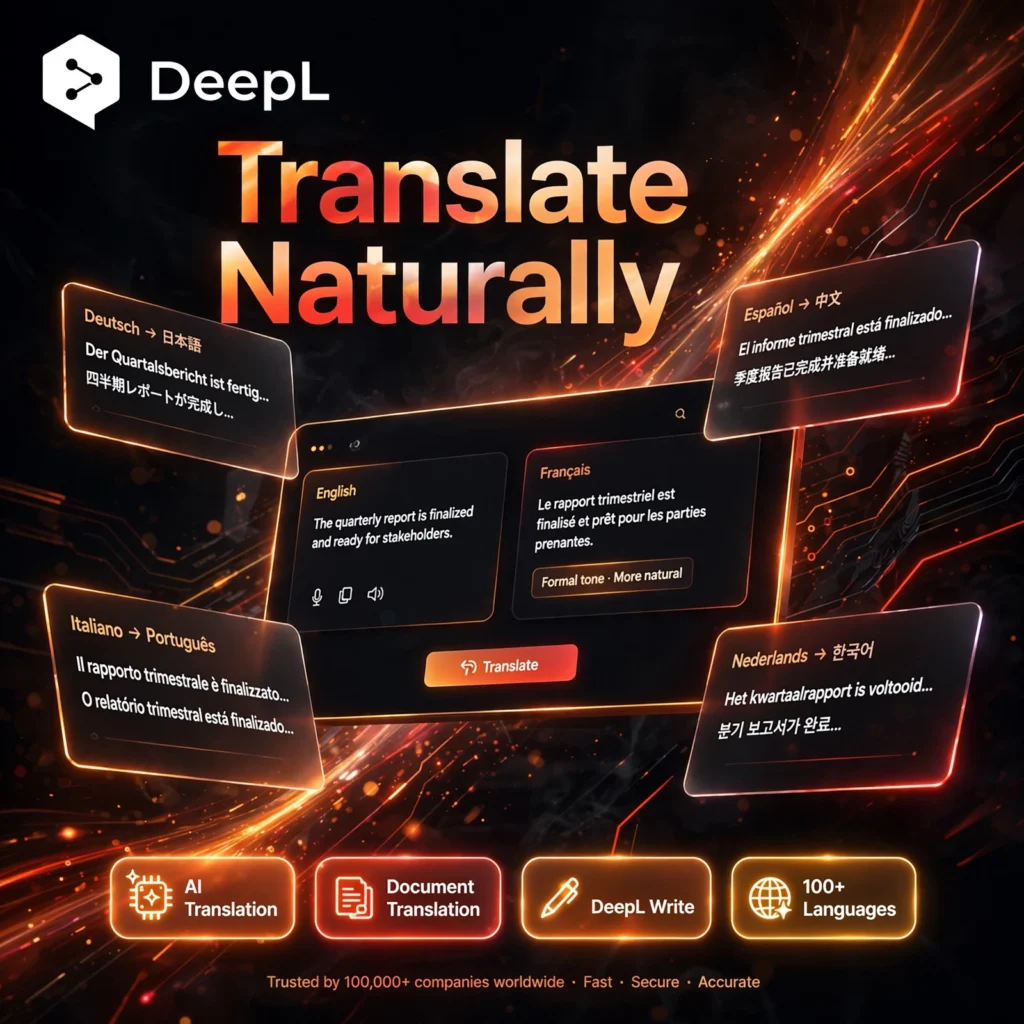
Need translations that actually sound human? DeepL is widely regarded as one of the most accurate AI translators in the world, turning text, documents and speech into natural, fluent language across more than 100 languages. It is built by DeepL SE in Germany and is trusted by global teams, translators and students alike.
What is DeepL?
DeepL is an AI language platform centred on its neural machine translation engine, launched in 2017. Unlike word-for-word translators, DeepL reads whole sentences and their context, so idioms, tone and formal or informal style survive the translation. Alongside the translator, the platform now includes DeepL Write for improving writing, DeepL Voice for live speech translation, and a developer API.
If you also use a general AI chatbot for drafts, DeepL is the specialist to polish and translate the final version accurately.
Key Features of DeepL
Here are the standout features that make DeepL a favourite for professional translation:
- Neural AI Translation: Context-aware translations in 100+ languages that read naturally, especially strong for European language pairs and business content.
- Document Translation: Upload Word, PDF, PowerPoint and other files and get a translated file that keeps the original formatting and layout.
- DeepL Write: An AI writing companion that fixes grammar, suggests better phrasing and adjusts style and tone in multiple languages.
- Glossaries and Style Rules: Save how names, brand terms and specialist vocabulary should always be translated, and share them with your team.
- DeepL Voice: Real-time voice translation for virtual meetings and in-person conversations, so everyone can speak their own language.
- Apps, Extensions and API: Use DeepL on web, desktop and mobile, inside your browser, or connect it to your own products and workflows through the API.
DeepL Pricing Plans
DeepL is freemium, so you can start free and upgrade when you need higher limits and privacy:
- Free – $0: Limited text translation and a small number of file translations each month, ideal for occasional personal use.
- Individual – from around $10.49/month: Higher character limits, more file translations and stronger data security for regular users.
- Team – from around $34.49/user/month: Shared glossaries and style rules, team administration and higher limits for collaborating teams.
- Business – from around $68.99/user/month: Unlimited text translation on higher tiers, translation memory, SSO and advanced admin controls.
- Enterprise – Custom: Custom volume, security and dedicated support for large organisations. Paid plans typically include a free trial; check the official site for pricing in your region.
For comparison, writing-focused tools in our directory such as Grammarly focus on one language, while DeepL covers translation and writing improvement together.
How to Use DeepL
Getting started takes less than a minute:
- Open DeepL: Go to deepl.com or install the desktop or mobile app — no account is needed for a first translation.
- Paste or type your text: DeepL detects the source language automatically; choose your target language from the list.
- Refine the result: Click any word to see alternative translations, and switch between formal and informal tone where available.
- Translate a file: Drag in a document to translate the whole file while keeping its formatting.
- Improve your writing: Open DeepL Write to fix grammar and sharpen phrasing, a useful partner to a paraphrasing tool like QuillBot.
Pro tip: Create a glossary for your brand and product names before translating a large document — it keeps terminology consistent across every page.
Pros and Cons of DeepL
Pros:
- Exceptionally natural, accurate translations, especially for European languages
- Document translation preserves original formatting
- Useful free plan, plus Write, Voice and a strong API
- Strong privacy stance with EU-based, GDPR-compliant processing on paid plans
Cons:
- Fewer languages than the largest general translators
- Free plan limits are tight for professional workloads
- Write supports fewer languages than the translator itself
Frequently Asked Questions
Is DeepL free to use?
Yes. DeepL has a free plan with limited text translation and a small number of file translations each month. Paid Individual, Team and Business plans raise the limits, add glossaries and style rules, and improve data security.
How many languages does DeepL support?
DeepL advertises translation in 100+ languages, with its strongest quality in major European languages plus languages such as Japanese, Korean and Chinese. DeepL Write supports a smaller set, including English, German, French, Spanish, Italian, Portuguese, Japanese, Korean and Chinese.
Is DeepL more accurate than Google Translate?
For many European language pairs and nuanced business text, independent tests and translator surveys often prefer DeepL for more natural phrasing that needs fewer edits. Google Translate covers more languages overall, so the best choice depends on your language pair.
Can DeepL translate whole documents?
Yes. You can upload documents such as Word, PDF and PowerPoint files and DeepL returns a translated file that keeps the original formatting. The free plan includes a limited number of file translations, and paid plans increase the allowance and file size.