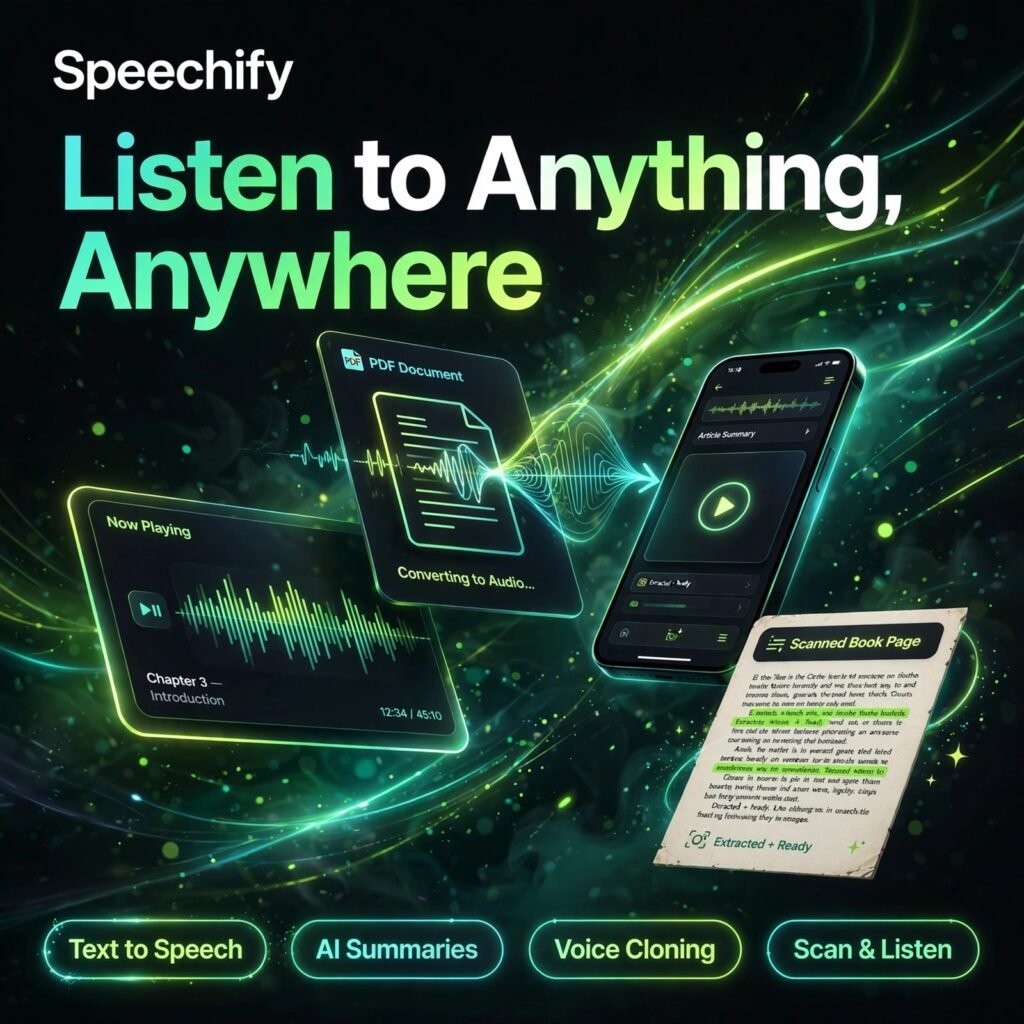
Reading everything on your to-do list is hard — listening to it is easy. Speechify turns articles, PDFs, emails and documents into natural-sounding audio, so you can learn while you commute, exercise or cook. It is one of the most popular text-to-speech apps in the world, especially loved by students and busy professionals.
What is Speechify?
Speechify is an AI text-to-speech reader available on iOS, Android, Mac, Windows, the web and as a Chrome extension. You import a webpage, PDF, Google Doc, ebook or even a photo of printed text, pick a voice, and Speechify reads it aloud while highlighting the words on screen. Your library syncs across devices, so you can start a report on your laptop and finish it on your phone.
Beyond the reader, Speechify also offers Speechify Studio for creating voiceovers and dubbing, plus AI summaries and an AI assistant that can answer questions about your documents — making it a full audio productivity platform, not just a reader.
Key Features of Speechify
Here are the standout features that make Speechify so popular:
- 1,000+ Natural AI Voices: Premium unlocks over a thousand lifelike voices in 60+ languages and accents, far beyond the robotic voices of basic readers.
- Listen at Up to 5x Speed: Free listening tops out at 1.5x, while Premium lets trained ears push playback up to 4.5–5x to finish long documents fast.
- Scan & Listen (OCR): Snap a photo of any printed page and Speechify converts it to audio — perfect for textbooks, handouts and paperwork.
- AI Summaries & Chat: Get instant summaries of long documents, ask questions about the content, and generate AI podcasts from your library.
- Works Everywhere: Chrome extension, mobile apps, desktop apps and a web reader, with Google Drive, Dropbox and OneDrive integrations and offline listening on Premium.
- Speechify Studio: A separate creator toolkit for AI voiceovers, video dubbing and voice cloning for videos, ads and e-learning.
If you mainly need studio-grade voice generation for content, compare it with ElevenLabs and Murf AI, which focus on voice production rather than reading.
How to Use Speechify
Getting started takes only a few minutes:
- Install the app: Download Speechify on your phone or add the free Chrome extension — no credit card is needed for the free plan.
- Add your content: Import a PDF, paste a web link, connect Google Drive, or scan a printed page with your camera.
- Pick a voice and speed: Choose a voice you enjoy and start around 1.5x speed, increasing gradually as your ears adjust.
- Listen anywhere: Play your library while commuting or working out; progress syncs across all your devices.
- Use AI tools: Ask for a summary before a long listen, or chat with the document to pull out the key points.
Pro tip: Listening while reading along on screen dramatically improves focus and retention — a big reason Speechify is popular with readers with dyslexia and ADHD.
Speechify Pricing Plans
Speechify is freemium, with simple pricing for the reader app:
- Free – $0: Basic text-to-speech with 10 standard voices, listening up to 1.5x speed and a small starter library — genuinely free, not a timed trial.
- Premium – $29/month or $139/year: 1,000+ premium voices, 60+ languages, up to 5x speed, Scan & Listen OCR, AI summaries and chat, offline listening and unlimited library. Annual billing (about $11.58/month) saves roughly 60%.
- Speechify Studio – from $0: Credit-based voiceover and dubbing plans for creators, with paid Starter and Creator tiers adding voice cloning and commercial rights.
Most casual listeners can start free; heavy readers almost always find the annual Premium plan the best value. Another reader-friendly alternative is Play.ht for web-based listening and voice generation.
Pros and Cons of Speechify
Pros:
- Huge library of natural voices in 60+ languages
- Excellent for accessibility — dyslexia and ADHD friendly
- Apps for every platform with synced library and offline mode
- OCR scanning turns printed pages into audio
Cons:
- Free plan voices are basic and speed is capped at 1.5x
- Premium monthly price is steep — annual billing is much better value
- Best voices and AI features sit behind the paywall
Frequently Asked Questions
Is Speechify free to use?
Yes. Speechify has a genuinely free plan with 10 basic voices and listening up to 1.5x speed, with no credit card required. Premium ($29/month or $139/year) unlocks 1,000+ natural voices, faster playback, OCR scanning and AI summaries.
How much does Speechify Premium cost?
Premium costs $29 per month on monthly billing, or $139 per year on annual billing — about $11.58/month, a saving of roughly 60%. Students can often get extra discounts through student discount platforms.
Can Speechify read PDFs and printed books?
Yes. Speechify reads PDFs, web articles, Google Docs, emails and ebooks. With Premium’s Scan & Listen OCR feature, you can photograph printed pages and hear them read aloud too.
Is Speechify good for dyslexia and ADHD?
Yes — it is one of its most popular uses. Listening while words are highlighted on screen helps many readers with dyslexia and ADHD stay focused, read faster and retain more, at home, in class or at work.