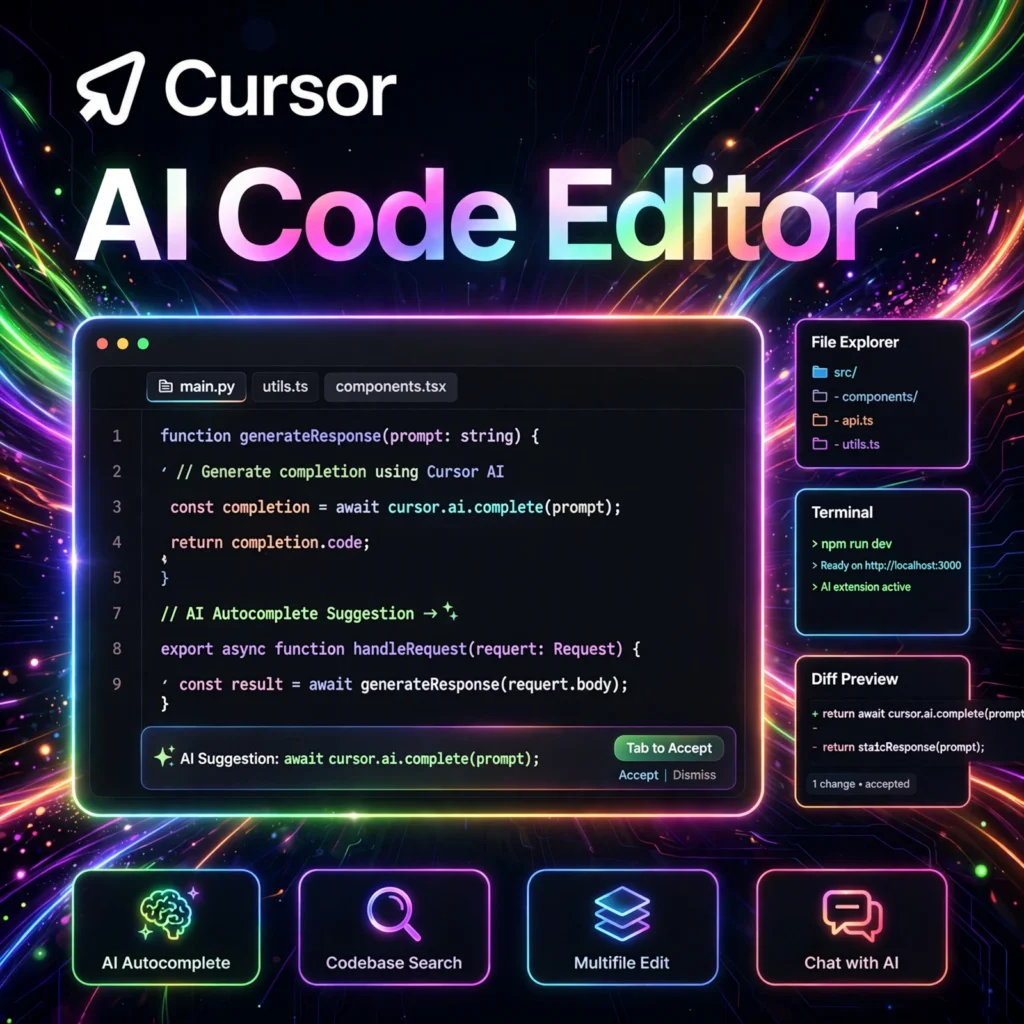
What if your code editor could think alongside you? Cursor is an AI-first code editor — a fork of VS Code supercharged with deep AI integration — that helps developers write, understand, and refactor code dramatically faster.
What is Cursor?
Cursor is an AI-powered code editor built for pair-programming with artificial intelligence. Based on the familiar VS Code interface, it adds a suite of AI features directly into the editing experience: an AI chat sidebar that understands your entire codebase, Cmd+K inline editing to transform code with natural-language instructions, tab-based autocomplete that predicts your next edits, and agent modes that can plan and execute multi-file changes. Unlike autocomplete-only tools, Cursor’s AI has full context of your project — it can answer questions about your codebase, find bugs across files, and implement features end to end. Loved by indie hackers and engineering teams alike, Cursor has become one of the fastest-growing developer tools, praised for making programmers significantly more productive while keeping them in control of the code.
Key Features of Cursor
- AI Chat with Codebase Context: Ask questions about your code; Cursor reads relevant files automatically and explains, debugs, or suggests changes.
- Cmd+K Inline Generation: Select any code, press Cmd+K, describe the change in plain English, and watch Cursor rewrite it instantly.
- Tab Autocomplete: Intelligent multi-line completions that predict not just the next line but your next several edits, including across files.
- Agent Mode: Give Cursor a high-level task and let the AI agent explore your repo, make changes, and run terminal commands to complete it.
- VS Code Compatibility: Import your existing VS Code settings, themes, keybindings, and extensions with one click.
- Privacy Options: Privacy mode ensures your code is never stored or used for training; SOC 2 certified infrastructure.
- Multi-Model Support: Choose between leading AI models (such as GPT and Claude variants) for different tasks.
How to Use Cursor
- Download Cursor for Mac, Windows, or Linux from cursor.com and install it.
- Import your VS Code setup — settings, extensions, and keybindings carry over automatically.
- Open a project folder just like you would in VS Code.
- Press Cmd+K (or Ctrl+K) on any selection and type an instruction like “add error handling” to transform code inline.
- Open the AI chat sidebar (Cmd+L) to ask questions like “where is authentication handled?” or “why is this test failing?”
- Try Agent mode for bigger tasks: describe the feature you want, review the plan, and let the agent implement it across files.
- Accept, edit, or reject AI suggestions with keyboard shortcuts to stay in flow.
Cursor Pricing
- Hobby (Free): Limited AI completions and agent requests per month — enough to experience the core workflow.
- Pro Plan: Monthly subscription with generous AI usage limits, priority access to the newest models, and full agent capabilities — the plan most professional developers choose.
- Business Plan: Adds centralized billing, SSO, admin controls, and enhanced privacy features for teams and companies.
Cursor uses a request-based pricing model for premium AI usage, so check the current limits on their pricing page to match a plan to your workflow.
Pros and Cons of Cursor
Pros:
- Deep codebase understanding — AI answers questions about your whole project
- Feels familiar instantly if you already use VS Code
- Agent mode can complete multi-file tasks autonomously
- Fast, polished UX with keyboard-first workflows
- Strong privacy controls including a no-training mode
- Frequent updates with cutting-edge model support
Cons:
- Heavy AI usage on the free tier runs out quickly
- Agent mode occasionally needs supervision to avoid unwanted changes
- Premium model requests can add up for very active users
- Less useful for non-code text editing compared to general AI assistants
Frequently Asked Questions
Is Cursor free?
Cursor has a free Hobby plan with limited AI usage each month. The Pro plan is a paid subscription that unlocks generous AI limits and the newest models.
Is Cursor the same as VS Code?
Cursor is a fork of VS Code, so the interface, extensions, and keybindings are nearly identical — but it adds deep AI integration (chat, Cmd+K editing, agents) that VS Code doesn’t have natively.
Does Cursor send my code to the cloud?
AI features require sending code context to model providers, but Cursor offers a Privacy Mode where your code is never stored or used for training, and the company is SOC 2 certified.
Cursor vs GitHub Copilot — which is better?
GitHub Copilot excels at inline autocomplete inside any editor, while Cursor is a full AI-first editor with codebase chat, inline editing, and autonomous agents. Many developers use both: Copilot for completions and Cursor as their main editor.