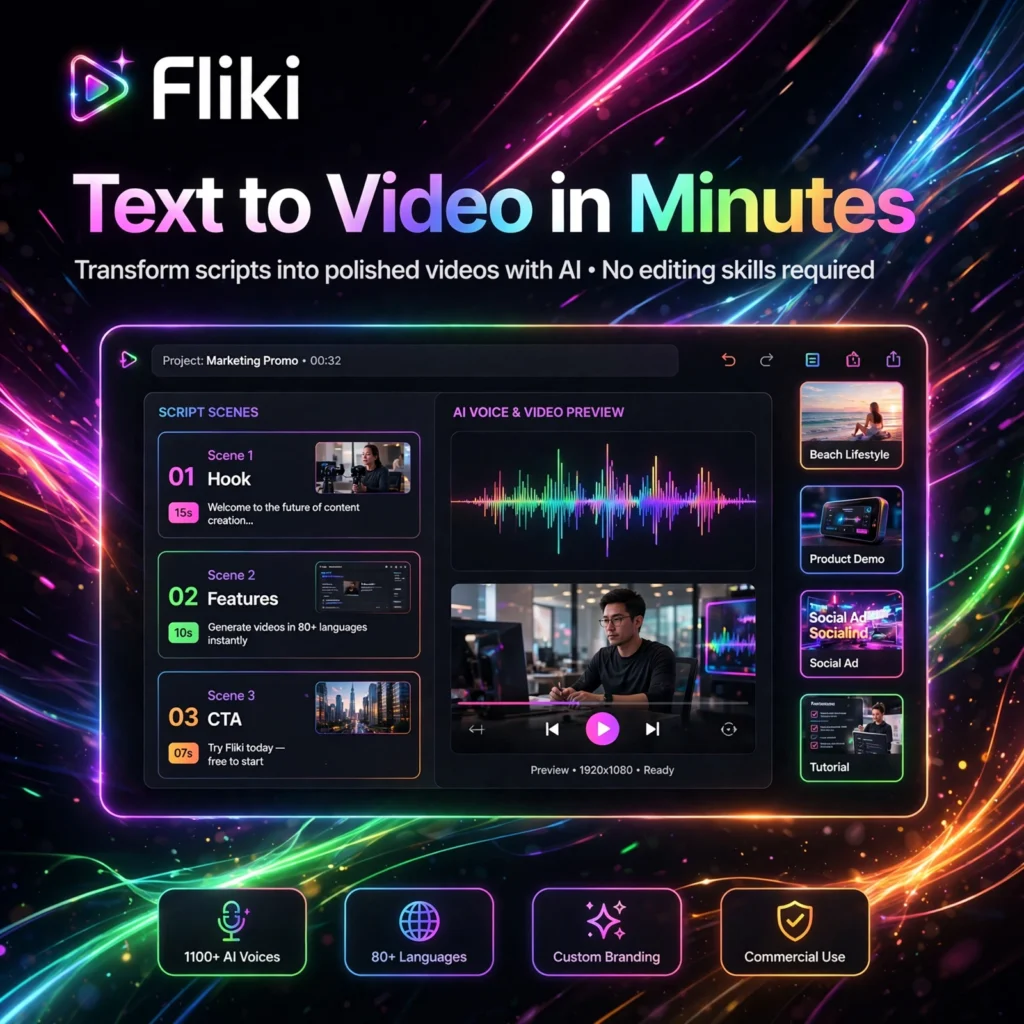
Turn text into polished video in minutes, without a camera or editing timeline. Fliki is an AI text-to-video generator that combines realistic voiceovers, stock media and AI visuals, making it ideal for creators who publish faceless videos for YouTube, TikTok and social media.
What is Fliki?
Fliki is a browser-based AI video creation platform that turns scripts, blog posts, ideas and presentations into complete videos. Instead of recording yourself or hiring an editor, you paste text and Fliki splits it into scenes, adds a voiceover using speech synthesis, pairs each scene with relevant visuals, and adds captions and music.
It sits in the same fast-growing category as tools like Runway for AI video generation, but Fliki focuses specifically on speed for script-driven and faceless content — explainers, product demos, training videos, audiobooks and social clips.
Key Features of Fliki
Here are the standout features that make Fliki popular with creators and marketers:
- Text-to-Video and Blog-to-Video: Paste a script or a blog URL and Fliki automatically builds a scene-by-scene video with voiceover, captions and visuals.
- 2,000+ AI Voices in 80+ Languages: A huge library of neural voices, including ultra-realistic options, so you can publish the same video for global audiences.
- Voice Cloning: Upload a short sample of your own voice and reuse a clone as the narrator across all your videos, on paid plans.
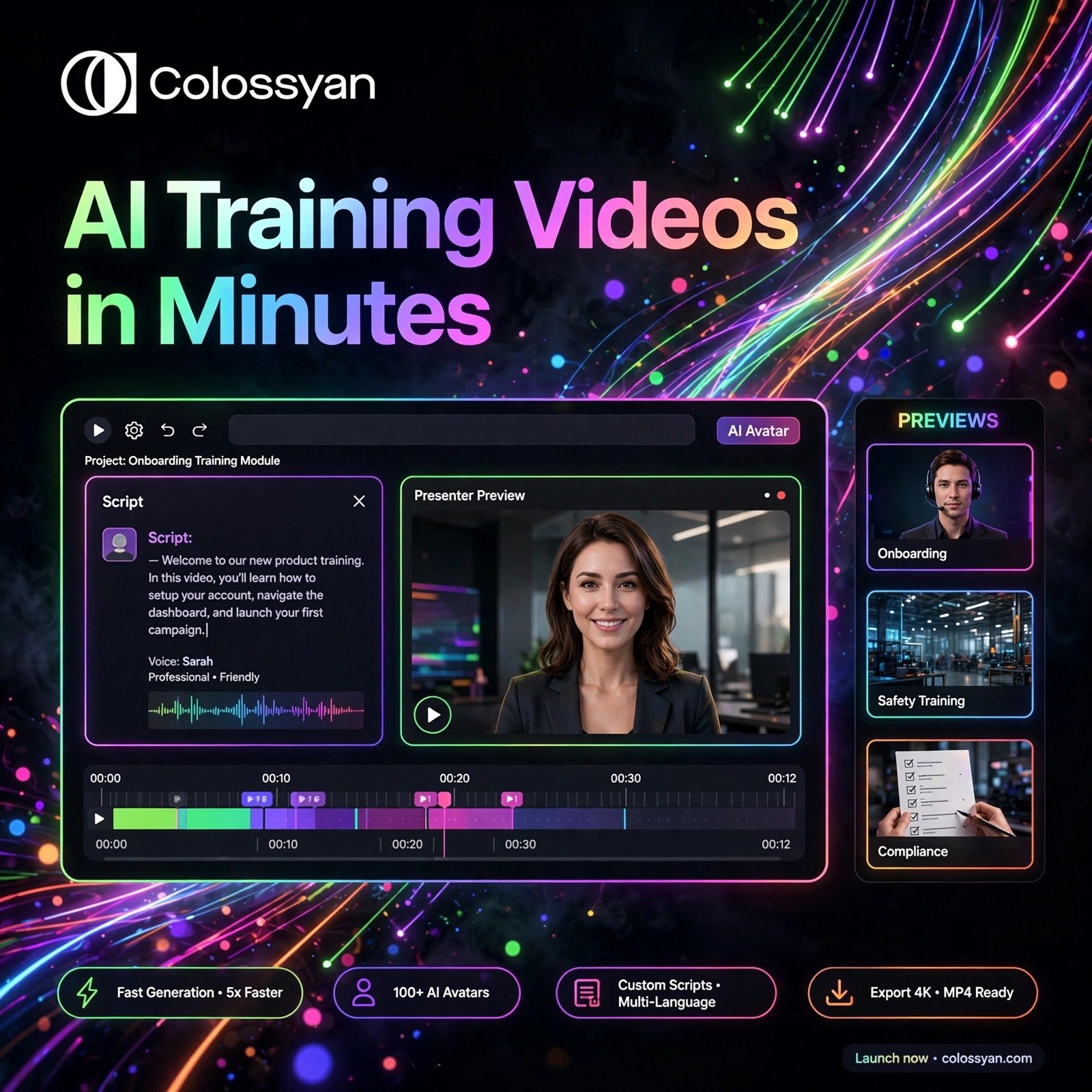
- AI Avatars: Add a digital presenter that lip-syncs your script, useful for training, onboarding and marketing videos without filming.
- Stock Media and AI Visuals: Millions of royalty-free images, clips and music tracks built in, plus AI video models to generate visuals when stock is not enough.
- Multi-Format Export: Export in 16:9 for YouTube, 9:16 for Shorts, Reels and TikTok, or 1:1 for LinkedIn and Facebook, up to Full HD 1080p on paid plans.
If you prefer editing audio and video by editing text, you may also like Descript, while presenters who want a talking-head avatar often compare Fliki with HeyGen.
Fliki Pricing Plans
Fliki uses a credit-based subscription model. Credits are used for voice generation and video exports:
- Free – $0: 5 minutes of credits per month, access to around 300 voices, 720p exports with a Fliki watermark. No credit card required — best for testing.
- Standard – $28/month or $21/month billed yearly: 180 minutes per month, 1,000+ voices including ultra-realistic voices, Full HD 1080p, no watermark, 1 voice clone, 1 brand kit and commercial rights.
- Premium – $88/month or $66/month billed yearly: 600 minutes per month, 2,000+ voices, multiple voice clones, all AI avatars, videos up to 40 minutes, multiple brand kits and priority support.
- Enterprise – Custom: Higher quotas, API access, personalised avatars, professional voice cloning and a dedicated account manager for teams.
Because Fliki has a free tier, it is listed under Free AI Tools.
How to Use Fliki
You can make your first Fliki video in under ten minutes:
- Create a free account: Go to fliki.ai, sign up with email, Google or Apple — no download is needed.
- Start a new file: Click New File and choose Text to Video, Idea to Video, or Blog to Video, then pick your language and aspect ratio.
- Add your script: Paste your script, idea prompt or blog URL. Fliki will split it into scenes automatically.
- Choose voice and media: Pick an AI voice, check the auto-selected stock or AI visuals for each scene, and swap anything that does not fit.
- Customise and preview: Adjust captions, fonts, colours, background music and timing, then preview the full video.
- Export and publish: Export as an MP4 in 16:9, 9:16 or 1:1 and publish directly to YouTube, TikTok or your chosen platform.
Pro tip: Finalise your script before generating audio. Editing the script after generation reprocesses the voiceover and uses extra credits.
Pros and Cons of Fliki
Pros:
- Very fast script-to-video workflow — no filming or complex editing needed
- Huge voice library: 2,000+ voices in 80+ languages with translation built in
- Free plan available with no credit card required
- Voice cloning, AI avatars and commercial rights on paid plans
Cons:
- Free plan videos carry a watermark and are limited to 720p and 5 minutes of credits
- AI video clips and re-edits can use up credits quickly
- Stock footage matches can sometimes feel generic for niche topics
Frequently Asked Questions
Is Fliki free to use?
Yes. Fliki has a free plan with 5 minutes of credits per month, around 300 AI voices and 720p exports. Free videos include a watermark. Paid plans start at $28/month, or $21/month billed yearly, for Full HD, no watermark and more credits.
Can Fliki convert a blog post into a video?
Yes. Paste a blog URL into Fliki and it will read the article, summarise the key points into scenes, add an AI voiceover and matching visuals, and export a ready-to-publish video. A typical 1,500-word article becomes a 2 to 3 minute video.
Can I use my own voice in Fliki?
Yes, on paid plans. Voice cloning lets you upload a short voice sample and create a clone that can narrate your videos in multiple languages, so your faceless videos still sound personal and on-brand.
Can I use Fliki videos commercially?
Yes, commercial rights are included on Standard, Premium and Enterprise plans. Videos made on the free plan do not include commercial rights and carry a watermark, so upgrade before using Fliki videos for ads or client work.