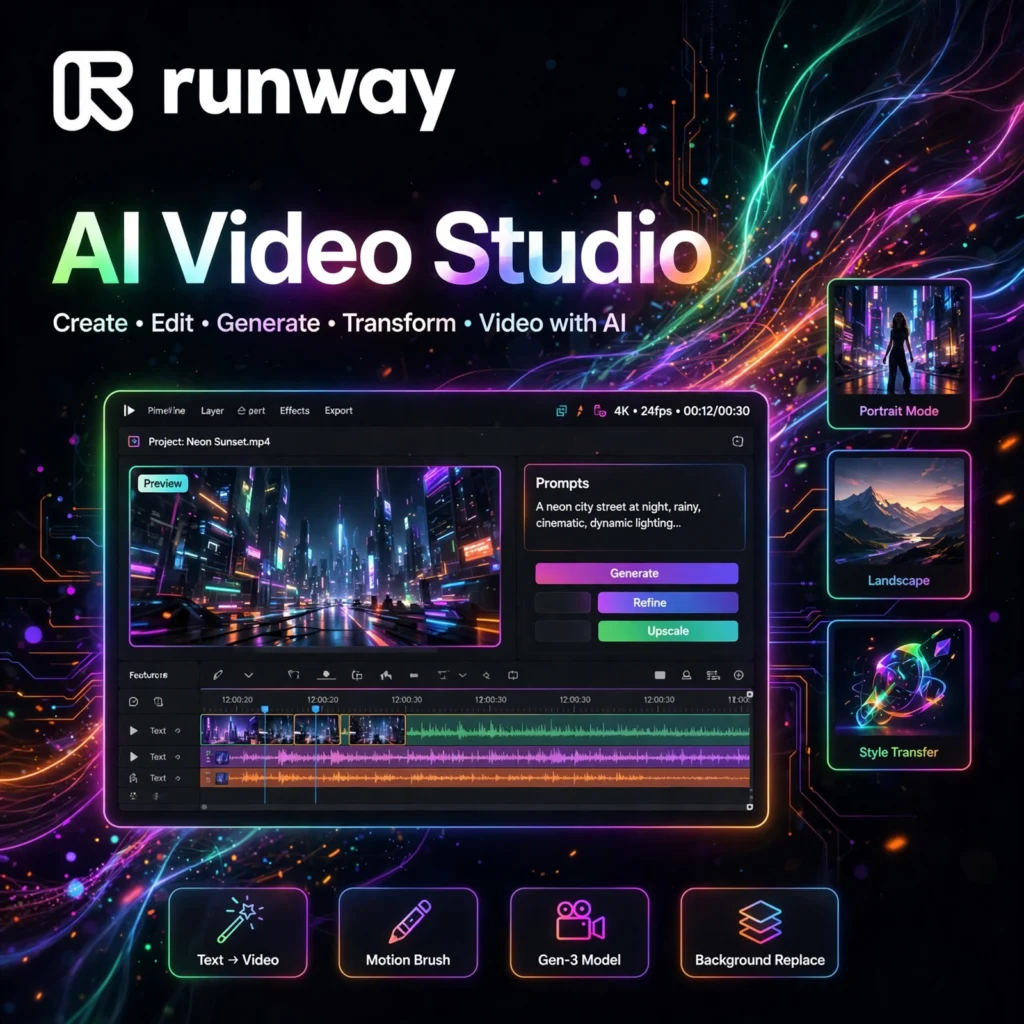
Want to create cinematic videos without a camera crew? Runway is one of the most powerful AI video platforms on the planet, trusted by filmmakers, marketers, and content creators to generate and edit video with artificial intelligence.
What is Runway?
Runway is a New York-based AI research company and creative platform founded by Cristóbal Valenzuela, Anastasis Germanidis, and Alejandro Matamoros. It started as a set of machine-learning tools for artists and has evolved into a full AI video generation and editing suite used in professional film production.
Runway’s technology has even touched Hollywood — its tools were used in the visual effects workflow of the Oscar-winning film Everything Everywhere All at Once. Its flagship generative models, from Gen-1 and Gen-2 to Gen-3 Alpha, Gen-4, and Gen-4.5, keep pushing the boundaries of what AI video can do.
Key Features of Runway
Here are the standout features that make Runway a favorite among video creators:
- Gen-3 Alpha / Gen-4 Text-to-Video: Generate cinematic video clips up to 10 seconds from a simple text prompt, with strong motion consistency and prompt adherence.
- Image-to-Video: Upload a still image and bring it to life with camera movement, subject motion, and environmental effects — perfect for animating product photos.
- Video-to-Video: Transform existing footage with style transfers, new environments, or altered subjects while keeping the original motion.
- Motion Brush: Paint motion directly onto specific areas of an image for precise, controllable animation.
- Inpainting & Green Screen: Remove or replace objects in video frames and get AI-powered background removal with impressive edge accuracy.
- Lip Sync & Text-to-Speech: Generate natural character dialogue and voiceovers from text.
- 4K Cloud Rendering & API: Scale to high resolutions in the cloud and plug Runway into production pipelines via API.
How to Use Runway for AI Video Creation
Getting started with Runway is straightforward:
- Sign up: Create a free account at runwayml.com — you get 125 one-time credits to test the tools.
- Pick your tool: Choose Gen-3 Alpha for text-to-video, or open the AI Magic Tools menu for inpainting, green screen, and more.
- Write a detailed prompt: Describe your shot like a director — subject, action, camera move, lighting, and style.
- Generate and iterate: Review the clip, refine your prompt, and regenerate until the shot looks right.
- Edit and export: Combine clips in Runway’s editor or export to Premiere Pro and DaVinci Resolve for finishing.
Pro tip: Short, specific prompts with clear camera directions (e.g., “slow dolly-in, golden hour”) produce far more usable results than long, vague descriptions.
Runway Pricing Plans
Runway uses a credit-based system — each generation consumes credits based on the tool, duration, and resolution:
- Free – $0: 125 one-time credits, 720p exports, watermarked videos. Great for testing.
- Standard – $15/user/month: 625 credits per month, watermark removed, unlimited editor projects.
- Pro – $35/user/month: 2,250 credits per month, 4K upscaling, priority generation, custom voices.
- Unlimited – $95/user/month: Relaxed generation limits for heavy users, full feature access.
- Enterprise – Custom: API access, SSO, custom models, and dedicated support for studios.
Annual billing lowers the effective monthly cost. Note that credits burn quickly on longer or higher-resolution generations, so serious creators usually land on Pro or Unlimited.
Pros and Cons of Runway
Pros:
- Best-in-class AI video quality with Gen-3 Alpha and Gen-4 models
- Deep creative control (Motion Brush, inpainting, lip sync) — not just one-click output
- Combines generation with real editing tools in one platform
- Free credits let you test before paying
Cons:
- Credit-metered — free credits disappear fast in real use
- Clips are short (around 10 seconds) and need prompt iteration
- Hands, on-screen text, and complex physics can still render incorrectly
- Can get expensive for high-volume production
Frequently Asked Questions
Is Runway free to use?
Runway offers a free plan with 125 one-time credits, which is enough to test text-to-video, image-to-video, and the editing tools. Exports are watermarked at 720p. For watermark-free, higher-resolution work you will need a paid plan starting at $15 per user per month.
What is Gen-3 Alpha?
Gen-3 Alpha is Runway’s flagship text-to-video AI model. It generates roughly 10-second cinematic clips from text prompts or still images, with notably better realism, motion consistency, and prompt adherence than earlier generations like Gen-2.
Can I use Runway videos commercially?
Yes. Paid plans include commercial usage rights for the videos you generate. The free plan is intended for testing and personal experimentation, with watermarked exports.
How long can Runway videos be?
Individual AI generations are typically around 5 to 10 seconds. For longer projects, creators generate multiple clips and stitch them together in Runway’s editor or an external NLE like Premiere Pro.