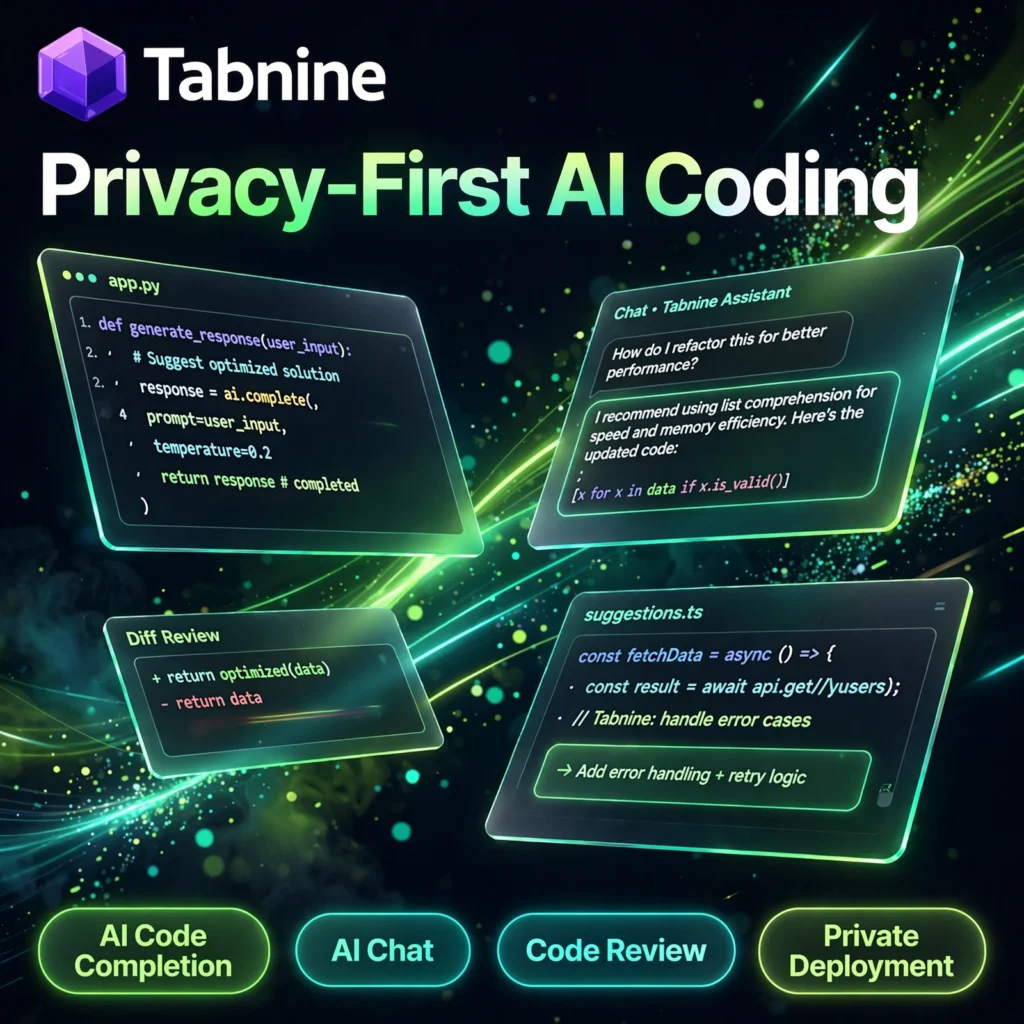
Code faster without giving your code away. Tabnine is a privacy-first AI code assistant that brings smart completions, AI chat and review agents directly into your IDE — a strong alternative to tools like GitHub Copilot for developers and teams who care about security.
What is Tabnine?
Tabnine is an AI coding assistant founded in 2018 and used by developers in VS Code, JetBrains IDEs, Eclipse, Vim, Neovim and more. It predicts and completes whole lines and full functions as you type, answers coding questions in chat, and helps generate tests, documentation and fixes — all while enforcing a strict zero code retention policy.
Unlike many cloud-only assistants, Tabnine can run as SaaS, in a private VPC, on-premises, or even fully air-gapped. That flexibility makes it popular in finance, healthcare, defence and other regulated industries, and a natural companion to editors like Cursor and assistants like Codeium.
Key Features of Tabnine
Here are the standout features that make Tabnine different:
- AI Code Completion: Whole-line and full-function completions that learn your patterns and project context, across dozens of languages.
- AI Chat Assistant: Ask questions, explain code, generate new code, tests and documentation inside your IDE, with switchable frontier AI models.
- AI Agents: Code Review Agent, Test Agent and other agents that automate review, testing and routine development tasks.
- Private Deployment: Run Tabnine as SaaS, VPC, on-premises or fully air-gapped — your code never has to leave your network.
- Zero Code Retention: Your code is never stored or used to train models, with training data drawn only from permissively licensed open source.
- Works in 15+ IDEs: VS Code, IntelliJ, PyCharm, WebStorm, GoLand, Eclipse, Android Studio, Vim, Neovim and Emacs.
How to Use Tabnine
Getting started takes only a few minutes:
- Install the extension: Open your IDE’s marketplace, search for “Tabnine” and install it.
- Sign in or start free: Create an account and begin with the free Basic / Dev Preview plan or a trial of a paid plan.
- Start typing: Accept completions with Tab as Tabnine suggests lines and functions in real time.
- Use AI Chat: Highlight code and ask Tabnine to explain, fix, refactor or test it.
- Tune to your codebase: On higher plans, connect your repositories so suggestions follow your standards and style.
Pro tip: Give Tabnine context — open the related files in your project before asking chat a question, and its answers become far more accurate and project-aware.
Tabnine Pricing Plans
Tabnine keeps pricing simple for individuals and enterprises:
- Basic – $0: Basic AI code completions and limited chat in all major IDEs, with zero data retention — ideal for trying Tabnine free.
- Dev – $9/user/month: Advanced completions with top-tier LLMs, full AI chat, foundational agents and integrations for professional developers.
- Enterprise – $39/user/month: Context Engine, Code Review and Test agents, SaaS / VPC / on-premises / air-gapped deployment, SSO/SCIM, IP indemnity and model flexibility.
Paid plans typically include a free trial, so teams can evaluate Tabnine on real code before committing.
Pros and Cons of Tabnine
Pros:
- Best-in-class privacy: zero code retention and private, even air-gapped, deployment
- Works inside your existing IDE — no need to switch editors
- Switchable AI models and agents for review and testing
- Affordable Dev plan for individual professionals
Cons:
- Completions can be less powerful than Copilot on complex, novel algorithms
- Big price jump from Dev to Enterprise for advanced context features
- Free plan is limited compared with paid tiers
Frequently Asked Questions
Is Tabnine free to use?
Yes. Tabnine offers a free Basic plan with basic AI code completions and limited chat in all major IDEs. Paid plans start with Dev at $9/user/month for advanced completions and full chat, and trials are available on paid plans.
Does Tabnine store or train on my code?
No. Tabnine enforces zero code retention — your code is never stored or used for model training. Enterprise customers can also deploy Tabnine privately in a VPC, on-premises or fully air-gapped so code never leaves their network.
Which IDEs does Tabnine support?
Tabnine supports 15+ IDEs and editors, including VS Code, IntelliJ IDEA, PyCharm, WebStorm, GoLand, PhpStorm, Eclipse, Android Studio, Visual Studio, Vim, Neovim and Emacs.
How is Tabnine different from GitHub Copilot?
Tabnine focuses on privacy and deployment flexibility, with zero retention and SaaS, VPC, on-premises and air-gapped options. Copilot generally offers very strong suggestions for individuals, while Tabnine is preferred by security-conscious and regulated teams.