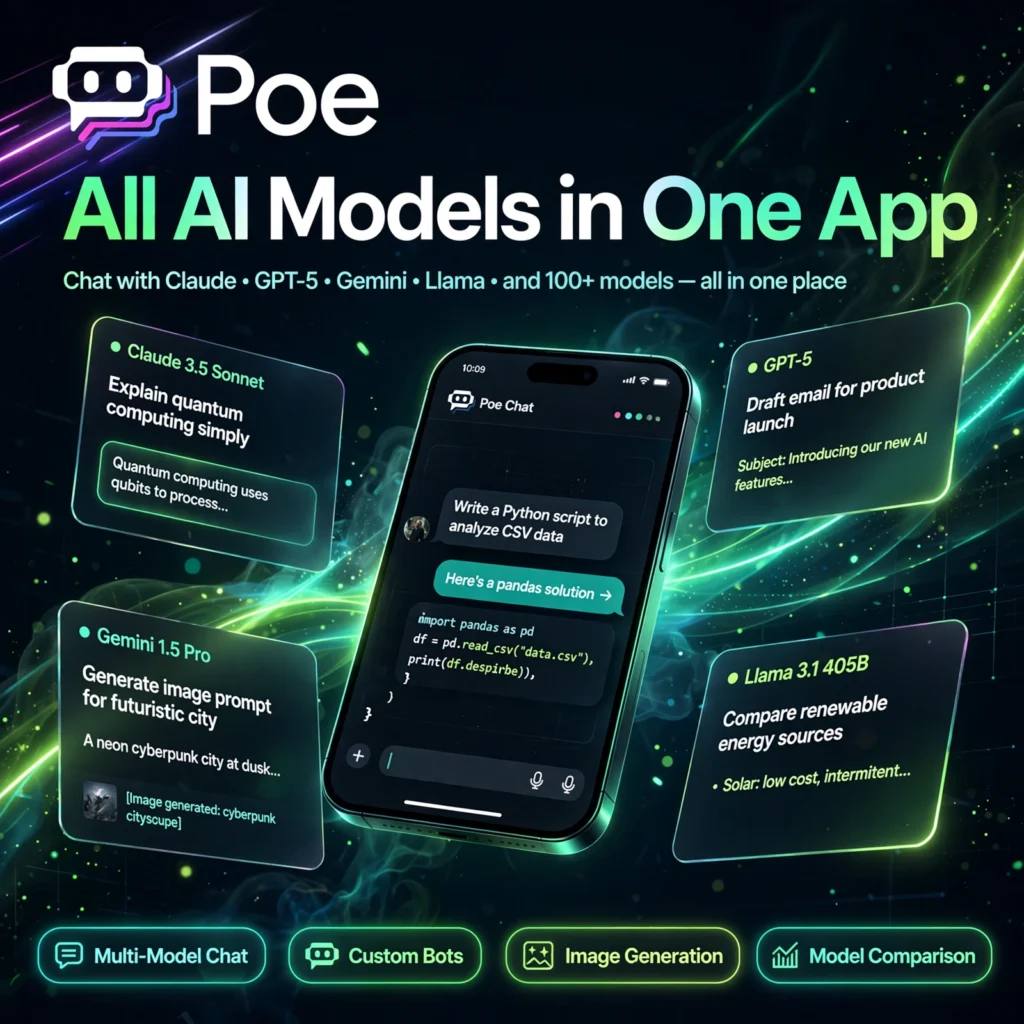
Why pay for three separate AI subscriptions when one app gives you all of them? Poe, built by Quora, puts ChatGPT, Claude, Gemini and hundreds of other leading AI models in a single, fast interface — so you can compare answers, switch models mid-task, and build your own bots without juggling tabs and logins.
What is Poe?
Poe — short for Platform for Open Exploration — is a multi-model AI chat platform launched by Quora in December 2022. Instead of tying you to one provider, Poe aggregates models from OpenAI, Anthropic, Google, Meta, DeepSeek, xAI and others, alongside thousands of community-created bots. If you already use ChatGPT for writing and another model for coding, Poe lets you reach both from one place.
The platform works on the web, iOS, Android, macOS and Windows, with your conversations syncing across devices. A points-based system keeps pricing simple: every reply costs compute points depending on the model you choose, so lighter models are cheap and flagship models cost more.
Key Features of Poe
Here is what makes Poe the most flexible way to use AI chatbots:
- Multi-Model Chat: Access GPT, Claude, Gemini, Llama, DeepSeek, Grok and many more models in one app, and switch between them in seconds.
- Multi-Bot Comparison: Ask several models the same question in one thread and compare their answers side by side to pick the best output.
- Custom Bot Creation: Build your own AI bot with a simple prompt, a knowledge base and a chosen base model — no coding required — and share it publicly.
- Image Generation: Create images inside chat using popular image models, alongside text, audio and video generation bots.
- Creator Monetisation: Bot creators can earn money when people use their bots, including setting a per-message price.
- Cross-Platform Apps: A clean, messaging-style interface on web, mobile and desktop, with synced chat history everywhere.
How to Use Poe
Getting started with Poe takes just a couple of minutes:
- Create a free account: Visit poe.com or install the app and sign up with email or a social login.
- Pick a model or bot: Open the Explore page, choose an official model such as GPT or Claude, or browse community bots by topic.
- Start chatting: Type your question naturally — Poe remembers context within the conversation, and you can attach files or images.
- Compare answers: Use multi-bot chat to put the same prompt to several models and compare quality, speed and style.
- Build your own bot: Tap Create, name your bot, write its instructions, pick a base model, and publish it for others or keep it private.
Pro tip: Save your daily free points for the premium models. Use a lighter model for drafts and quick questions, then switch to a flagship model — for example Claude — for the final, high-stakes answer.
Poe Pricing Plans
Poe runs on a freemium model built around compute points:
- Free – $0: A daily allowance of compute points (around 3,000 points per day in recent plans) for chatting with basic models and exploring thousands of community bots.
- Starter – from $4.99/month: A larger points budget for everyday users who chat daily and generate occasional images.
- Premium – $19.99/month or $199.99/year: Around 1,000,000 compute points per month, access to flagship models such as the latest GPT and Claude releases, and higher usage limits.
- Higher tiers – $49.99 to $249.99/month: Much bigger points pools for heavy and professional use.
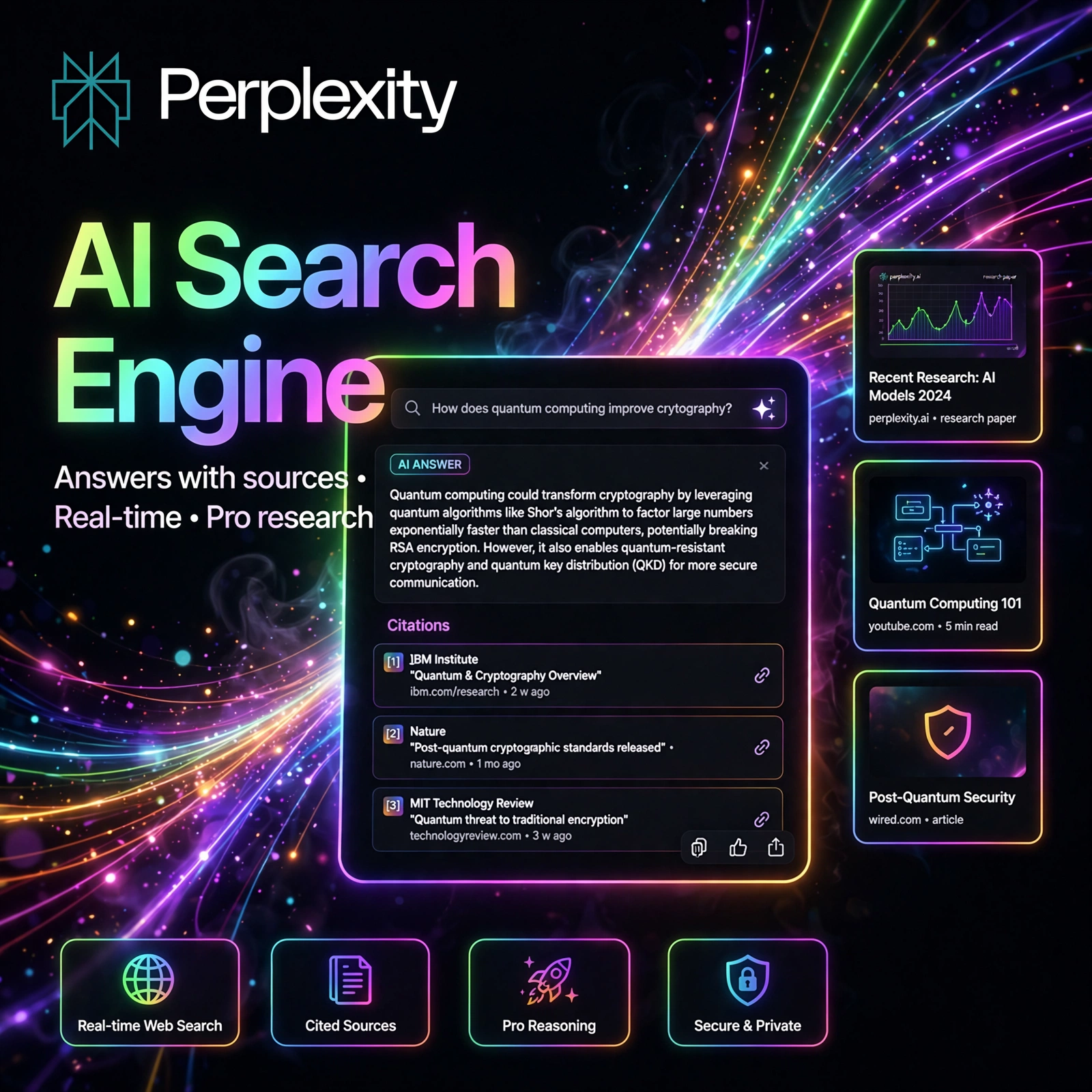
One $19.99 Poe subscription can replace separate subscriptions to several model providers, which is why many users treat it as the best-value way to access premium AI. For dedicated research with cited sources, a specialised answer engine like Perplexity can complement Poe nicely.
Pros and Cons of Poe
Pros:
- Hundreds of models from every major provider in one login
- Multi-bot comparison helps you find the best answer fast
- Easy no-code bot creation with creator monetisation
- Generous free tier with daily points, plus apps on every platform
Cons:
- Points run out quickly on flagship models and image generation
- New provider features can arrive on Poe later than on the official apps
- If you only ever use one model, a direct subscription may give more headroom
Frequently Asked Questions
Is Poe free to use?
Yes. Poe’s free plan gives you a daily allowance of compute points to chat with basic models and explore community bots. Paid plans from $4.99/month add much larger points budgets and access to flagship models.
What AI models can I use on Poe?
Poe aggregates models from OpenAI (GPT), Anthropic (Claude), Google (Gemini), Meta (Llama), DeepSeek, xAI (Grok) and others, plus image, audio and video generation models and thousands of community-created bots.
How do Poe compute points work?
Every message costs compute points, and the price depends on the model — a short reply from a small model costs very little, while a long answer from a flagship model or an image costs more. Free points refill daily; subscribers get a large monthly pool.
Can I create my own bot on Poe?
Yes — bot creation is free and needs no coding. Choose a base model, write a prompt describing your bot’s behaviour, optionally add a knowledge base, then publish it. Creators can even earn money from usage of their bots.