Your first draft is rarely your best draft. Wordtune is an AI writing assistant that rewrites, shortens, expands and polishes your sentences in seconds — keeping your meaning and your voice, while making every line clearer and more confident. If you already use a paraphrasing tool like QuillBot, Wordtune is the natural next step for sentence-level polish.
Key Features of Wordtune
Wordtune, built by AI21 Labs, focuses on improving text you have already written rather than generating whole documents from scratch:
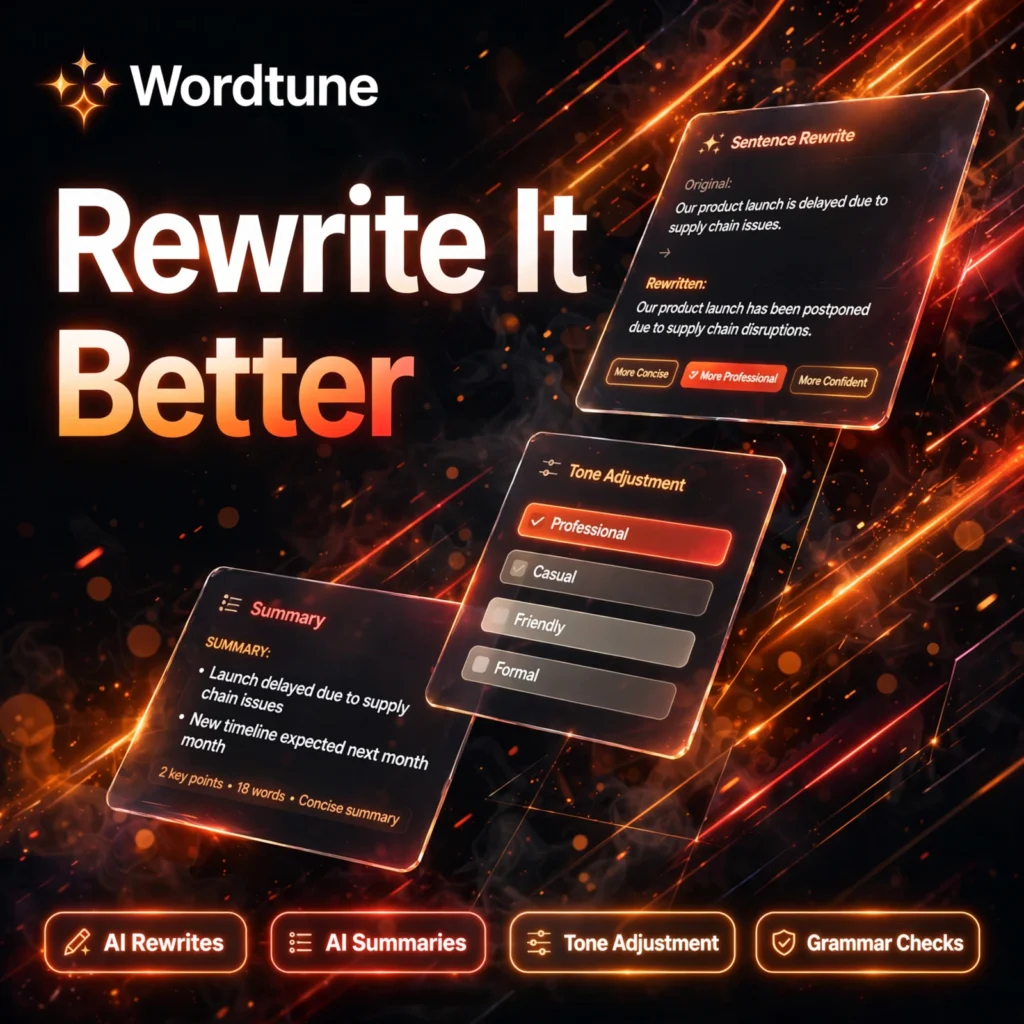
- AI Rewrites: Highlight any sentence and get multiple alternative phrasings that preserve your meaning while improving clarity and flow.
- Tone Adjustment: Switch a sentence between formal and casual tones, or make it shorter and punchier or longer and more detailed.
- AI Summaries: Wordtune Read condenses long articles, documents, PDFs and even YouTube videos into quick key-point summaries.
- Wordtune Spices: Add examples, analogies, statistics-style emphasis or counterarguments to strengthen a paragraph with one click.
- Grammar and Spelling Checks: Unlimited corrections that catch errors and suggest vocabulary and fluency improvements as you type.
- Works Where You Write: Use the web editor, Chrome and Edge extensions, Microsoft Word add-in, or the iOS app — including inside Gmail and Google Docs.
Wordtune Pricing Plans
Wordtune is a freemium tool, so you can start free and upgrade only if you hit the daily limits:
- Basic – $0: 10 rewrites per day, 3 AI summaries per month, and unlimited spelling and grammar corrections.
- Advanced – $13.99/month, or $6.99/month billed annually: 30 rewrites per day, 15 AI summaries per month, and unlimited grammar recommendations.
- Unlimited – $19.99/month, or $9.99/month billed annually: Unlimited rewrites and summaries, paragraph rewrites, Wordtune Spices and premium support.
- Business – Custom: Centralised billing, SAML SSO and brand tone controls for teams.
Paid plans start with a short free trial, and annual billing roughly halves the monthly price — worth it if you write every day. Check the current prices on the official Wordtune website before subscribing, as offers change.
How to Use Wordtune
Getting started takes only a few minutes:
- Create a free account: Sign up on the Wordtune website or install the Chrome extension to work inside Gmail, Docs and most web editors.
- Write or paste your text: Draft as you normally would — Wordtune underlines spelling and grammar issues automatically.
- Highlight a sentence: Select the sentence you want to improve and click the Wordtune icon to see rewrite suggestions.
- Pick a tone or length: Choose a formal, casual, shorter or longer version, or add a Spice to expand the idea.
- Click to replace: Insert your favourite suggestion with one click and keep editing until the text sounds right.
Pro tip: rewrite one sentence at a time rather than whole pages — Wordtune is at its best polishing the exact lines that feel clunky. For full-document drafting, pair it with a generator such as Rytr, then polish the output in Wordtune.
Pros and Cons of Wordtune
Pros:
- Excellent sentence-level rewrites that keep your original meaning and voice
- Tone and length controls are genuinely useful for emails and professional writing
- Built-in summariser for articles, PDFs and videos saves research time
- Works inside the tools you already use, including Word, Gmail and Google Docs — similar in spirit to Grammarly but focused on rewriting
- Generous free plan for light, occasional use
Cons:
- Free plan is capped at 10 rewrites per day, which heavy writers will hit quickly
- Focused on polishing existing text — it will not draft long documents for you
- Monthly billing is noticeably more expensive than annual billing
- Suggestions occasionally miss context, so always read before accepting
Frequently Asked Questions
Is Wordtune free to use?
Yes. The Basic plan is free and includes 10 rewrites per day, 3 AI summaries per month and unlimited spelling and grammar corrections. Paid plans remove the daily limits and add premium features.
What is the difference between Wordtune Advanced and Unlimited?
Advanced gives you 30 rewrites per day and 15 summaries per month. Unlimited removes all caps, adds paragraph rewrites and Wordtune Spices, and includes premium support — best for people who write all day.
Does Wordtune work in Microsoft Word and Google Docs?
Yes. Wordtune offers a Microsoft Word add-in plus Chrome and Edge extensions that work inside Google Docs, Gmail and most web-based editors, so you can rewrite without leaving your document.
Can Wordtune summarise long documents and videos?
Yes. Wordtune Read summarises articles, PDFs and YouTube videos into key points. The free plan includes 3 summaries per month, Advanced includes 15, and Unlimited includes unlimited summaries.